
packetGraph
 packetGraph copied to clipboard
 spacehuhn
Packet Graph
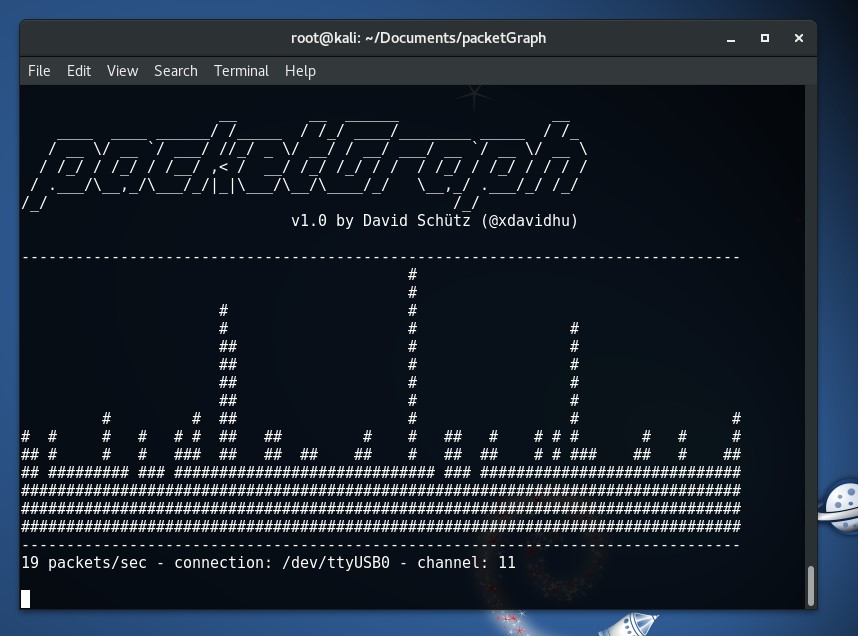
Displays the WiFi traffic around you in a nice terminal graph.
Usage
To scan the traffic you can either use a standard WiFi interface or an ESP8266!
WiFi interface (e.g. USB dongle)
Start monitor mode on your WiFi card: airmon-ng start <interface>
Example: airmon-ng start wlan0
Make sure your card supports monitor mode!
ESP8266
Flash the esp8266_packet_counter onto your ESP8266. You can either use the Arduino sketch or the .bin file.
Then just plug the ESP8266 in over USB.
Start the program
python3 packetGraph.py
 spacehuhn