

 sp614x
OptiFine does not work with some vanilla shaders in resource packs.
Description of Issue
When using vanilla shaders in resource packs, some of them simply do not work with Optifine or cause issues when using Optifine, even if no shaders are in use within Optifine itself. The main issue is the program "objmc" which allows obj models to be viewed in Minecraft using shaders in a resource pack, but there are some issues when doing this, sometimes having the models do not appear at all, but after getting them to appear they have a weird issue where they will follow the player. This works fine in Vanilla and has no issues, but has the issue shown below in the video when using Optifine 1.19.3 or 1.19.4.
Steps to Reproduce
- Load up any version of Optifine
- Use objmc to convert an obj model to a file minecraft is able to read in a resource pack
- Load up the resource pack (the example pack provided or a custom one) with the converted obj model inside.
- Display the model somehow (armorstand, in the player's head from third person, etc.), and the model should be following the player's view, almost as if it was being viewed from the first person.
- (Note) Sometimes the model itself won't display at all, which usually ends up being a texture issue, but once it can display the other issue occurs.
OptiFine Version
1.19.3-OptiFine_HD_U_I2_pre5 1.19.4-OptiFine_HD_U_I3_pre3
Installation Method
I installed using the standalone installer.
Log Files/Crash Reports
N/A, no errors seem to be thrown in any log files or anything.
F3 Debug Screenshot
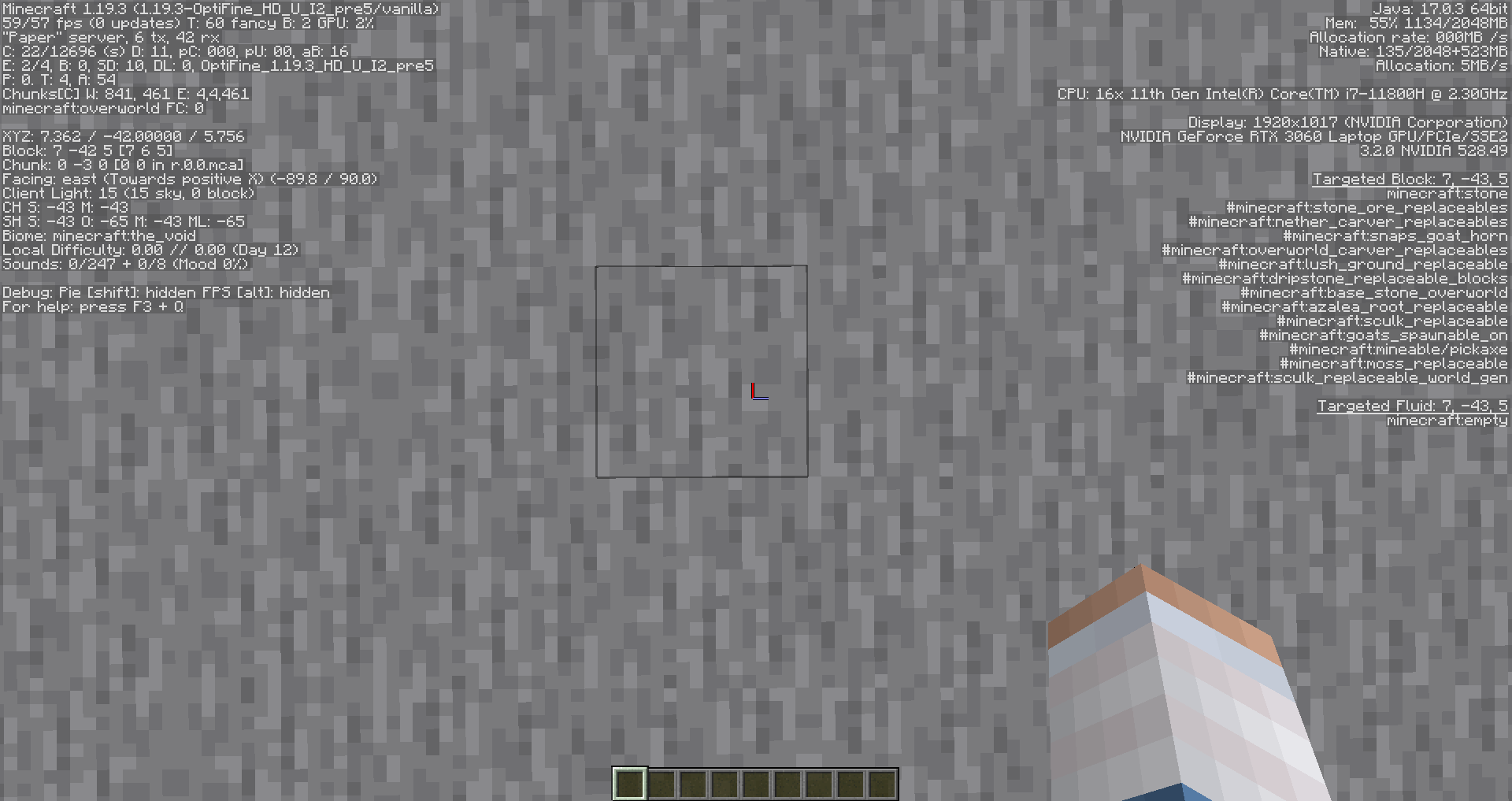
Prior Testing
- This does not happen in Vanilla Minecraft.
Additional Information
This may not be something that could necessarily be fixed, but it was just an issue I was having, and wasn't sure if it was known or not. It just causes some issues with some servers that might use this with a lot of people that play Minecraft using OptiFine. Thank you for all your help! :) Here's a video of the issue:
https://user-images.githubusercontent.com/51429779/226211969-efe8a164-02ad-45f9-a7c5-3919d10712f0.mp4


Sure! Here's an example pack, with an OBJ model on both a Diamond Sword and Pink Stained Glass. Test OBJ Pack.zip
i believe this is due to optifine discarding alpha values below 26/255
in glsl, texture(Sampler0, UV0) should return the texture's RGBA exactly
objmc uses all 4 channels to store 32 bits of data per pixel
in optifine, the same function for alpha values below 26/255 just returns 0, destroying some data.
while vanilla also discards alpha values below 26/255, this is done as part of the core shader after reading the texture, via if (color.a < 0.1) discard;, and not on the texture read itself.

the other issue shown in the video is related to the Normal uniform in core shaders
core shaders do not have access to model rotation, so instead objmc is forced to calculate that from face normal
in optifine, the vec3 in Normal seems to always point towards the player instead of the normal of the face
this shouldn't affect the rendering of objmc models, only their rotation when left as auto not hardcoded
~~(note that Normal in vanilla is premultiplied by ModelViewMat, so facing the player means it is actually just constant)~~ no longer true in 1.21
i believe this is due to optifine discarding alpha values below 26/255
apparntly optifine doesnt do this if the texture name ends with _leaves.png
this does not fix the issue with the Normal uniform though