

 sourcerer-io
how do you use the sourcerer-app if you never received a password email after profile was created via GitHub auth?
I go to the site and try to change my password but I need to know the previous password which I never got (yes, nothing on spam folder either), I got an email that my profile was ready but no password was in there.
Is there any other way to reset the password?

Hi @gubatron!
Look for "Welcome to Sourcerer" email a temporary password was sent to you in it. If you confirm that you didn't receive it I will send a new one.

Hi @anatolystansler just checked all of my inbox, I didn't receive any email under that subject, it'd be great if you could send another one. Thanks for the prompt response.
@anatolystansler Same here! I didn't received any password e-mail. There is nothing about that in my inboxes. Could you please resend it to me?
PS: A better option would be to have a "Resend the password" in the settings.


Same problem here. I've sent an email to the email listed on the Sourceror github page in the hopes of a support fix to this. I think this is an issue for people who signed up very early on.

@sdlins
PS: A better option would be to have a "Resend the password" in the settings.
I can't find that option to "Resend password".
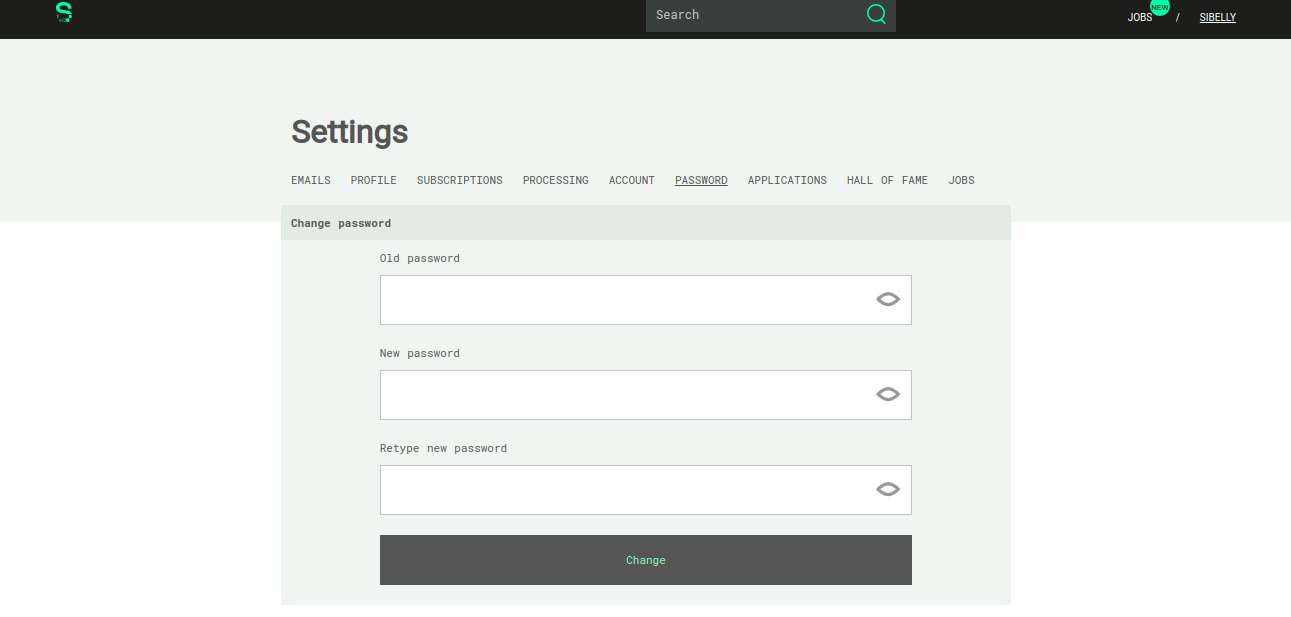
I need to know my actual password to change to another one but I can't find a way to know which password is the right one since my own github password doesn't work.

Same here, haven't received an email and unable to request my current password.
