
react-native-echarts
 react-native-echarts copied to clipboard
Published
20 hours ago •
 somonus
somonus
能否提供一份地图example


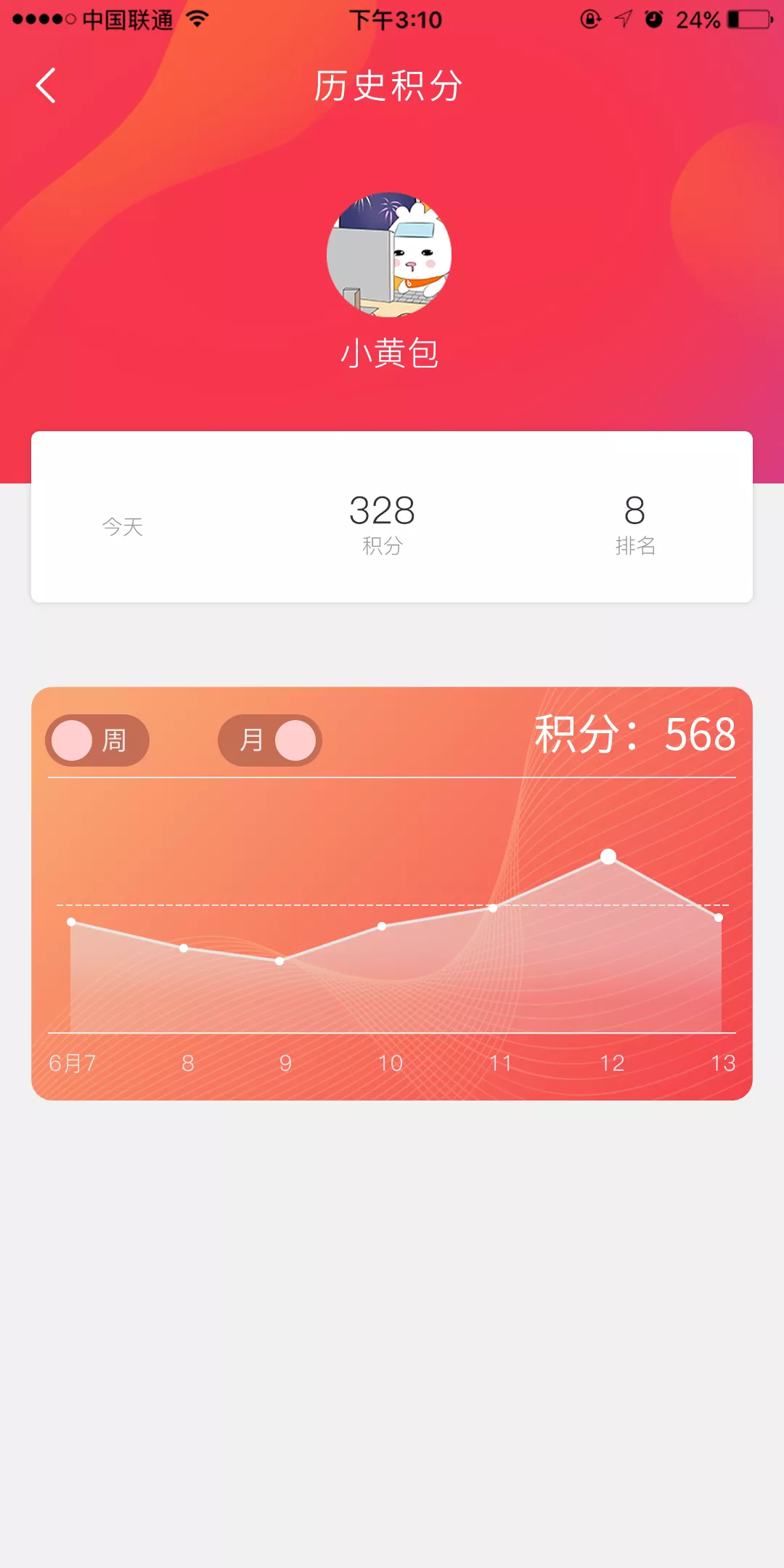
写了个简易的,react-native-echarts-map 有需要的可以去看看 你好,跑了一下你的demo,地图是ok的,折线图那些就不显示了。你可以解答一下或者有什么想法交流一下?
const option = {
      tooltip: {
        trigger: 'item',
        position: 'top',
        formatter: function (params) {
          return params.value;
        }
      },
      xAxis: [{ // x轴坐标xAxis的字体颜色大小,坐标线颜色,以及网格线的设置
        data: [1,2,3,4,5,6], // this.state.xData
        type: 'category',
        boundaryGap: false,
        splitLine: { show: false },//去除网格线
        // splitArea: { show: true },//保留网格区域
        axisTick: { // 刻度
          show: false,
        },
        axisLine: {
          lineStyle: {
            type: 'solid',
            color: '#000',//左边线的颜色
            width: 1//坐标线的宽度
          }
        },
        axisLabel: {
          interval: 0, // this.state.week ? 0 : 5
          textStyle: {
            color: '#000',//坐标值得具体的颜色
          }
        }
      }],
      yAxis: [{ // yAsix的设置相同
        type: 'value',
        position: 'right',
        splitLine: {
          lineStyle: {
            type: 'dashed',
            color: '#000',
            width: '1'
          }
        },//去除网格线
        // splitArea: { show: true },//保留网格区域
        min: 0,
        axisTick: { // 刻度
          show: false
        },
        // show: false,
        axisLine: { // y轴线
          show: false
        },
        axisLabel: {
          // 让字体完全显示
          interval: 0,
          margin: 6,
          textStyle: {
            color: '#000'
          }
        }
      }],
      series: [{
        type: 'line',
        data: [1,1,1,1,1,1], // this.state.yData
        // smooth:true,//折点是圆弧状的
        showSymbol: true,
        showAllSymbol: true, // 标志图形默认只有主轴显示(随主轴标签间隔隐藏策略)
        symbol: 'circle',     //折点设定为实心点
        symbolSize: 6,   //设定实心点的大小
        areaStyle: {
          normal: {
            color: 'rgba(255, 255, 255, .5)' //改变区域颜色
          }
        },
        itemStyle: {
          normal: {
            color: '#000', //折点颜色
            lineStyle: {
              color: '#000' //折线颜色
            }
          }
        },
        textStyle: {
          color: '#000' // 弹窗颜色
        },
        label: {
          color: '#fff'
        },
        emphasis: {
          itemStyle: {
            // 高亮时点的颜色。
            color: 'blue'
          },
          label: {
            show: true,
          }
        }
      }]
    };
    return (
      <View style={{ marginTop: 100 }}>
        <Echarts option={option} height={500} />
      </View>
    );