

 solus-project
Add low resolution support and fix standard window size
After the latest updates solus-sc takes up more screen space than before and does not fit onto the screen on one of my low resolution laptops (1024 x 768). Sometimes either screenshots or descriptions take up more space and alter the original windows size. Ideally, solus-sc should support lower resolution displays and not change its original window size despite longer descriptions and larger screenshots.


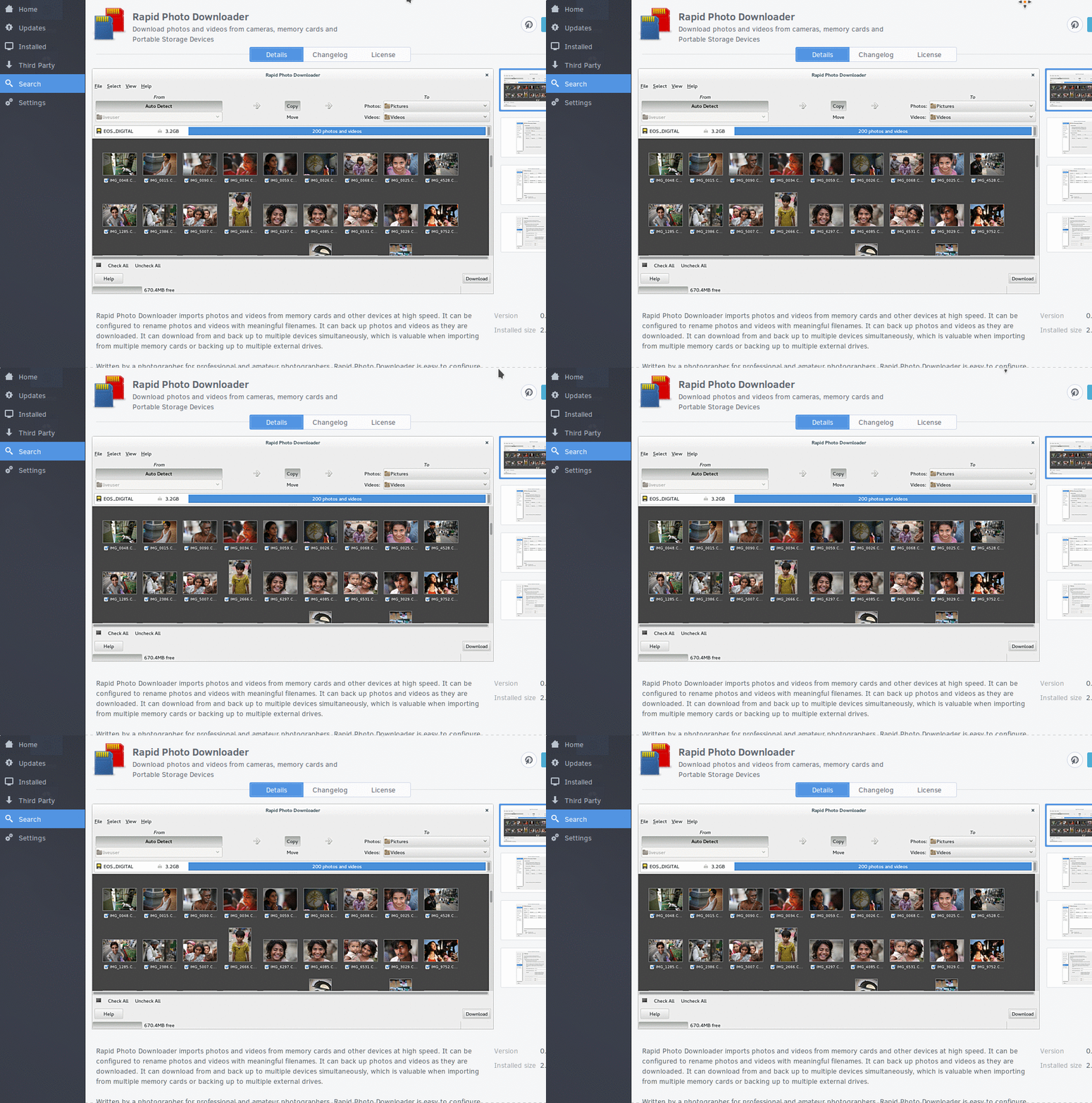
Same problem when testing Solus in a virtualbox with 800x600 resolution.

I'm working on a rewrite, none of these issues really apply anymore. I'm certainly not going to support displays smaller than 800x600.
Basically we're going to select the most appropriate 16:9 resolution that we can, failing that fallback to a "small" size of the screen. Everything is going to be able to reflow and scroll, so I'm fairly confident that this shouldn't be an issue with the new software center.
Oh, and we're dropping that sidebar too, which is one area that used up an awful lot of space, so we'll have more horizontal space to work with. The screenshots widget goes on its own row now so it'd actually fit in that 1024x768 situation.