
sojusnik
sojusnik
On Ubuntu, notify-send is already preinstalled. When using `notify-send "gnome-pomodoro" "Click here to start pomodoro" --default-action="gnome-pomodoro --start --no-default-window"`, then I get an error message, that no such an option exists....
Besides manually adding and deleting stats, I would like to have an option to edit existing stats.
For me this is clearly a bug. I totally love that after a break a Pomodoro only starts after user interaction.
> There used to be an option to wait for user interaction before starting the next pomodoro, but that seems to have vanished. It would be great, if it could...
> @real-or-random it wasn't a deliberate change - it's a regression. FWIW, it still works in GNOME 41. Can we bring it in Gnome 42, because it's such a useful...
Same "black screen with mouse cursor" issue here on Ubuntu 20.04. The only temporary solution is to turn of the "screen notification" until this issue is patched.
> > Fixed by this perhaps? > > https://gitlab.gnome.org/GNOME/gnome-shell/-/issues/2446 > > This fix is in gnome-shell 3.36.2, so I'll re-enable the "screen notification" setting and see if it still breaks....
Look in the settings :)
That's strange indeed! I'm running v0.16.1 on Ubuntu 19.10: 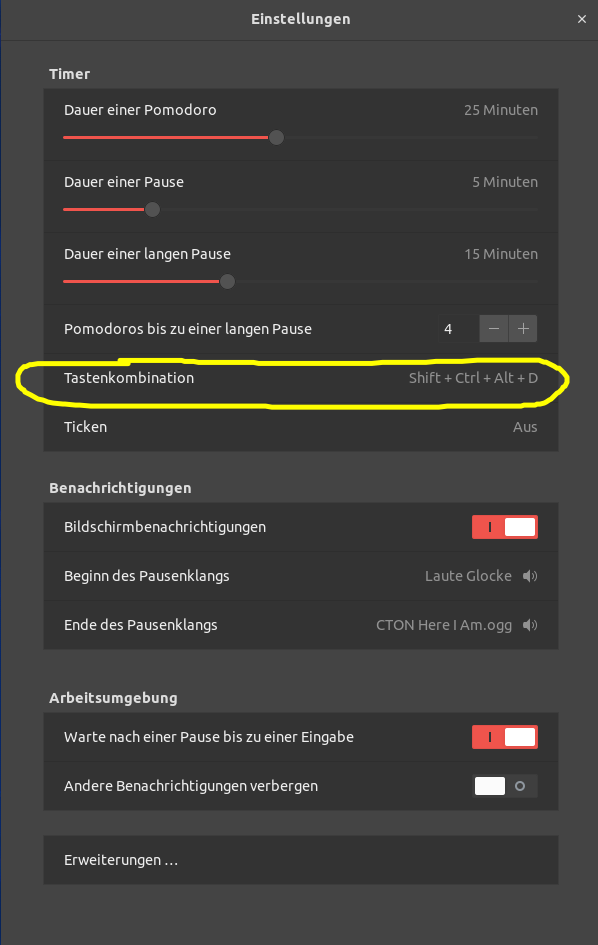 The corresponding entry in `dconf` looks like this: 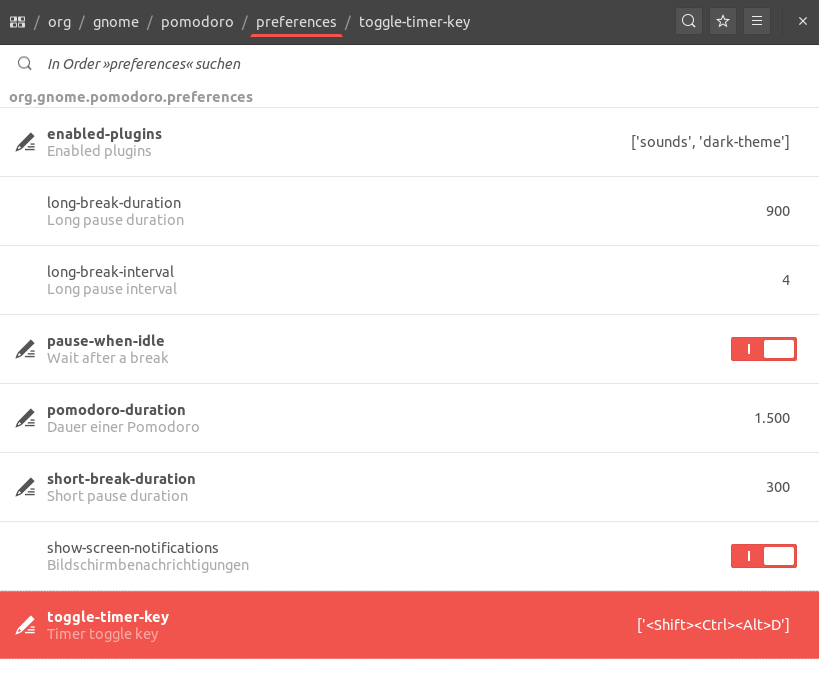
Keyboard shortcuts work fine even on Ubuntu 20.04. Installed it the following way: ``` git clone -b gnome-3.36 https://github.com/codito/gnome-pomodoro.git cd gnome-pomodoro sudo apt-get install autoconf-archive gettext valac pkg-config desktop-file-utils appstream-util...