

 socketio
Could not compiler in Raspberry Pi Codeblocks
I was download from githhub and cmake & make install it. Install process show as follows.

I add <sio_client.h> <sio_message.h> <sio_socket.h> into project common header, compiler failure. show as follows.

I try to add linker show as follows.

And add compiler path

Add linker path, too.

But, there are still can not work!? Please support me how to solve it, thanks.


Hi Joan, Please see sample code link: https://github.com/linuxrd007/sample.git Thank you.
Hi @linuxrd007 thanks for the sample project. It seems that your project is a C project while the socket.io library is a C++ library. If you want to use this library you'll need to change your project to C++.
Hi @jmigual,
I chose C++ when I start this project at first, but still can not compiler.
 Should I download release version(v3.1.0) to test again?
Thank you.
Should I download release version(v3.1.0) to test again?
Thank you.
Hi @linuxrd007 yes download the newest release version as the issue you are having is with missing Boost libraries which were removed in the 3.0.0 release.
Hi @jmigual, v3.1.0 was include Boost libraries? If not, which is the suggested source code? Thank you.
Hi @linuxrd007,
v3.1.0 does not need the boost libraries. They were removed so you don't need to install them.
Hi @jmigual, asio/ catch/ rapidjson/ websocketpp/ Are there 4 more libaries need to install by myself, which are the suggested source code? Thank you.
As far as I know these are the only libraries that you need. Also, catch is only needed if you want to test socket.io
Hi @jmigual, I found the library as follows: asio/ : https://github.com/chriskohlhoff/asio catch/ : https://github.com/catchorg/Catch2 rapidjson/ : https://github.com/Tencent/rapidjson websocketpp/ : https://github.com/zaphoyd/websocketpp Socket.IO/ : https://github.com/socketio/socket.io-client-cpp/releases
re-build source code by "cmake" & "make install".

Create new project for pure C++ in Raspberry Pi, but it still error occur.
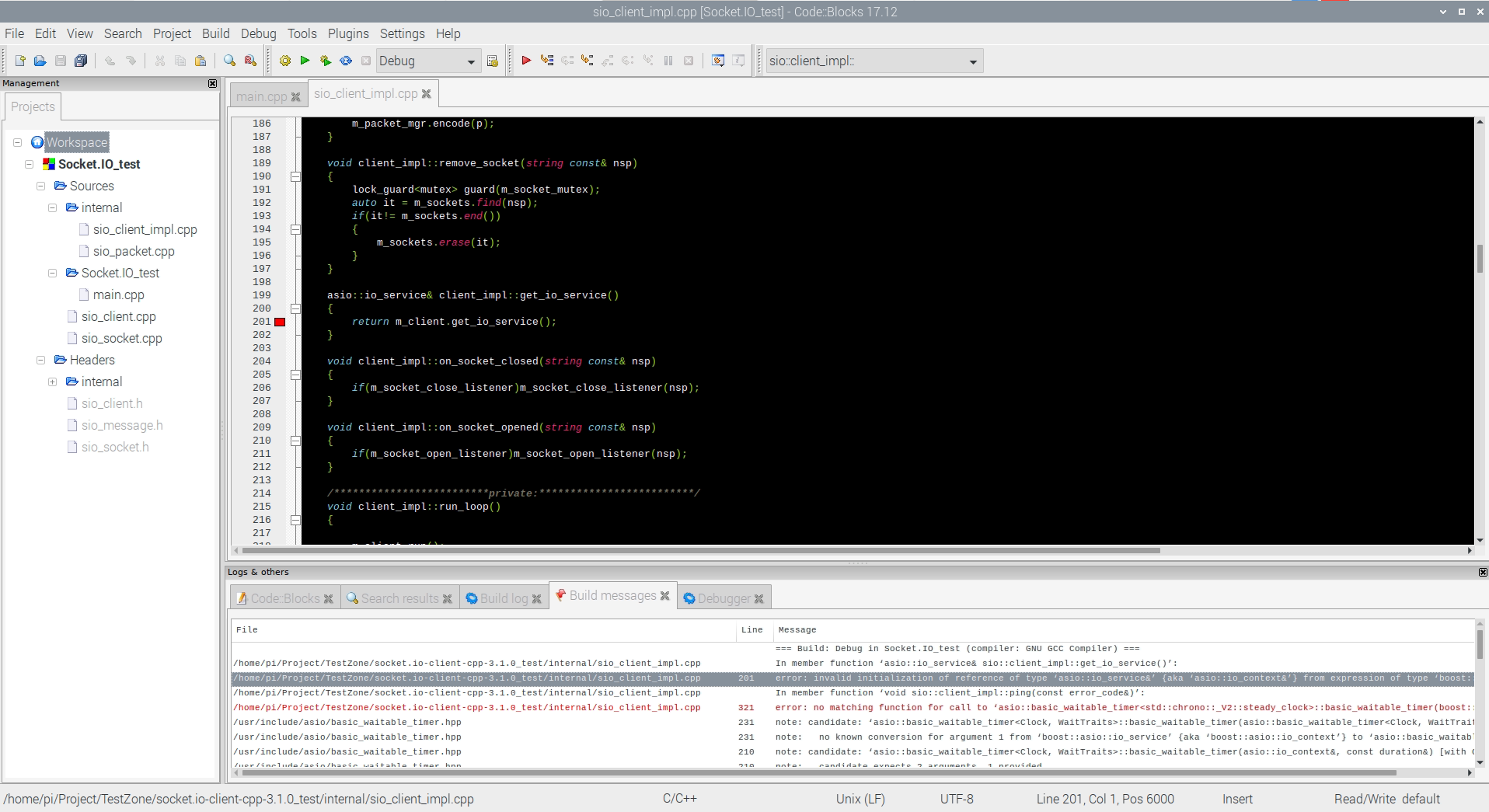
new sample please clone: https://github.com/linuxrd007/sample.git The project is pure C++ and only add socket.io source file, but still error occur!? Please support me, thank you.
You should follow the installation without CMake instructions: https://github.com/socketio/socket.io-client-cpp/blob/master/INSTALL.md#without-cmake
Clone the repository as a submodule in your project. The asio library version that we are using is not the latest one.
Hi @jmigual, Follow the installation without CMake instructions method is work, thank you.
But, it spend a lot of time compiling program, thus use cmake install into OS is more convenient.
I try "git clone --recurse-submodules https://github.com/socketio/socket.io-client-cpp.git", again.
Create new pure C++ project in CodeBlocks of Raspberry Pi, setting build option as follows.
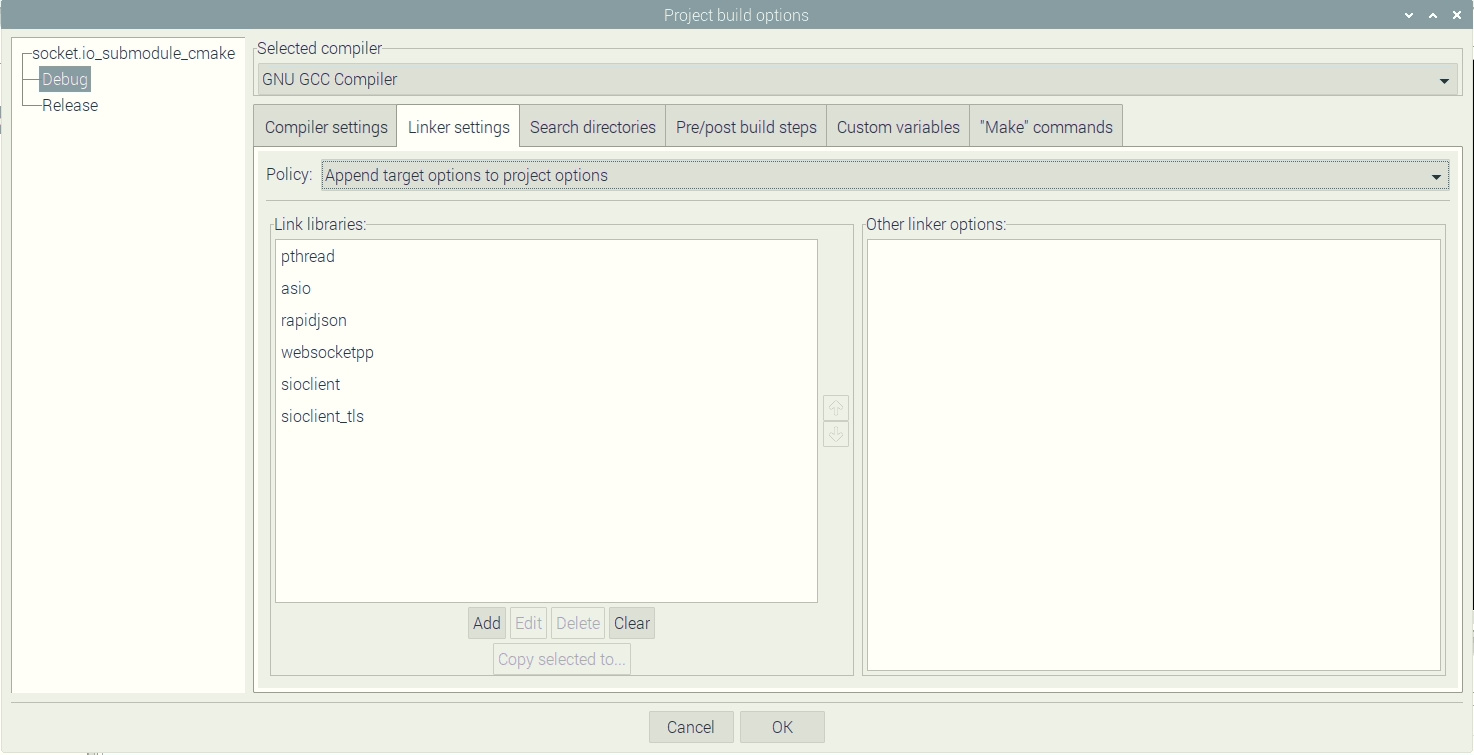


After setting link & lib path but still can not find link library!?
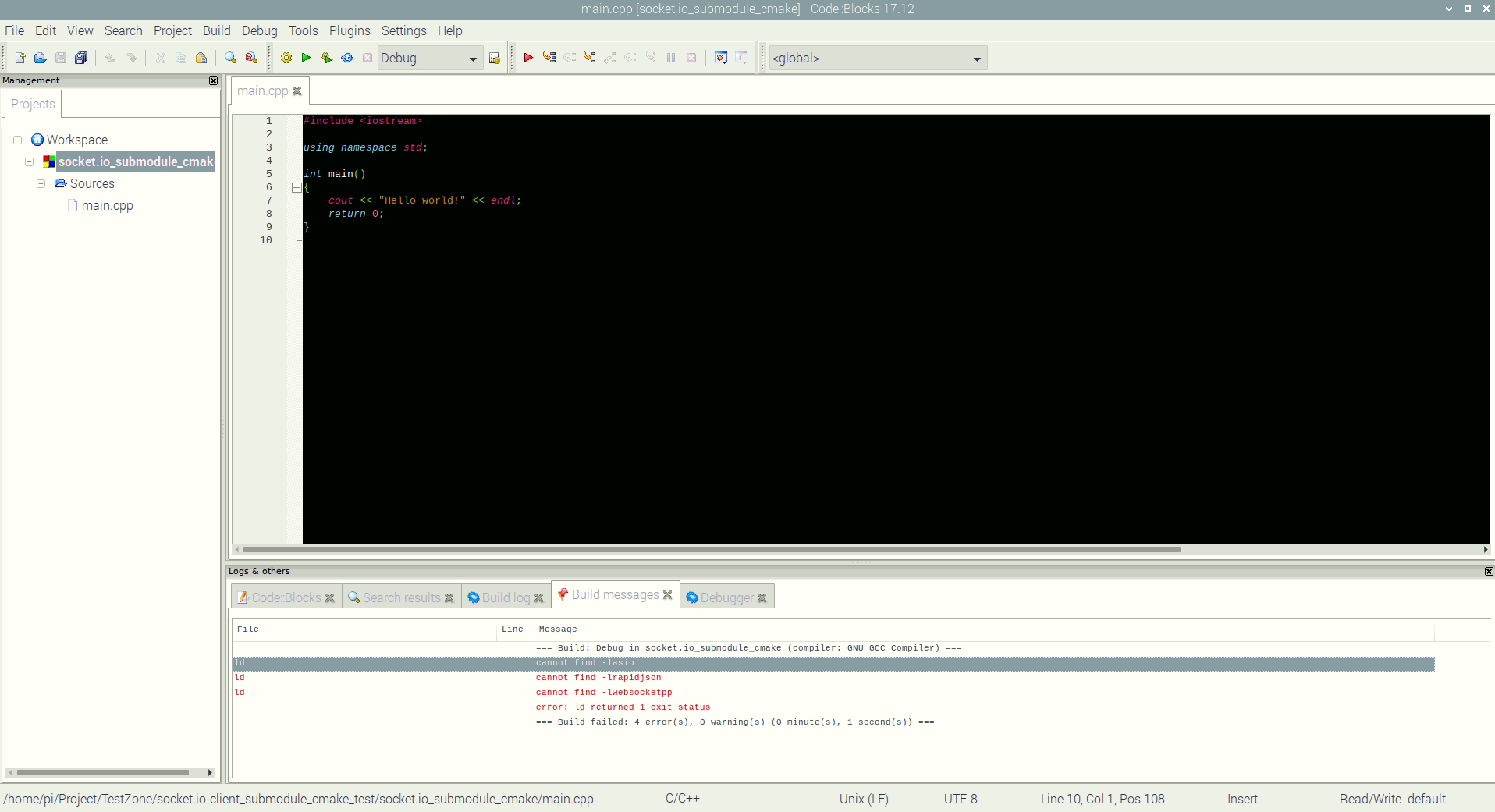
Don't link asio, rapidjson and webpsocketcpp as they are header-only libraries.