
dotfiles
 dotfiles copied to clipboard
 sobolevn
dotfiles for the developer happiness: macos, zsh, brew, vscode, codespaces, python, node, elixir
sobolevn's dotfiles
Here are some articles I wrote about my environment:
Contents
What's in there?
- all my
brewdependencies including: applications, fonts, etc. SeeBrewfile - all my
macOSconfiguration. Seemacos - all my shell configuration including my own
soboletheme. Seeshell/andconfig/zshrc - all my
vscodeconfiguration. Seevscode/
Installation
We are using dotbot
to set things up. Steps:
- Clone this repo with:
git clone https://github.com/sobolevn/dotfiles dotfiles cd dotfiles/- Run:
bash ./install
CLI
I am using both hyper
and default Terminal App as terminal emulators.
I am using zsh with oh-my-zsh
as the main shell.
And zplug to manage shell plugins.
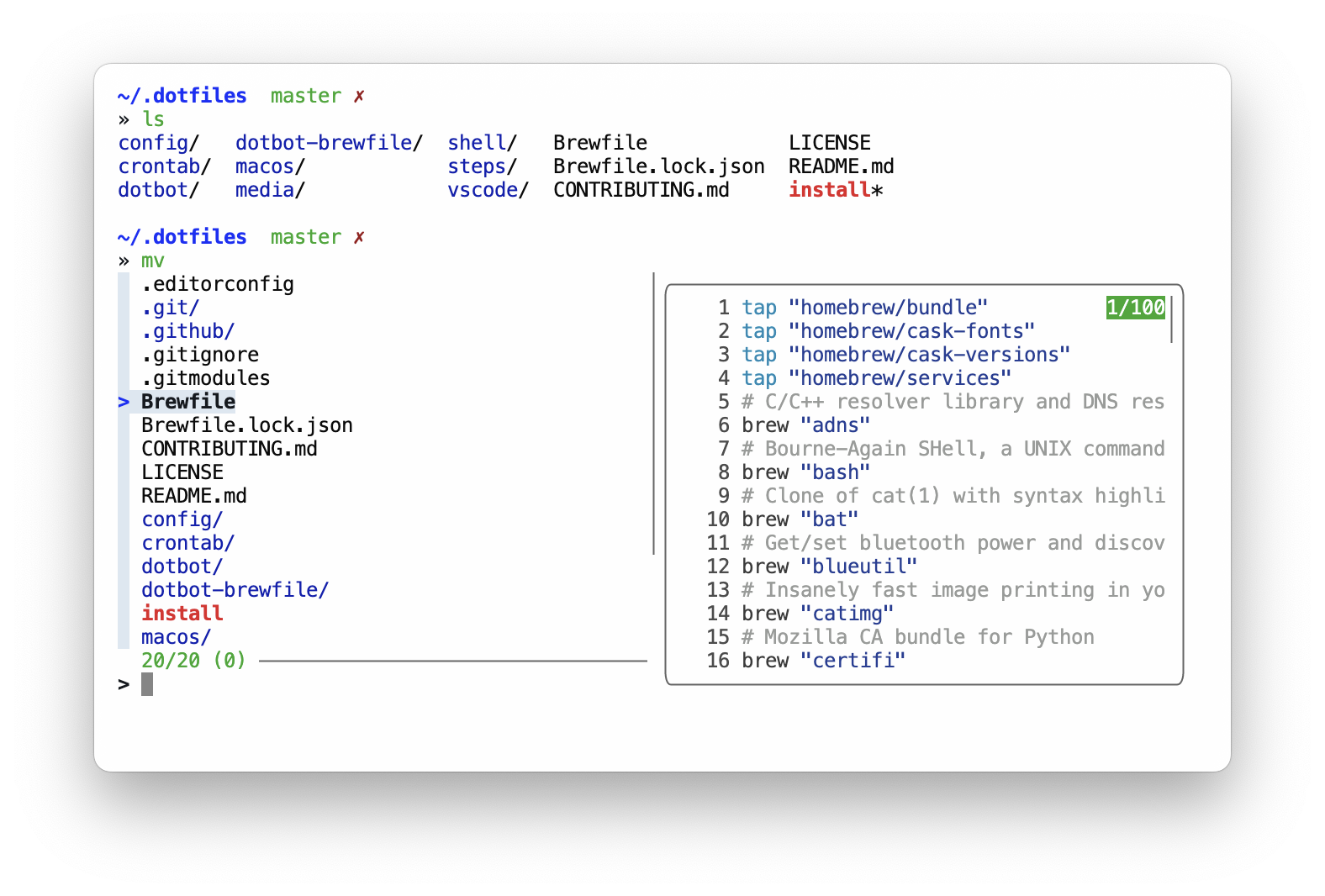
I also have a lot of tools / scripts / aliases to make my working experience better.
I mainly work with several stacks:
pythonnode+vue+typescriptelixirrust
So, they are configured nice and smoothly. You will have configured version managers, editor support, best practices, and useful tools. And some productivity hacks!
I also have several other languages installed. But I don't use them on a daily basis.
Apps
I am using brew to install all free apps for my mac.
I also sync apps from AppStore with brew via mas,
so the resulting Brewfile contains everything.
Infrastructure
I try to containerize everything.
So, docker is my main development and deployment tool.
However, I also use several databases and other services locally:
I use this setup for small and simple projects. Other stuff is always dockerized.
VS Code
I loved my Sublime. It was fast and beautiful.
The main reason is that Sublime is almost unmaintained.
Packages are also abandoned.
So, I have switched to vscode.
It solved almost all issues I had with Sublime.
Here's how my new vscode setup looks like:

Here's a list of packages I use:
ayutheme with modifications andA File IconiconsElixirsyntax highlightingVeturforVuefeaturesPythonpluginRustplugineditorconfigintegration
I try to keep my vscode setup as simple as possible.
It was also heavy influenced by makevscodeawesome.
I also use powered-up nano
for in-terminal editing.
Local configuration
Some of the used tools requires local configuration. Such as git with username and email.
Here's the full list:
~/.gitconfig_localto store any user-specific data~/.shell_env_localto store local shell config, like: usernames, passwords, tokens,gpgkeys and so on
License
WTFPL: do the fuck you want. Enjoy!
 sobolevn