
vue-flash-message
 vue-flash-message copied to clipboard
Published
20 hours ago •
 smwbtech
smwbtech
Vue 2 flash message not working after production build
I have created an application in vue 2. I used this package for showing flash messages in the application. Without build it is working fine but after build when i run it then this is saying
Cannot read properties of undefined (reading 'success')
I am using it like this :
this.flashMessage.success({ message: 'Settings have been updated.' });
and here is my main.js file
import Vue from 'vue'
import App from './App.vue'

import FlashMessage from "@smartweb/vue-flash-message";
Vue.use(FlashMessage);

Vue.config.productionTip = false

new Vue({
  render: h => h(App),
}).$mount('#app')

Hi @vinodsnayvik! Thank you for your report.
I Install version v0.6.10 of this package and vue ^2.6.11. I builded an app, but i can't reproduce your problem. Maybe you can provide more information?
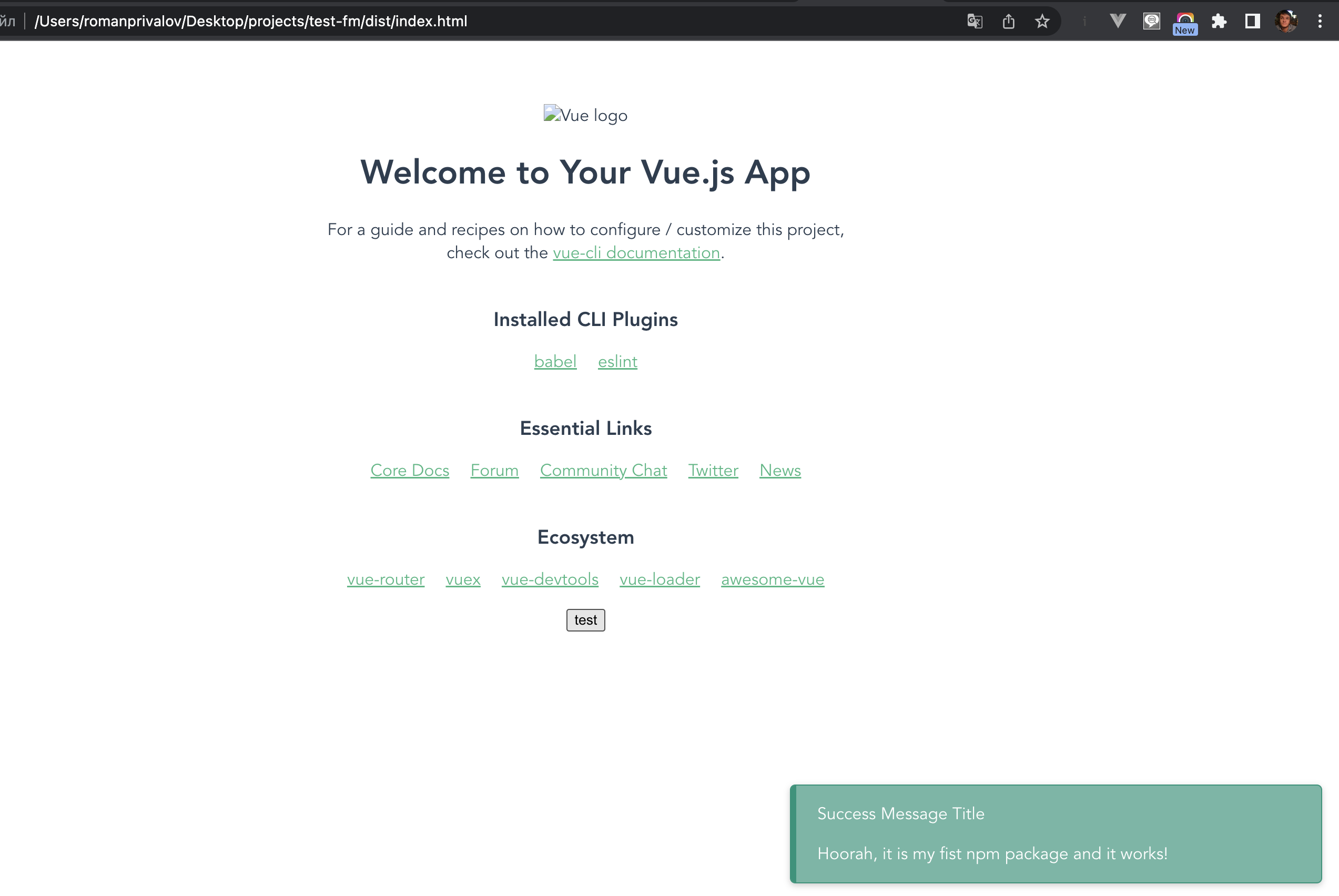

Hi @smwbtech ! Did you check this at production build? I have the same problem with same version and vue ^ 2.7.10. Building by vite. Can you give to us your app.js conent with this package?
