

 smartavionics
[FR] When filling thin wall sections where two lines won't fit, switch sides every other layer.
The situation is as follows: I have a wall that is 1.5mm thick and my Line Width is set to 0.45mm which means after the two outer walls, there is a gap of 1.33 walls width between them. If I have "Compensate Wall Overlaps" enabled it will print one inner wall and then print another, thinner wall next to it assuming "Minimum Wall Flow" is set low enough to allow it to do that.
However, if it isn't, it will skip this second line and crucially, it will always skip it on the same side which results in two separate walls with a gap running between them with no adhesion and the resulting print falling apart. This could be avoided if the thick, printed inner wall would switch sides every other layer.
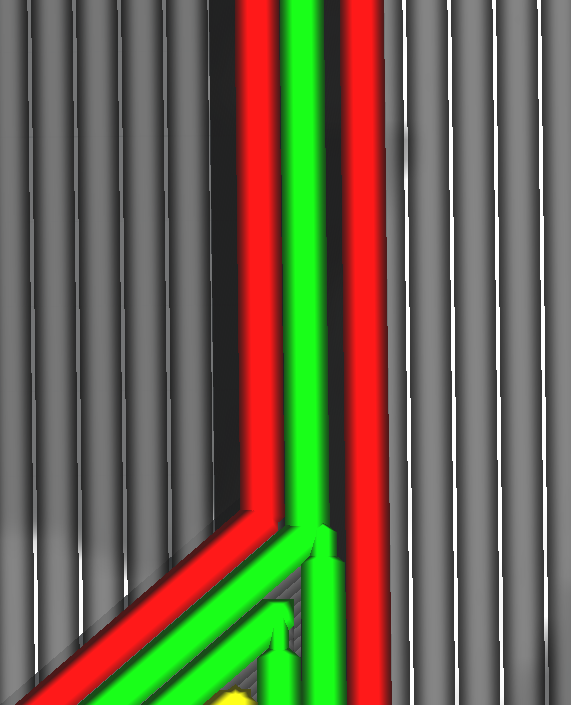
The project file, in case it's helpful: CE3_CabinRoof.zip
