

 slidevjs
[Bug] In the production environment, under different browser resolutions, there are issues with displaying and hiding the function menu at the bottom.
Describe the bug In the production environment, under different browser resolutions, there are issues with displaying and hiding the function menu at the bottom.
1689*1312
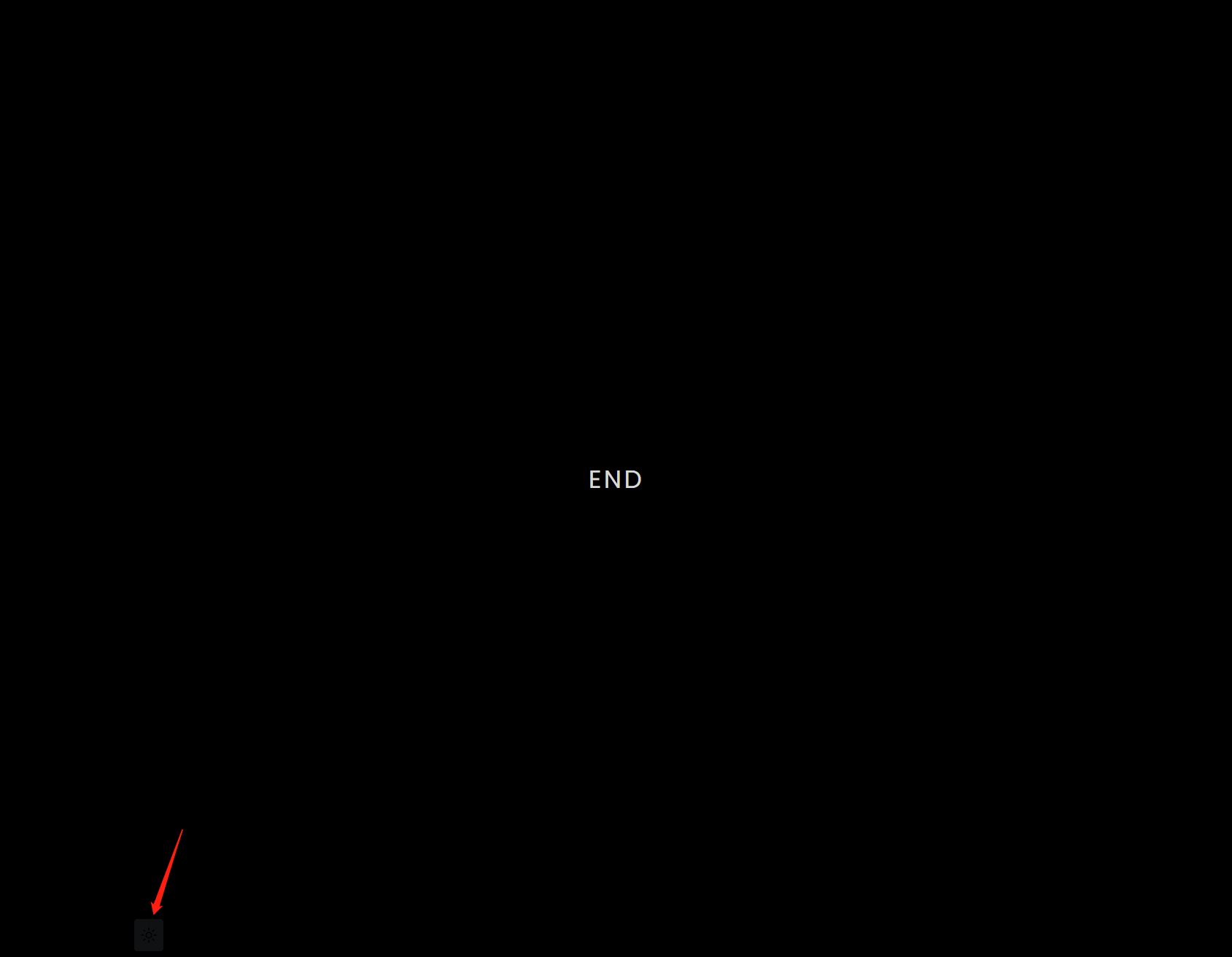
1689*548

2560*1369
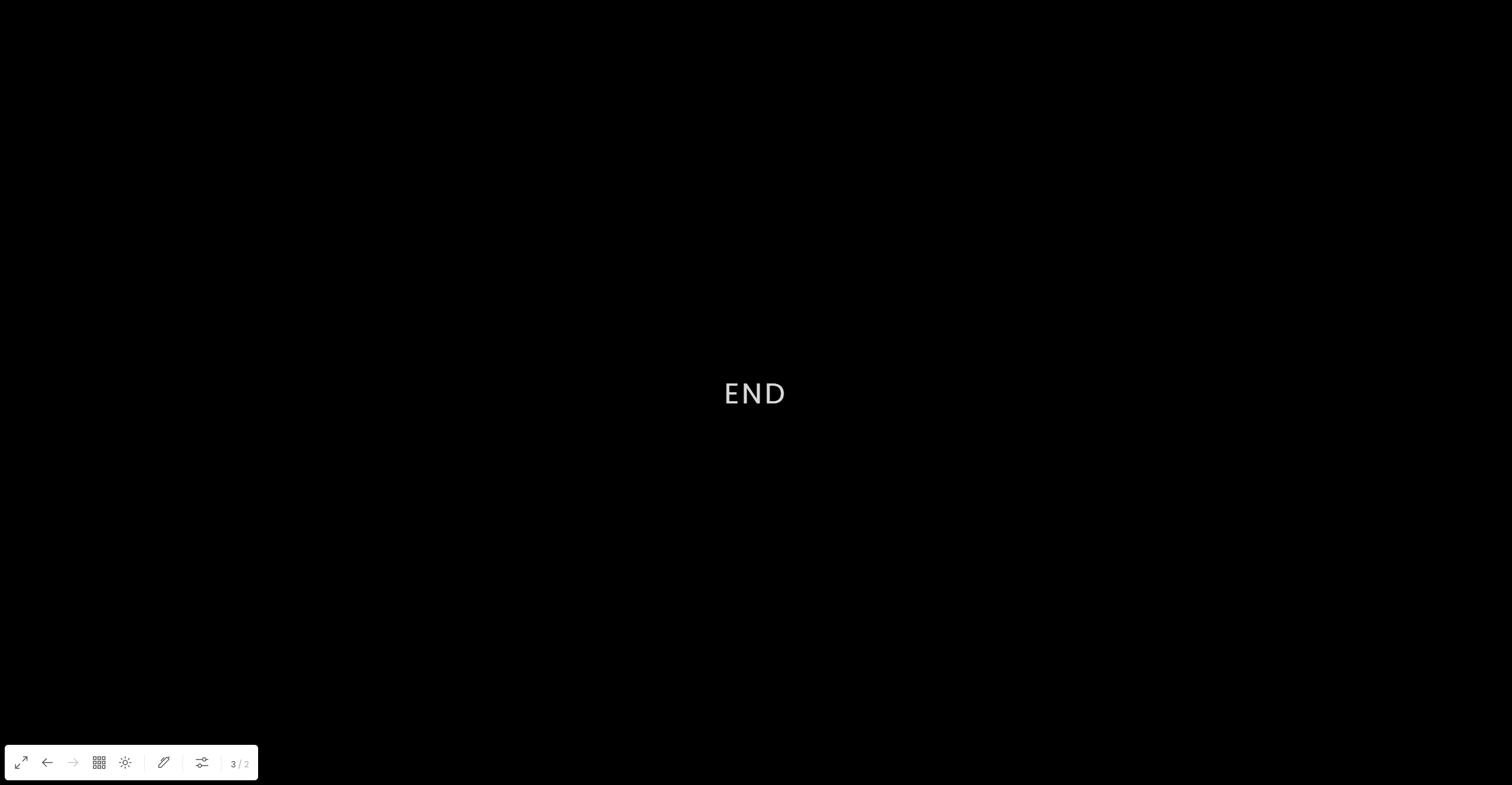
To Reproduce Steps to reproduce the behavior:
- Go to '...'
- Click on '....'
- Scroll down to '....'
- See the error
Desktop (please complete the following information):
- OS: win10
- Browser: chrome 99
- Slidev version: 0.28.10

There is a feature that hides the toolbox if it it is on top of the slides. So if the viewport is matching an 16/9 aspect ratio or wider, the slides will touch the bottom and the top of the viewport and the toolbox should be hidden. In that case you have to hover your mouse in the bottom right corner to make the toolbox appear. If you have spaces below the slides, then the toolbox should be visible. It is related to that ?

There is a feature that hides the toolbox if it it is on top of the slides. So if the viewport is matching an 16/9 aspect ratio or wider, the slides will touch the bottom and the top of the viewport and the toolbox should be hidden. In that case you have to hover your mouse in the bottom right corner to make the toolbox appear. If you have spaces below the slides, then the toolbox should be visible. It is related to that ?
I've tried hovering over it, but it still doesn't show up.
This issue has been automatically marked as stale because it has not had recent activity. It will be closed if no further activity occurs. Thank you for your contributions.
![stale[bot] avatar](https://avatars.githubusercontent.com/in/1724?v=4 "Published by a pub.dev verified publisher")