

 slidevjs
Unable to annotate on image
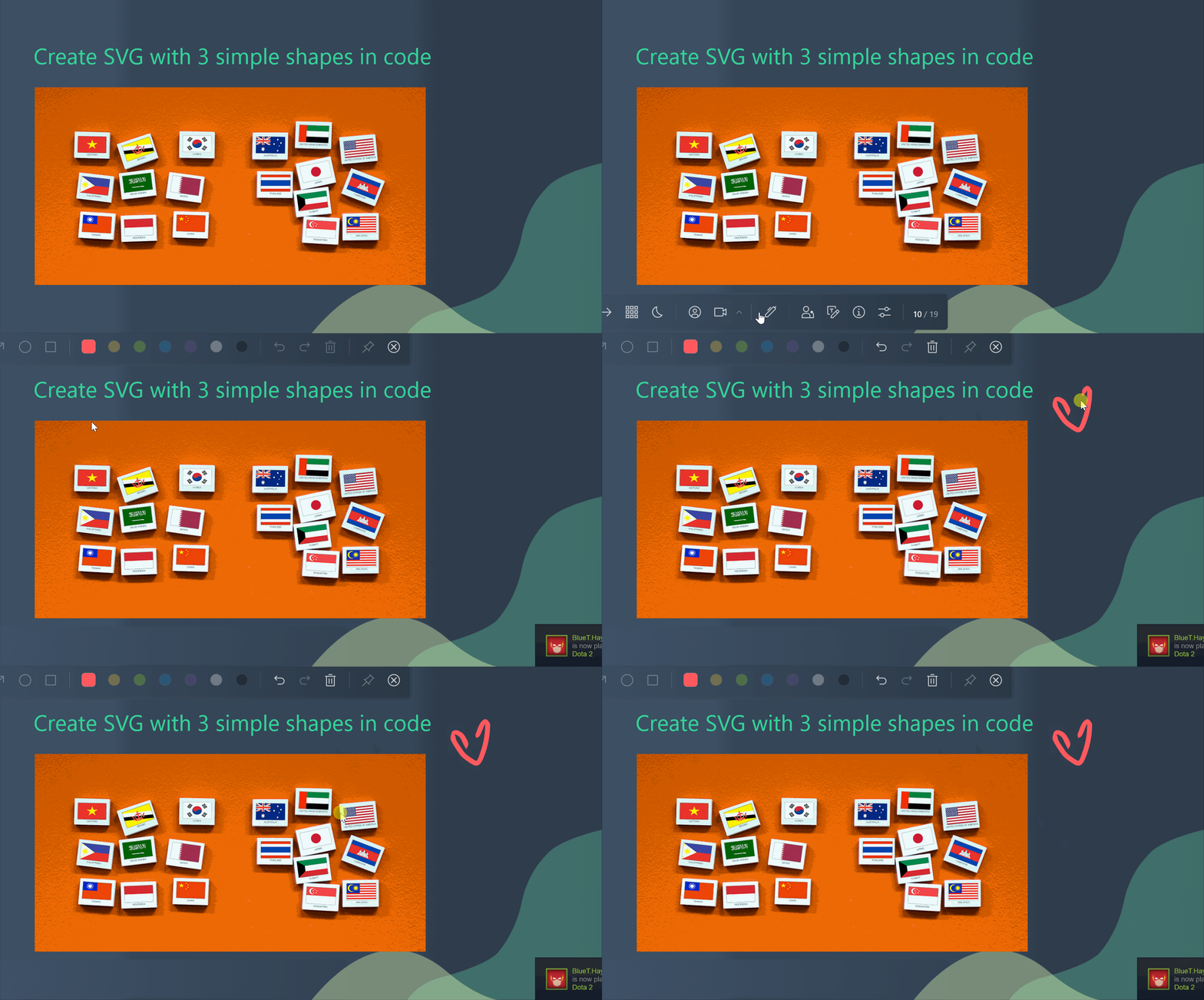
Describe the bug I am unable to annotate on an image. A GIF is provided below where I can annotate other parts of the slide but not on top of the image.
To Reproduce
Desktop (please complete the following information):
- OS: Windows
- Browser: Google Chrome
  "dependencies": {
    "@slidev/cli": "^0.27.10",
    "@slidev/theme-default": "*",
    "@slidev/theme-seriph": "*",
    "slidev-theme-penguin": "^1.1.2",
    "vite-svg-loader": "^3.0.0"
  },

Probably a z-index issue? (I guess it could be related to your theme) If you find a way to fix it, PR is welcome.

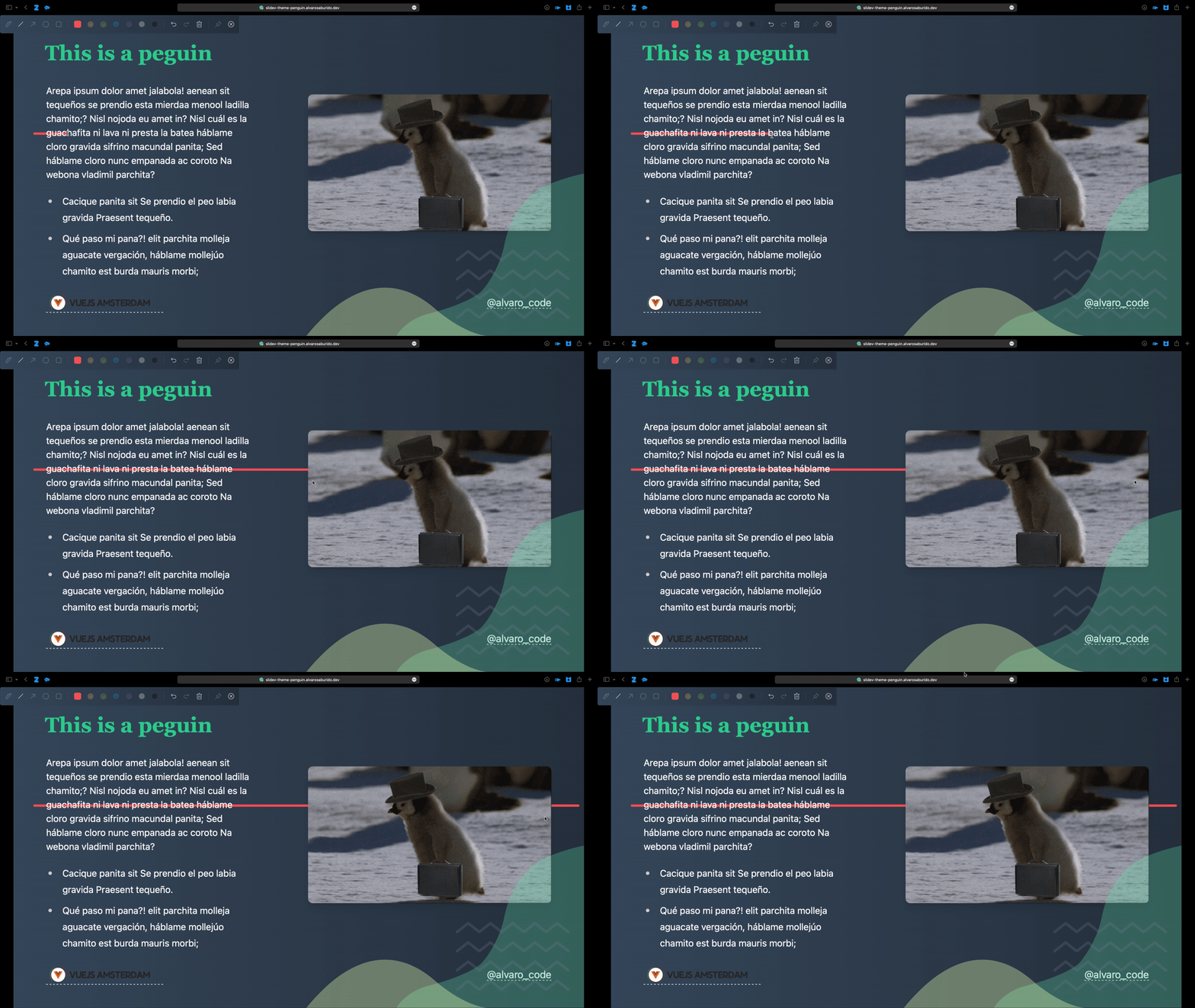
As I have met this bug on my theme, the cause of the problem is z-index. penguin set the z-index of default contents as 10, which maybe higher than the ink layer. You may also noticed that the ink can be obscured by the text.
# default.vue
<div class="my-auto z-10">
      <slot />
</div>
It can be solved by set the layer below 0, like -z-10. And I recommend setting the z-index of the ink layers to a very large value by default
 .
.

