
quill
 quill copied to clipboard
 slab
slab
chrome 89 ,Error when inputting Chinese special characters
Please describe the a concise description and fill out the details below. It will help others efficiently understand your request and get to an answer instead of repeated back and forth. Providing a minimal, complete and verifiable example will further increase your chances that someone can help.
Steps for Reproduction
- inputting Chinese special characters, such as
、, and then Press down enter key. somtime cause wrong cursor position.May need to enter several times.
Expected behavior:
Correct cursor position
Actual behavior:
cursor in wrong position, and the Console output error
Platforms:
Browser: Chrome 89.0.4389.114 x64 OS: Windows 10 x64
Include browser, operating system and respective versions
Version:
2.0.0-dev.4
Run Quill.version to find out

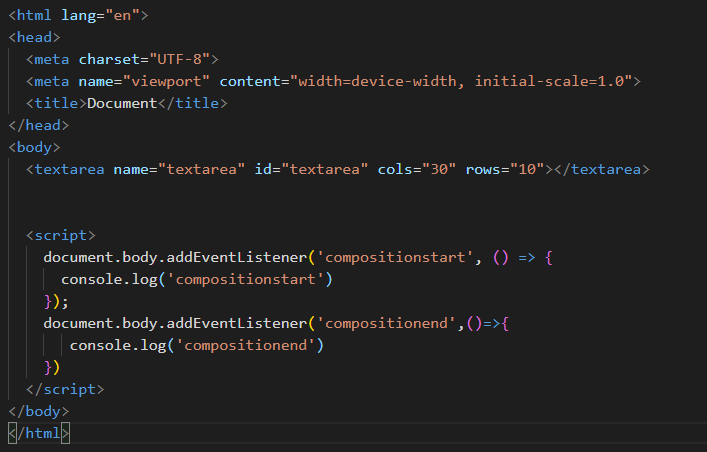
inputting Chinese special characters, such as 、 will trigger compositionstart and compositionend event in chrome 89.But earlier versions will not.


Quill 2.0 has been released (announcement post) with many changes and fixes. If this is still an issue please create a new issue after reviewing our updated Contributing guide :pray:
