sisrfeng

Results 155 comments of sisrfeng

I use zsh as my default shell. ( Not relevant to this problem? )

![image](https://user-images.githubusercontent.com/53520949/166110386-2e1ae015-7582-490e-87c7-c33565efb2b0.png)

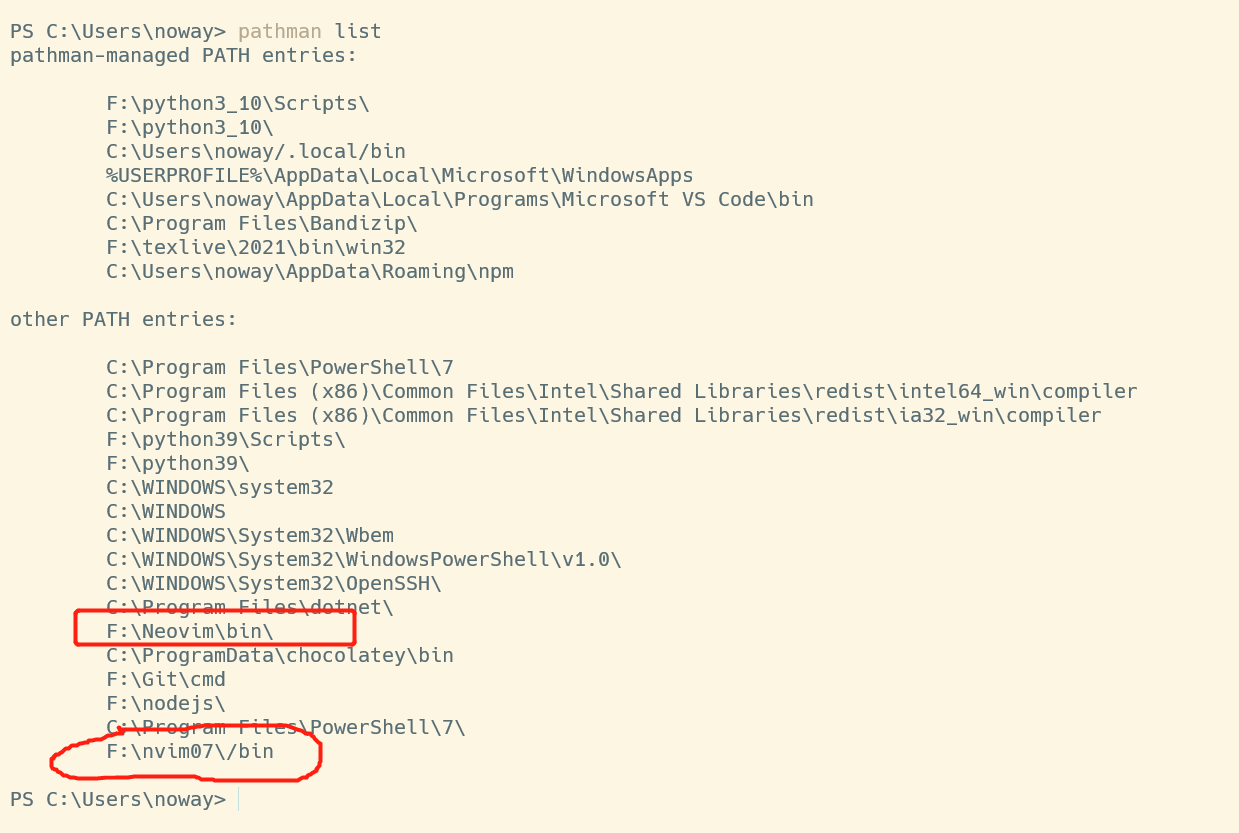
Do you know why F:\NeoVim\bin is in win10's %PATH% ? That path does not exist. I only have F:\nvim07 ![image](https://user-images.githubusercontent.com/53520949/166110453-11e695f8-259c-4f5d-8427-3710f2637ac4.png)
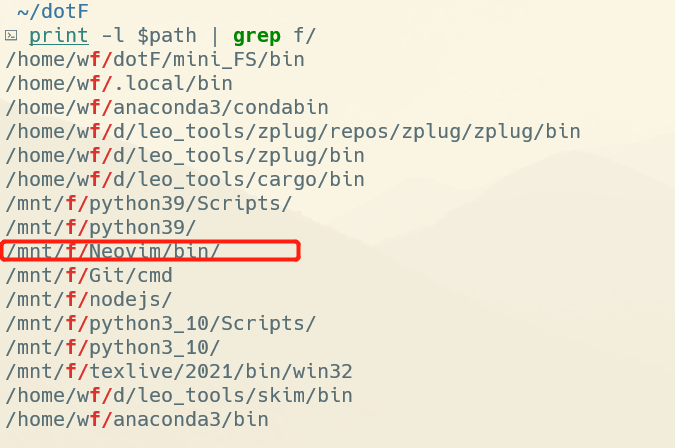
WSL's path: ![image](https://user-images.githubusercontent.com/53520949/166110546-5b21be7a-0731-4ccd-a3a9-20ed1f228883.png) I don't know how it comes into PATH in WSL

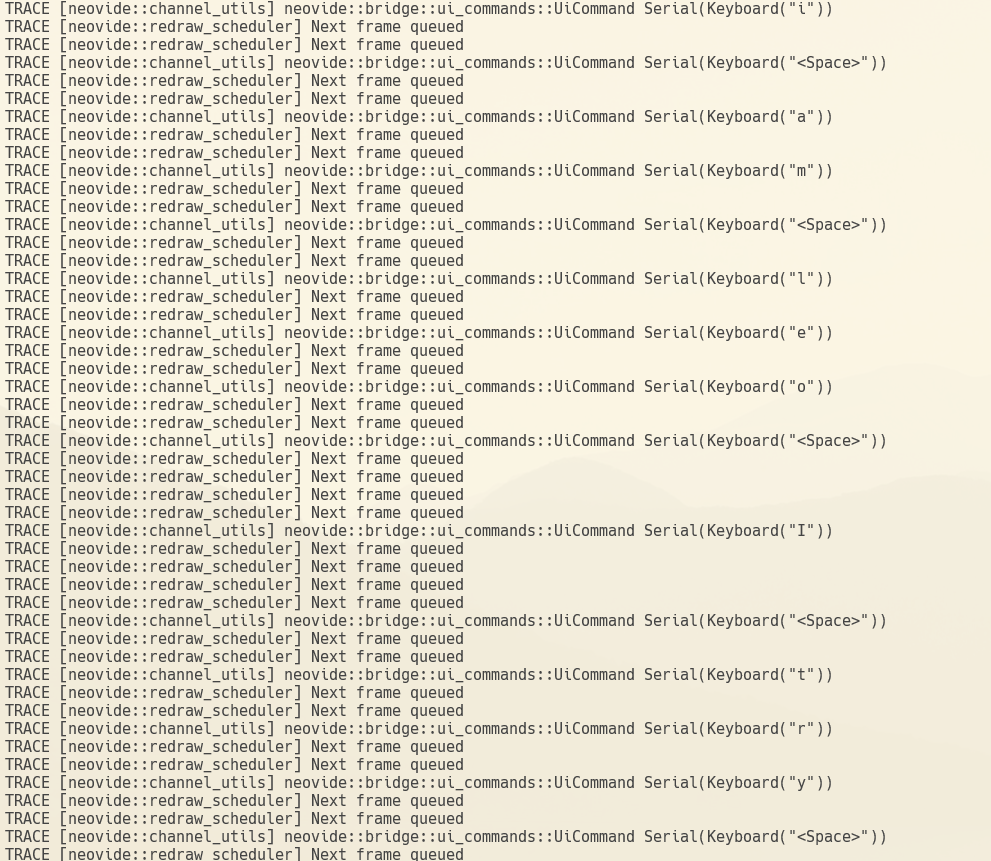
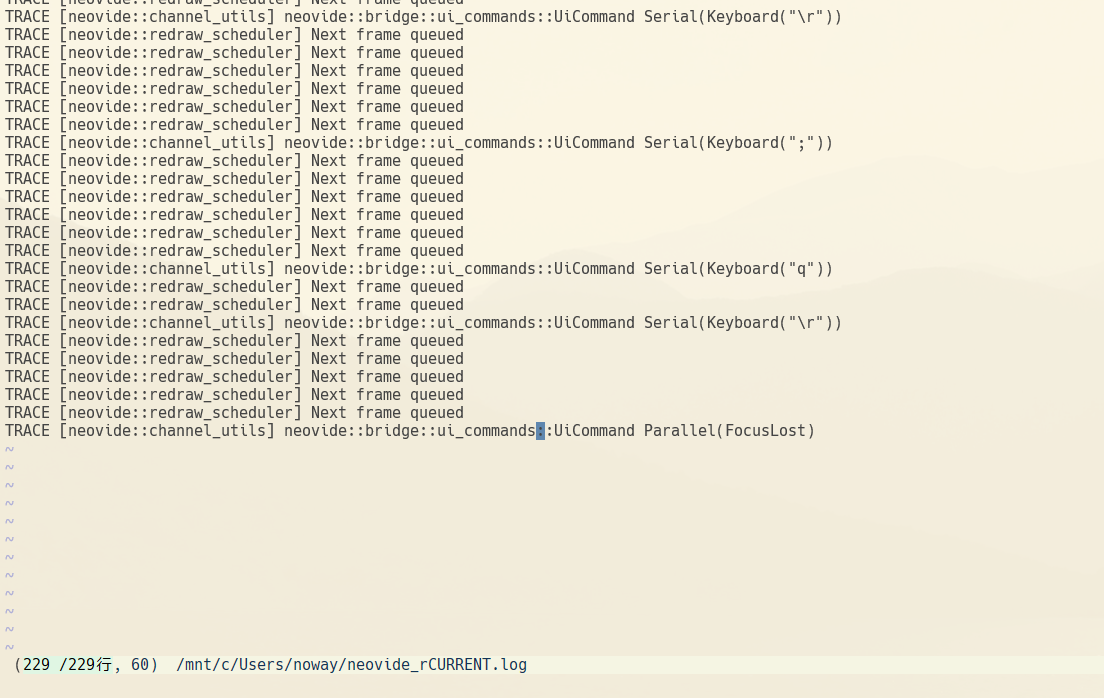
`wsl $SHELL -lc 'which nvim'` can't work. I use: ![image](https://user-images.githubusercontent.com/53520949/166127616-e608ffc9-d92b-446b-8ff2-dbdb71a5e472.png) ![image](https://user-images.githubusercontent.com/53520949/166127626-26d67c01-b3e5-482d-ae0e-5ac3731f6b0b.png) after `apt install neovim` , `neovide --wsl` works. ![image](https://user-images.githubusercontent.com/53520949/166127683-d0f7d60c-18f5-4aa1-bc68-1733962d92f8.png) But, I can do nothing in this window: ![image](https://user-images.githubusercontent.com/53520949/166127712-ebc157b5-e832-450b-a7e7-8aa3662e5748.png) Nvim...


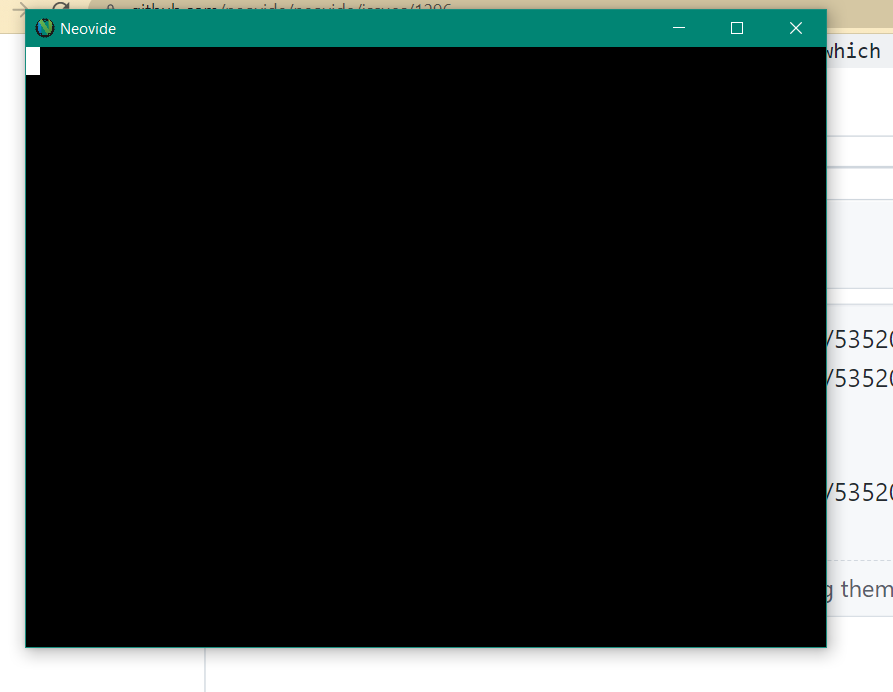
using `/usr/bin/nvim` ![image](https://user-images.githubusercontent.com/53520949/166173749-6c3ee37b-a1bc-492f-9cfa-ea0d7c577d24.png) using `linuxbrew/bin/nvim` ![image](https://user-images.githubusercontent.com/53520949/166174873-1f57aaa8-1f70-486e-ae70-b2556c6bddd8.png) ![image](https://user-images.githubusercontent.com/53520949/166174889-d10b27cf-0963-4fd1-8ebc-01b5720a4294.png) ![image](https://user-images.githubusercontent.com/53520949/166174898-92d37764-78f0-4a44-b4ad-1ec099a8ea96.png) This does not help: `mv ~/.config/nvim ~/.config/bk_nvim` ![image](https://user-images.githubusercontent.com/53520949/166175046-92ed9859-0274-44ae-9e0a-c45c1e97ca80.png)

![image](https://user-images.githubusercontent.com/53520949/166176452-554cfe9d-5d43-4e5a-a295-82a1e8fa84e7.png) ## goneovim A window of goneovim shows up and disappeared in 1s: ![image](https://user-images.githubusercontent.com/53520949/166176526-55c21dc6-226d-40c7-849f-ad8675176916.png) FYI, log of goneovim: ![Uploading image.png…]()

Thx. But even nvim can be found by neovide, still: https://github.com/neovide/neovide/issues/1296#issuecomment-1114422506

Instead of `neovide --wsl`, `neovide --remote-tcp=localhost:6666 ` (after `nvim--headless --listen "localhost:6666" `) works. If the port number is 111 or 32780, neovide can start but can't response to my input....

But using` --remote-tcp`, I have to type additional `\nvim--headless --listen ""localhost:6666" `, which is annoying.