

 simple-login
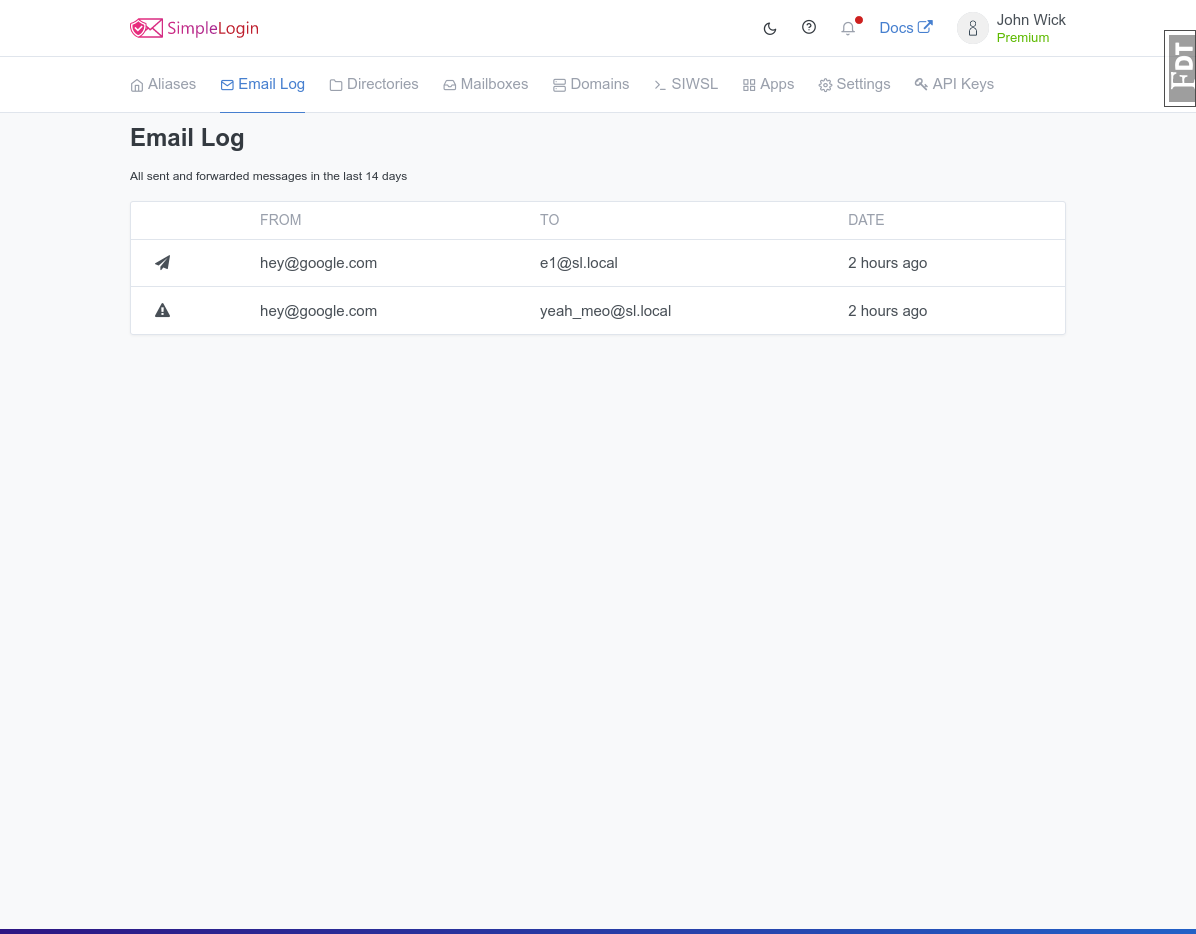
Create email log page
I sometimes get spam and find it difficult in my mail client to see which alias is actually receiving the spam. Having the full log would be nice to have to more quickly disable the alias
I understand this probably won't scale as-is, but I first wanted to discuss this a bit before putting a lot of time into this.
My plans for this:
- [ ] Paginate (of course)
- [ ] Dropdown filter (Forwarded / Bounced / Blocked / Sent)
- [ ] Add disable/enable alias button next to each received email
Screenshot:
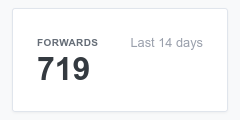
May also be worth making the boxes on the top of the aliases screen clickable instead, to not have an extra navigation option:

@TheLastProject , please check out issue 599. Would this address your need (admittedly in a completely different way)?

@TheLastProject , please check out issue 599. Would this address your need (admittedly in a completely different way)?
It would work, yeah. But it seems more complex to me and easy for things to go wrong when filtering that data back out when replying causing possible data leakage to other users. But it indeed would solve my issue.
Sorry I haven't gotten back to this, been quite busy and the current way of blocking single emails that's currently implemented in SimpleLogin is good enough for my needs. I personally would still like to see a method where I don't have to check which alias I received a spam mail on before I can block the sender, which this PR solves, but I don't think I'll have time to get back to this PR any time soon. Maybe someone else can finish it :)