
simlar-android
 simlar-android copied to clipboard
 simlar
Simlar for android
simlar-android

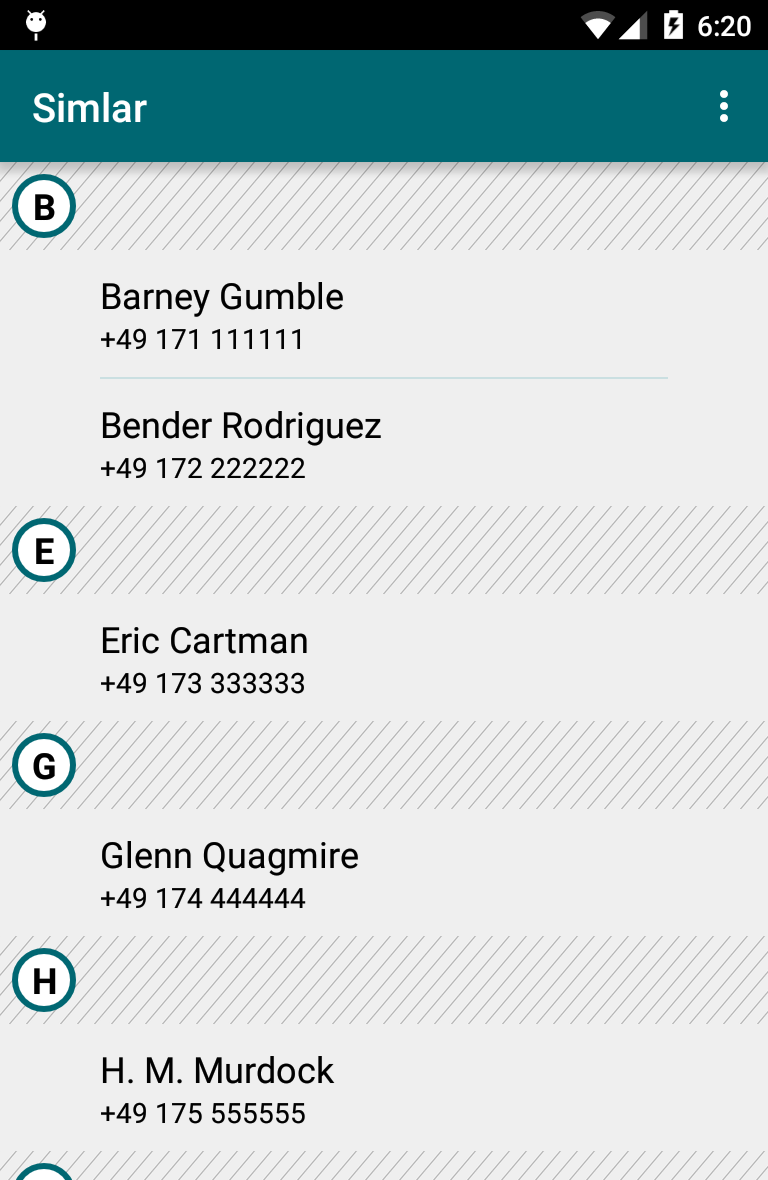
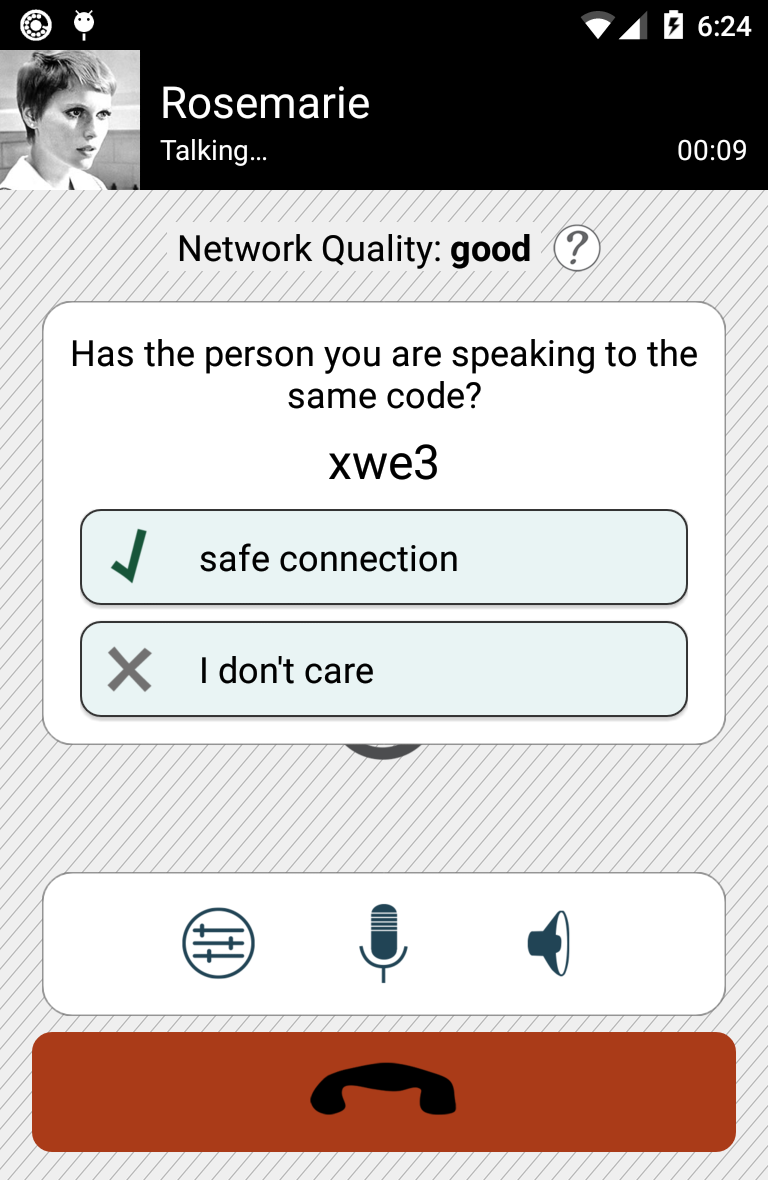
Simlar is a cross platform VoIP App aiming to make encrypted calls easy.


Build dependencies
- Java Development Kit
- Android SDK
- Android Studio
- Android Studio is not really needed but is the recommended way to hack on simlar-android.
Compile (Console)
Linux/MacOS
export ANDROID_HOME=<YOUR ANDROID SDK DIRECTORY>
./gradlew assembleDebug
Build without Google Services
./gradlew assembleAlwaysOnlineRelease -Pno-google-services
Compile and run static code analysis.
./gradlew build connectedCheck
Android Studio
Initially importing simlar-android in Android Studio, removes the inspection settings. That's why we recommend to run the following command once after importing:
git checkout .idea/
linphone-sdk
Simlar heavily depends on the linphone-sdk formally known as liblinphone. Since version 4.2 Belledonne publishes it in a maven repository. However if you would like to compile it yourself, you should start with compiling the linphone-sdk for android. Once it compiles on your system, here is a script for checking out, compile and integrate the linphone-sdk into simlar-android.
./scripts/bootstrap-liblinphone.sh origin/master
The linphone-sdk uses cmake. You may set its environment variables e.g. to compile with multiple threads.
CMAKE_BUILD_PARALLEL_LEVEL=32 ./scripts/bootstrap-liblinphone.sh
Build with docker
A docker file provides a defined build environment. You may create a simlar-android build container like this.
docker build --no-cache -t simlar-android-builder docker-files/
You may use the container to build simlar-android.
docker run --rm -v $(pwd):/pwd simlar-android-builder:latest bash -c "cd /pwd && ./gradlew --no-daemon --warning-mode all clean build connectedCheck"
However, caching gradle downloads speeds up the build, and some security options do not hurt.
docker run --cap-drop all --security-opt=no-new-privileges --rm -v $(pwd)-docker-gradle-cache:/home/builder/.gradle -v $(pwd):/pwd simlar-android-builder:latest bash -c "cd /pwd && ./gradlew --no-daemon --warning-mode all clean build connectedCheck"
It is also possible to path the keystore file to the docker container.
docker run --cap-drop all --security-opt=no-new-privileges --rm -v $(pwd)-docker-gradle-cache:/home/builder/.gradle -v $(pwd):/pwd -v ${SIMLAR_ANDROID_KEYSTORE_FILE}:/android-release-key.keystore -e SIMLAR_ANDROID_KEYSTORE_FILE=/android-release-key.keystore -e SIMLAR_ANDROID_KEYSTORE_PASSWORD simlar-android-builder:latest bash -c "cd /pwd && ./gradlew --no-daemon clean assemblePushRelease"
The container can build liblinphone, too.
docker run --cap-drop all --security-opt=no-new-privileges --rm -v $(pwd)-docker-gradle-cache:/home/builder/.gradle -v $(pwd):/pwd -e CMAKE_BUILD_PARALLEL_LEVEL=16 simlar-android-builder:latest bash -c "cd /pwd && ./scripts/bootstrap-liblinphone.sh"
License
Copyright (C) The Simlar Authors.
Licensed under the GPLv2 or any later version.
 simlar