

 signalapp
New Contact Picture on Phone Overrides ALL Contact Pictures on Desktop
- [X] I have searched open and closed issues for duplicates
- [X] I am submitting a bug report for existing functionality that does not work as intended
- [X] I have read https://github.com/signalapp/Signal-Android/wiki/Submitting-useful-bug-reports
- [X] This isn't a feature request or a discussion topic
Bug Description
I recently added a new contact on my phone, with a contact picture. When Signal on my desktops next synced, ALL of my contacts now use the new contact's picture. A re-sync of the contacts doesn't fix. Neither does removing contact permissions in Android settings. I also attempted a reinstall and whatever cache was left on my computer still referenced the same picture.
This issue was submitted on the Desktop issue tracker and doesn't appear to be a Desktop bug.
Steps to Reproduce
- Add new contact on Android.
- Add picture to contact.
- Sync contacts on Desktop.
Actual result: All contacts have the new contact's picture Expected result: Contacts should retain their contact picture.
Screenshots
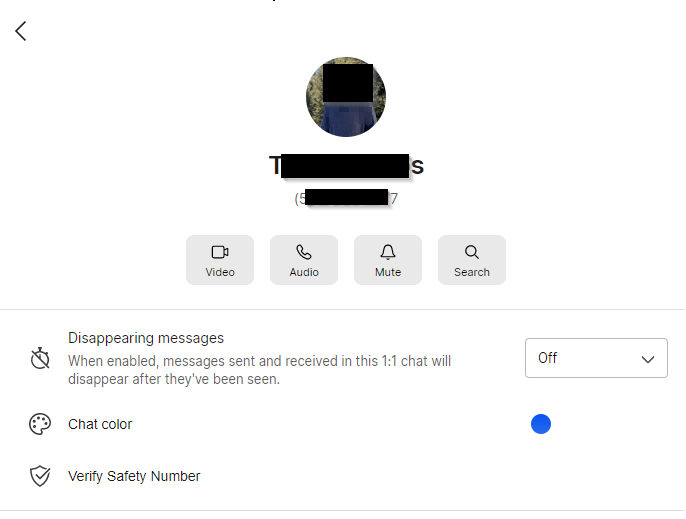
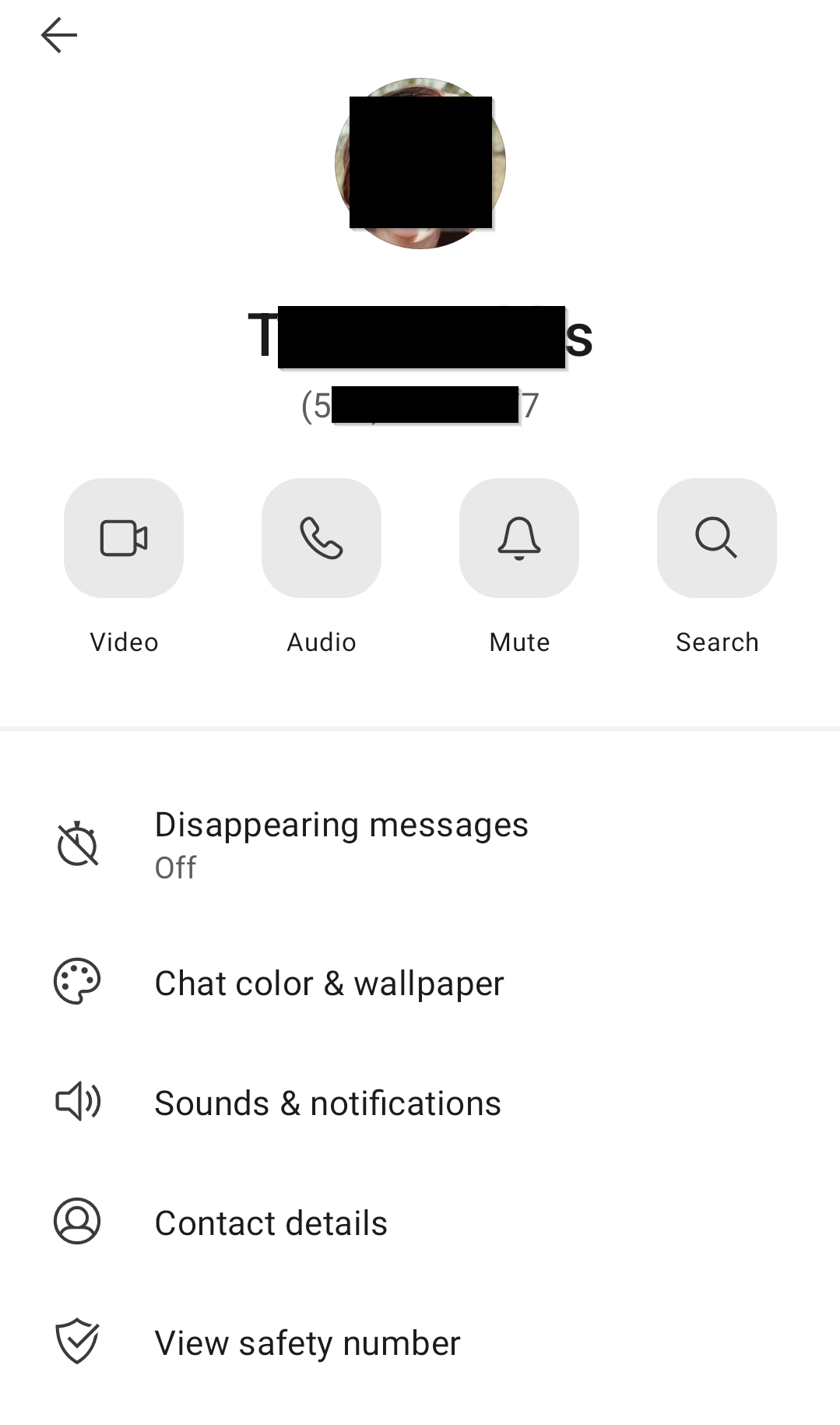
Device info
Device: Google Pixel 5 Android version: Android 12 Build SP2A.220305.012 Signal version: 5.34.5
Link to debug log
Windows: https://debuglogs.org/desktop/5.34.0/3423368badfd2982544f12b2379fcf99a98e591d02b926c39cc0b6a6d8cf15ce.gz
Android: https://debuglogs.org/android/5.32.15/06b46ef7c7661d221f84b399fb2682c49f1467971d4ef7b49fda36d6d2443197

Hi there, are all of the contact photos on android correct? Is it just desktop that has the wrong photos?

Hi @greyson-signal, yes, everything is correct on Android and Desktop has the wrong photos. Scott over on the Desktop forum thinks it may be something in how Android is preparing or pushing the contact data over to Desktop as we couldn't find anything on the desktop side causing an issue.
@greyson-signal: here's some new info. I had to fully wipe and reset my laptop. When I reinstalled Signal and re-paired to my phone, this issue persisted, leading me to agree with Scott's assessment that this is likely something corrupted in the Android app.
I have the same issue with Signal Desktop and one interesting thing is, that the picture, which is wrongly used for multiple contacts, is also shown in another Android app (FairEmail) for wrong contacts.
So maybe Android itself provides a wrong picture and the apps just show what they get?
