
WidgetToggler
 WidgetToggler copied to clipboard
 sieren
macOS Sonoma Widget Toggler for the Tray Bar - Easily Show and Hide Widgets
WidgetToggler
WidgetToggler is a light-weight tray-bar application for macOS Sonoma that allows users to quickly hide all widgets, for example when screen-sharing. Update: When sharing screens in meetings, macOS Sonoma+ will automatically not share the Widgets, even though you as a user can still see them.
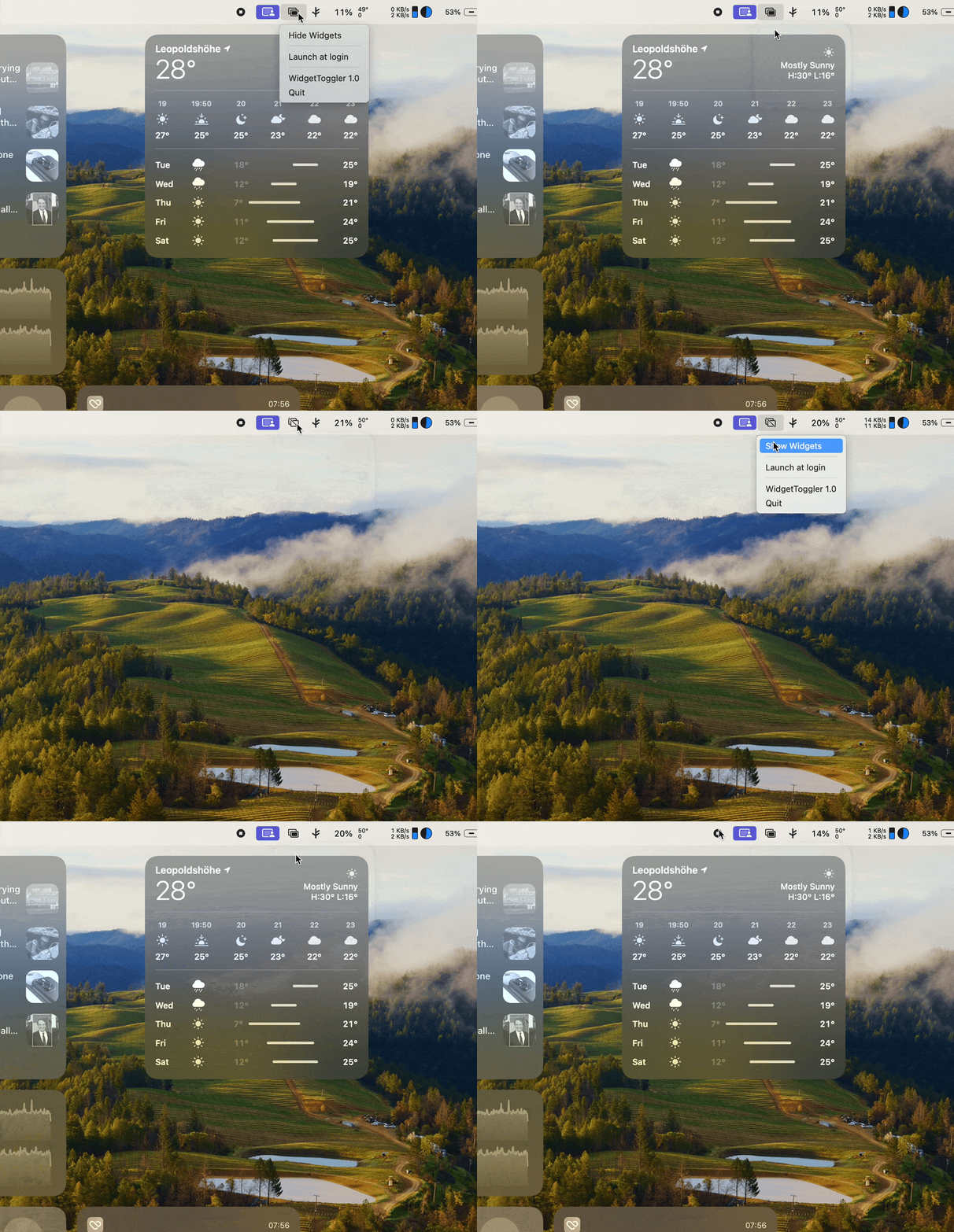
Features
- Individual toggles Widgets for Desktop and Stage Manager ✅
- Toggle widgets via global shortcut ⌘⌃w ✅
- Use macOS Focus Filters to determine when to show widgets ✅
- Launch at Login ✅
Requirements
- macOS 14.0+
- Xcode 15.0+
Installation
Download WidgetToggler from Releases, unzip and drag to Applications.
Toggling Widgets from CLI
In order to manually toggle widgets from the command line, the following defaults will toggle widgets shown on desktop. 0 is being used to show widgets, 1 is being used to hide them.
Desktop
defaults write com.apple.WindowManager StandardHideWidgets -int 1
Stage Manager
defaults write com.apple.WindowManager StageManagerHideWidgets -int 1
License
WidgetToggler is available under the Apache 2.0 license. See the LICENSE file for more info.
 sieren