

 shellyln
Cannot load Vue devtools
Hey, I tried to add the vue devtools from @MarshallOfSound/electron-devtools-installer. I also installed the @types/electron-devtools-installer.
I took your template and added this line at the top of src.mainproc/main.ts :
import installExtension, { VUEJS_DEVTOOLS} from 'electron-devtools-installer';
and these lines in the same file :
app.on('ready', function() {
  // ...intercept file protocol
  createMainWindow();

  if (process.env.NODE_ENV !== 'production') {
      installExtension(VUEJS_DEVTOOLS)
          .then((name: any) => console.log(`Added Extension:  ${name}`))
          .catch((err: any) => console.log('An error occurred: ', err));
  }
});
But when I launch the app in dev mode the devtools don't load. The Vue tab doesn't appear in the Developer Tools in electron.
I also tried with REDUX_DEVTOOLS and it works.
I disabled dark mode bc I know it caused issues in the past.
Win ver : 10 20H2
Am I missing something ? Ty

vuejs/vue-devtools seems to use chrome.runtime.getURL() and accept permission file:///* in the manifest.
(and redux-devtools-extension doesn't use it.)
Please comment out protocol.interceptFileProtocol('file', ...) and check Vue devtools appears or not.
(I have not installed and checked it.)
// src.mainproc/main.ts

// protocol.interceptFileProtocol('file', (req, callback) => {
//     ...
// });

HI, I've also been trying to get it to work for two days now, but unfortunately it's not working.
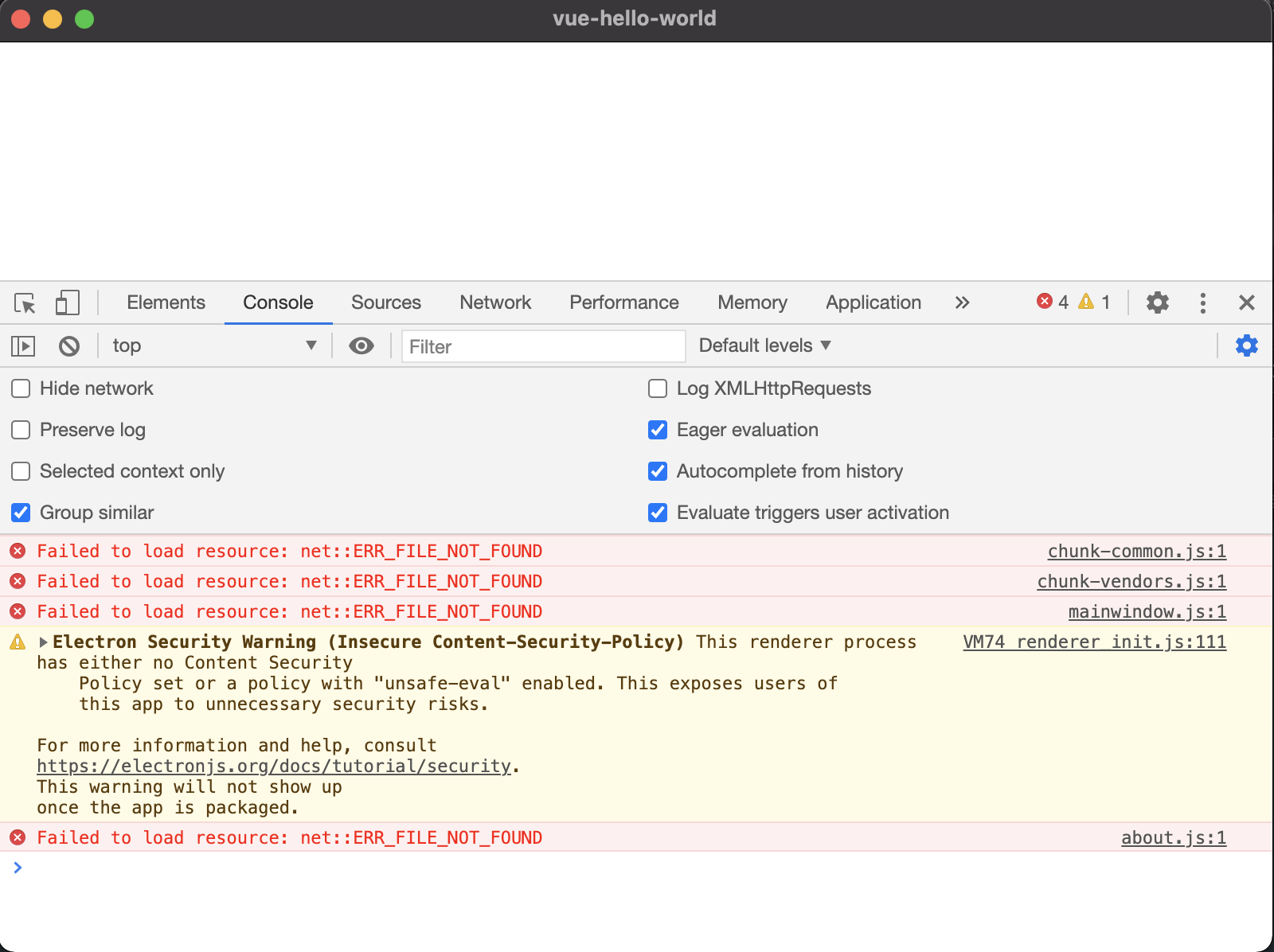
I tried to comment the "interceptFileProtocol" but I have loading errors (image 1).
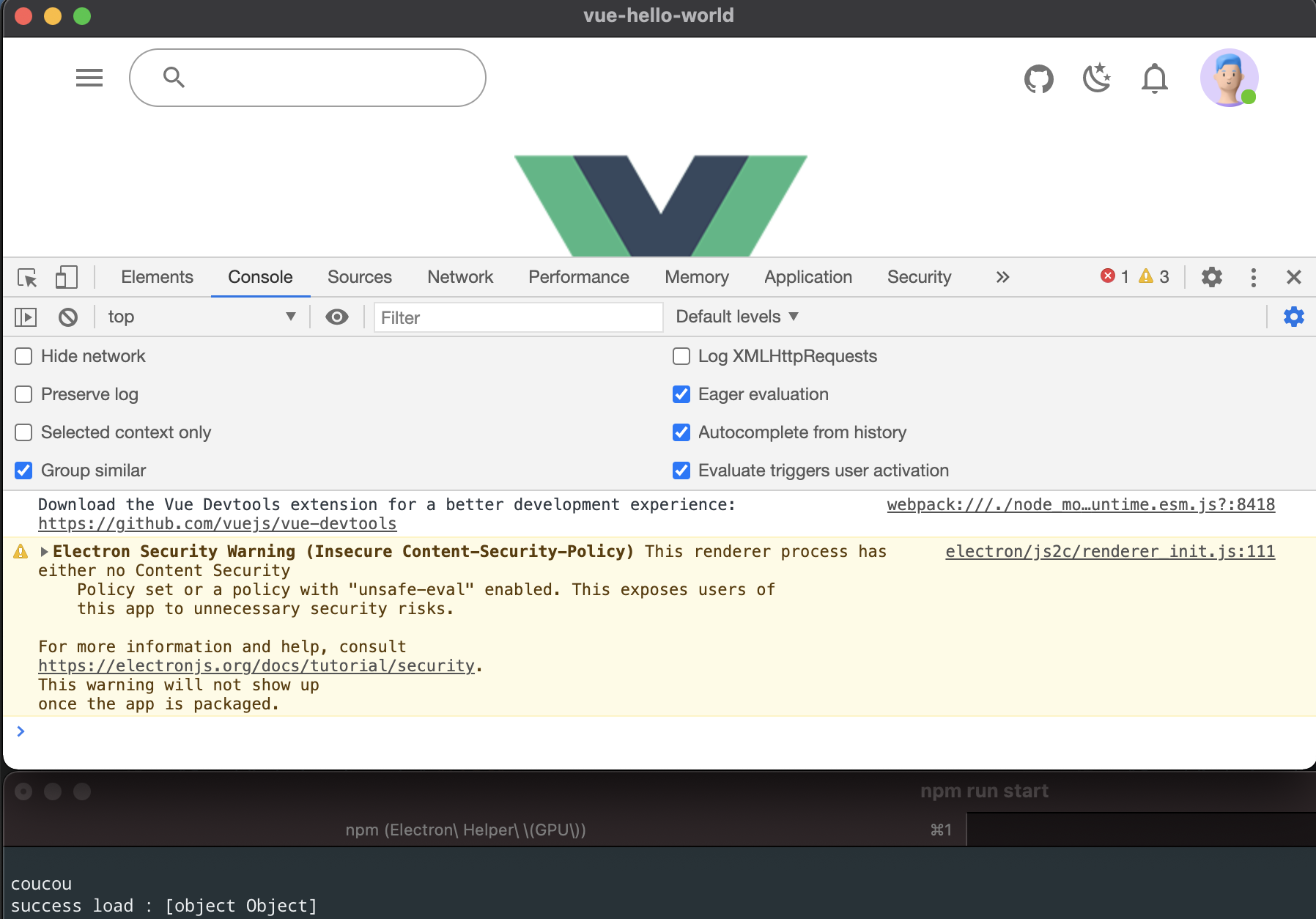
Then I tested several ways but always the same problem the library load well but in the inspector I always have the indication to download dev-tool while the loading of is a success.(image 2)
could you help me to make it work? A big congratulations for this starter that I appreciate very much it would just miss the dev-tool to improve the development of the application :) Thanks again.
try {
    var result = await mainWindow.webContents.session.loadExtension(path.resolve(__dirname, '../src.mainproc/lib/vue-devtools/nhdogjmejiglipccpnnnanhbledajbpd'));
    if (result) {
          console.log("success load : " + result)
    }
} catch (e) {
        console.error('Vue Devtools failed to install:', e.toString())
}
 >
>

Maybe you can use devtools if you set Content Security Policy.
https://github.com/shellyln/vue-electron-typescript-quickstart/blob/523b911fb9a40825b13e27590ddd6aec771c2204/src.mainproc/windows/MainWindow.ts#L52-L71
How about changing this to the following?
https://github.com/shellyln/mdne-electron/blob/34f062125a8f7048cfc005f731be881852a3d746/src.mainproc/windows/MainWindow.ts#L71-L85