
gohttplib
 gohttplib copied to clipboard
 shazow
Server port is still in use after killing the application.
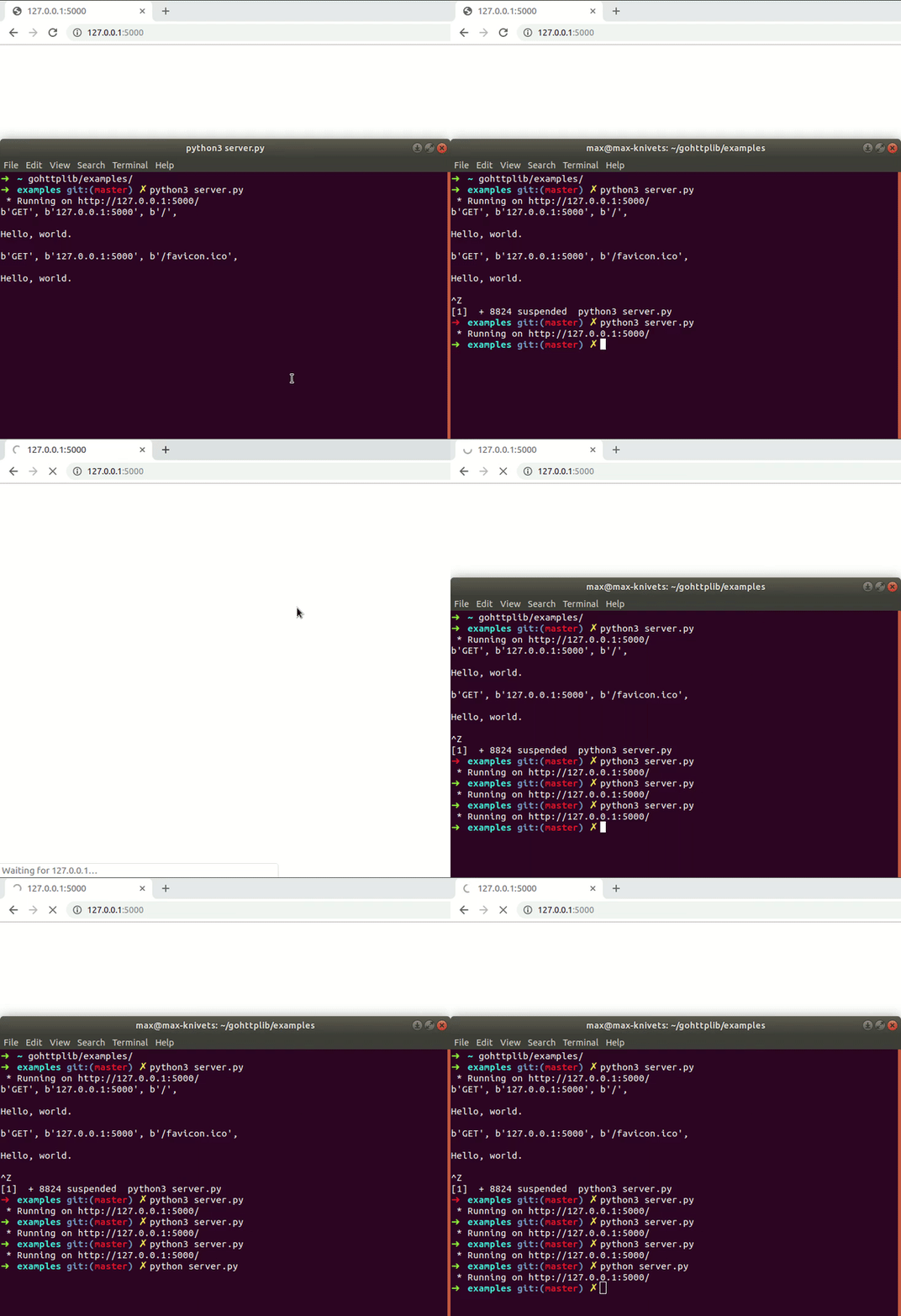

Hard to figure out what's going on in the diff since it's moving so quickly, could you spell it out for me please? Steps to reproduce, etc.

I ran the application, and then killed it. The port is still going to be in use after doing this, so you won't be able to run the application again.
@maxknivets Please include the actual code (what's inside server.py?) and commands you ran, what version of Python, what operating system, etc.
Basically make it as easy as possible for other people to reproduce what you did, without trying to guess.
Here's me failing to reproduce on Linux (NixOS fwiw) with Python 3.7.4:
$ cd examples/python
$ python -m gohttp
And in another terminal:
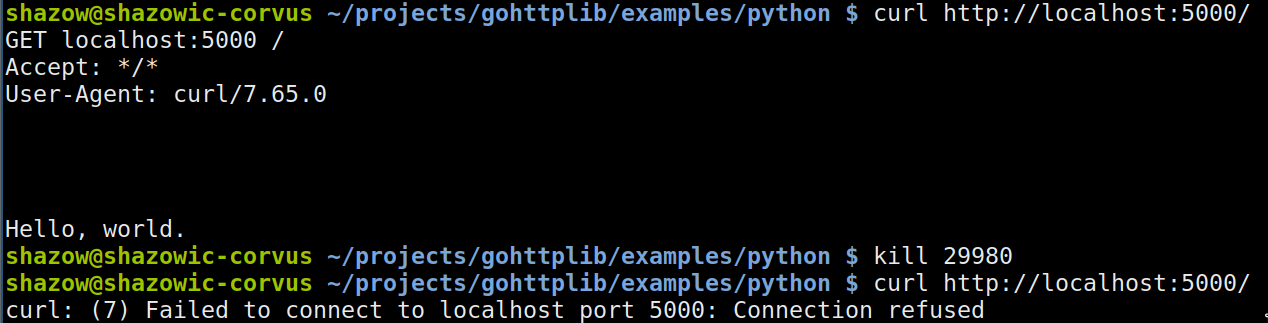
Admittedly CTRL+C doesn't work for killing the process, but that's more related with cross-boundary signal handling issues.
Alright, I see.
- The server.py file:
https://gist.github.com/maxknivets/6c18935505f45121c278b211774e02c6
- Python version:
My current python version is 3.6.7, but the identical issue also happens on 2.7.15rc1.
- Commands I ran:
$ cd examples/python
$ python3 server.py
(after killing the application via CTRL + Z, the server won't run anymore)
- OS:
My OS is Linux (Ubuntu 18.04).
Hope this helps!
FYI: Ctrl+Z will suspend your application, which is different from closing/killing the application. This means it will be suspended to the background. I'm not fully sure what linux does with the port in this case, but I'd assume it's not fully released, as the application using it is still 'alive'.
