

 shanalikhan
sync not happening and getting the popup on open
🐛 Describe the bug
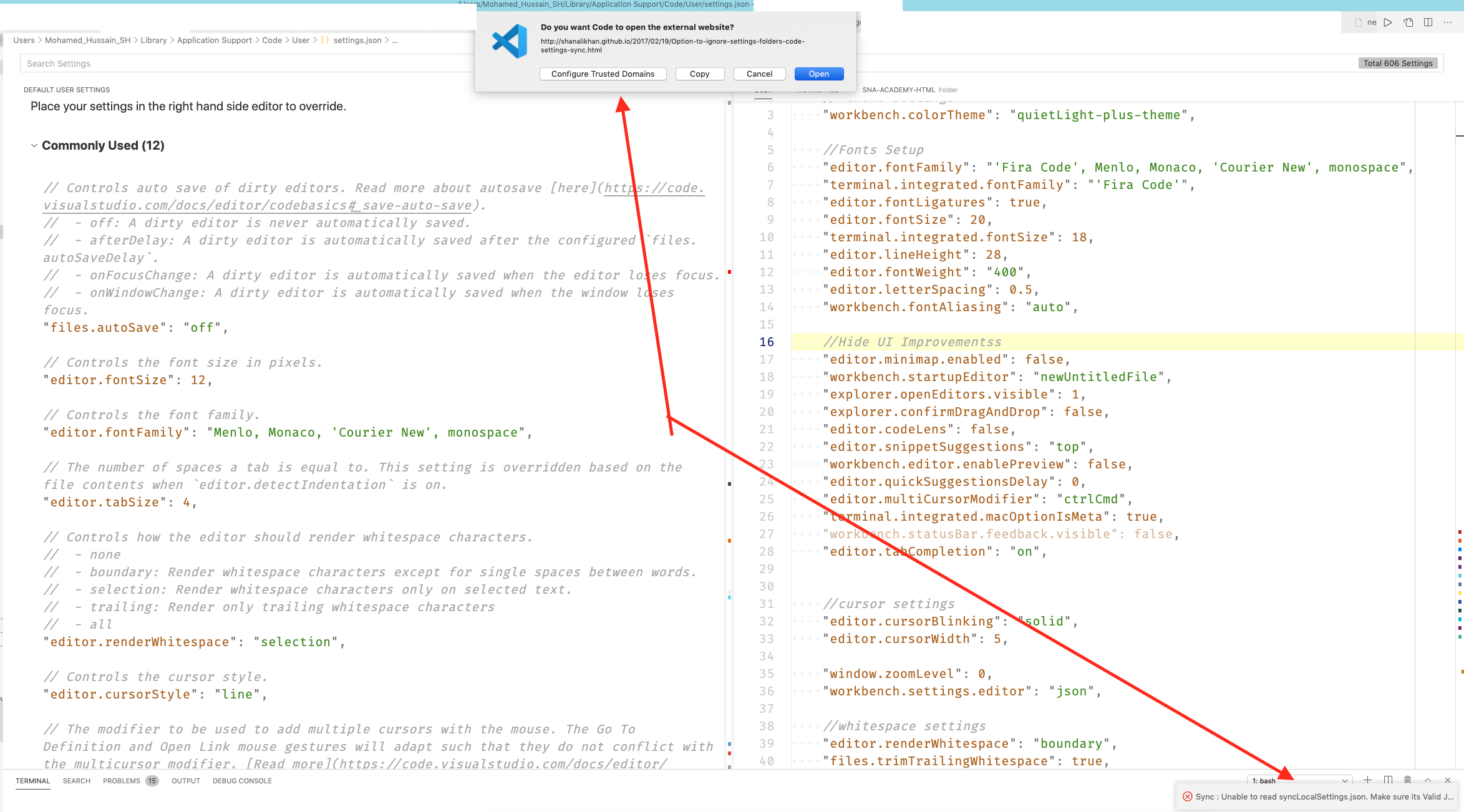
I am using the settings-sync successfully without any issue until last week, I am getting this popup when i start vs code, see the screenshot attached and settings are not syncing
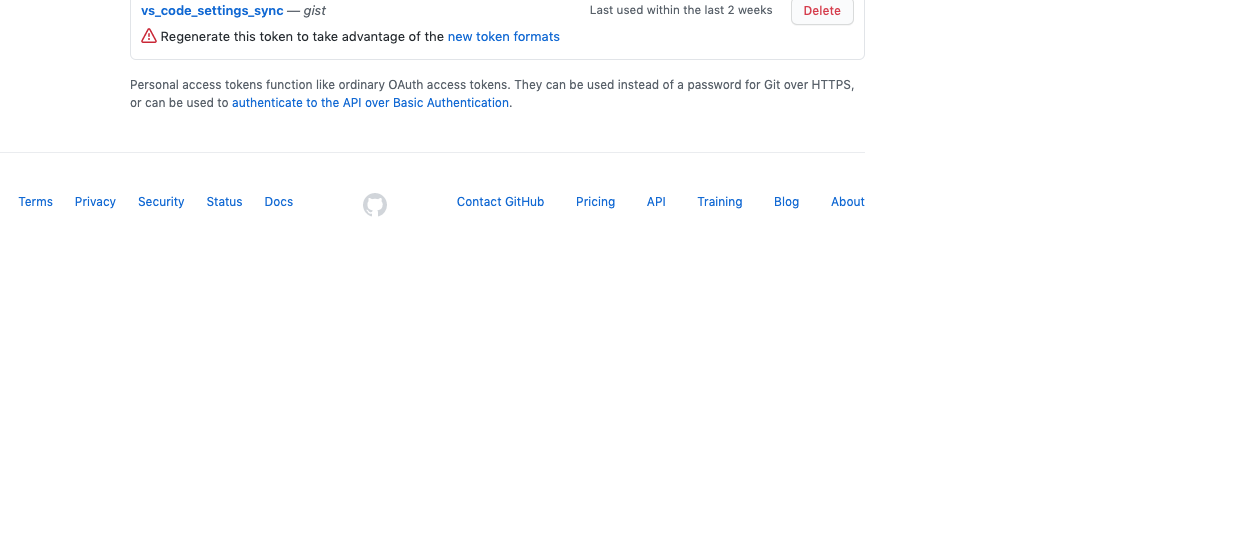
Is it anything related to the github token format, in that token page https://github.com/settings/tokens , near the token which I was using successfully I am seeing warning about the token, see the screenshot
🌴 Visual Studio Code Version : [ 1.5.4 ] 🌴 Code Settings Sync Version : [ VERSION_HERE ] 🌴 Standard or Insiders : [ standard ] 🌴 Portable or Installed : [ installed ] 🌴 OSS or Official Build : [ official ] 🌴 Operating System : [ mac ] 🌴 Occurs On: [when I open vs code ] 🌴 Proxy Enabled: [ No ] 🌴 Gist Id: [ 70ef7bc39ba0d0ec383bb2fde049d070 ]
📰 To Reproduce Steps to reproduce the behavior:
- when i open vs code
💪 Expected behavior No such popup when i open vs code and the sync happens with github gist on any settings chnage
