
shadowsocks-android

shadowsocks-android copied to clipboard
 shadowsocks
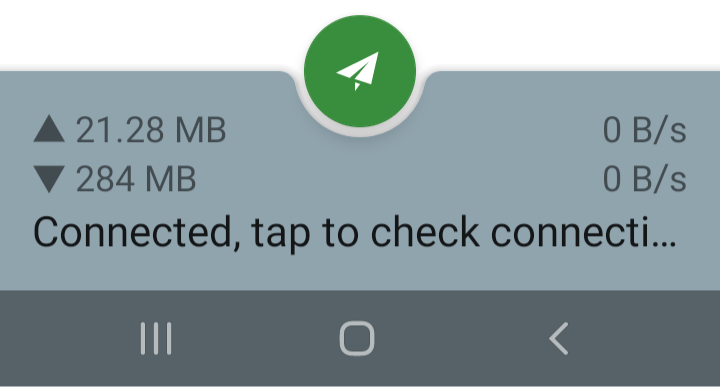
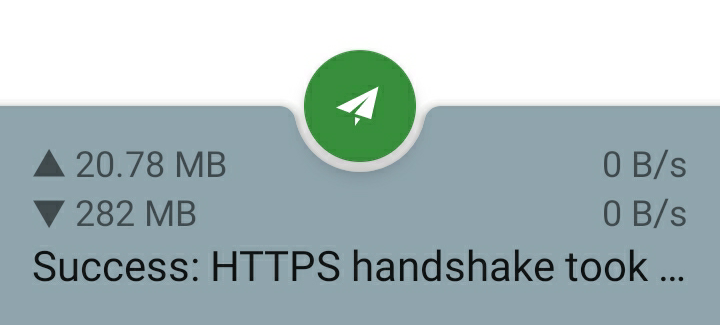
"HTTPS handshake took .." info cannot be wrapped around to 2nd line
Describe the bug A clear and concise description of what the bug is.
To Reproduce Steps to reproduce the behavior:
- Open Shadowsocks app
- Click on bottom of the screen "Connected, tap to check ..."
- "Success: HTTPS handshake took ..." info cannot display the 2nd line
Expected behavior The info should be displayed in full.
Screenshots
Smartphone (please complete the following information):
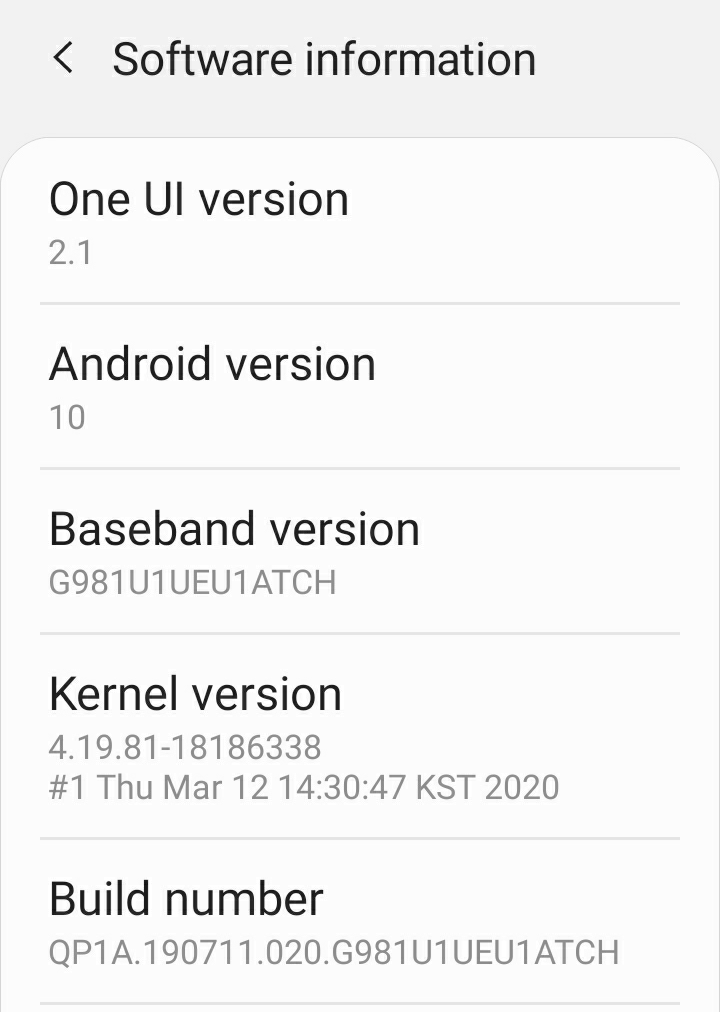
- Device: Samsung S20
Configuration
I don't believe configuration is related here.
Put an x inside the [ ] that applies.
- [ ] IPv4 server address
- [ ] IPv6 server address
- [ ] Client IPv4 availability
- [ ] Client IPv6 availability
- Encrypt method:
- Route
- [ ] All
- [ ] Bypass LAN
- [ ] Bypass China
- [ ] Bypass LAN & China
- [ ] GFW List
- [ ] China List
- [ ] Custom rules
- [ ] IPv6 route
- [ ] Apps VPN mode
- [ ] Bypass mode
- Remote DNS: 8.8.8.8
- [ ] DNS over UDP
- Plugin configuration (if applicable):
- [ ] Auto Connect
- [ ] TCP Fast Open
- If you're not using VPN mode, please supply more details here:
Additional context Issue should be related to system font size/zoom. If changed the font to minimum, the info can be displayed on a single line. However it should be able to show up properly even on two (multiple) lines.
