

 sentharn
Blender 3.2 Eevee Animation Render - Shape Keys not animating when Particle Normals checkbox is checked
This could be an environmental issue or PEBCAK but my initial fur render tests look good, but I noticed that none of my shape keys were animating with a test animation I tossed on my model (effectively these are ARKit blendshapes/shape keys that I use for facial motion capture via Rokoko).
Toggling the Particle Normals checkbox off seems to resolve the shape key animation issue.
Currently testing on the latest version of Blender stable.
I can't share the blend file unfortunately but if there are things I can provide that would help shed some light on what's going on, let me know!

Interesting! What version of the addon are you using? I pushed a few changes yesterday to fix an issue with drivers.
What does the system console say? (Window -> Toggle System Console, or start from command line on Linux)

I was using the latest one published for release but I went ahead and updated the addon with what you pushed out yesterday this morning and re-tested. Attached are two logs with it enabled/disabled respectively just manually cancelling after 15 frame (once it hits frame 1022 it's pretty apparent there's a problem as the blink shape key isn't being triggered.
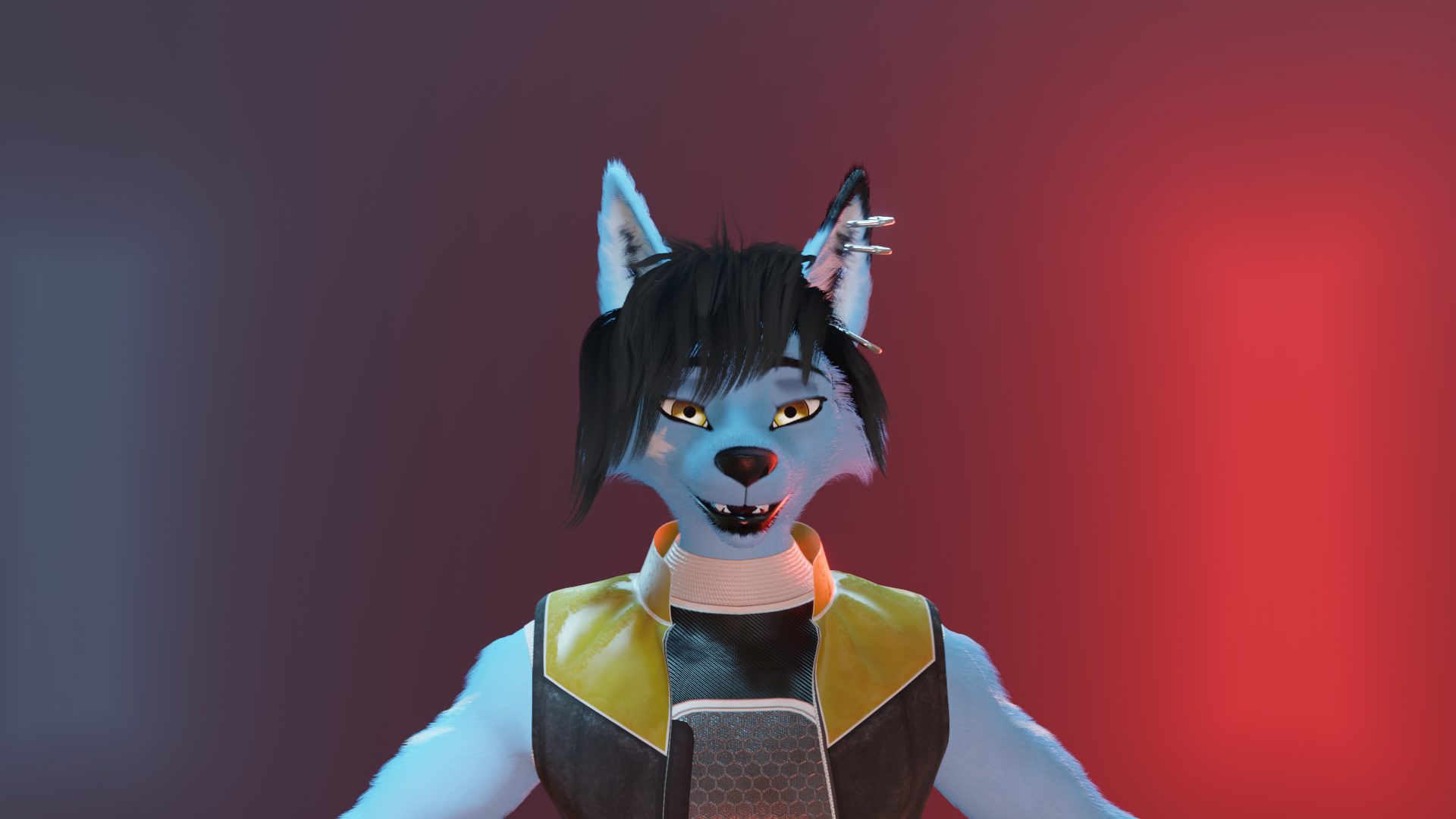
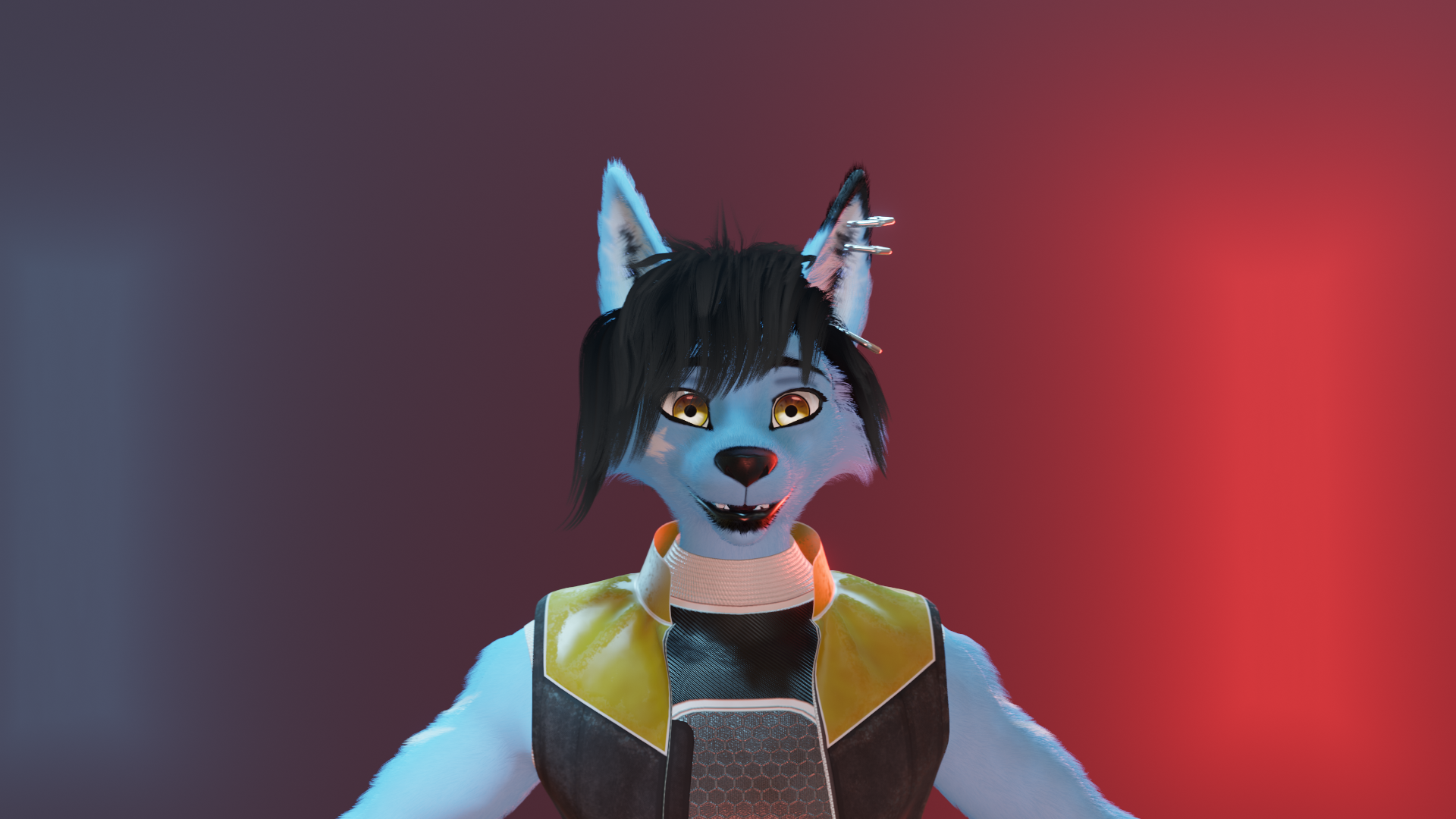
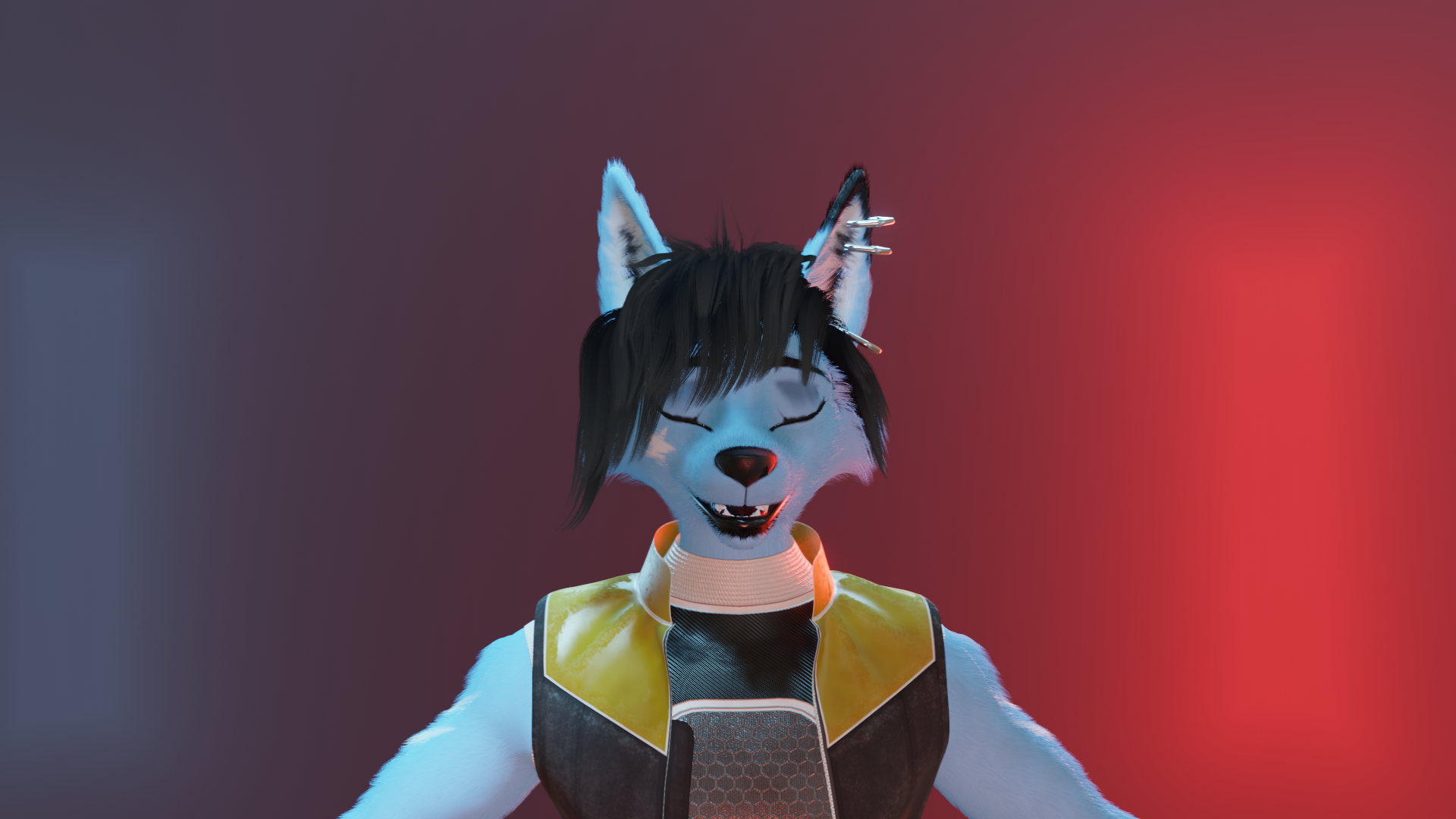
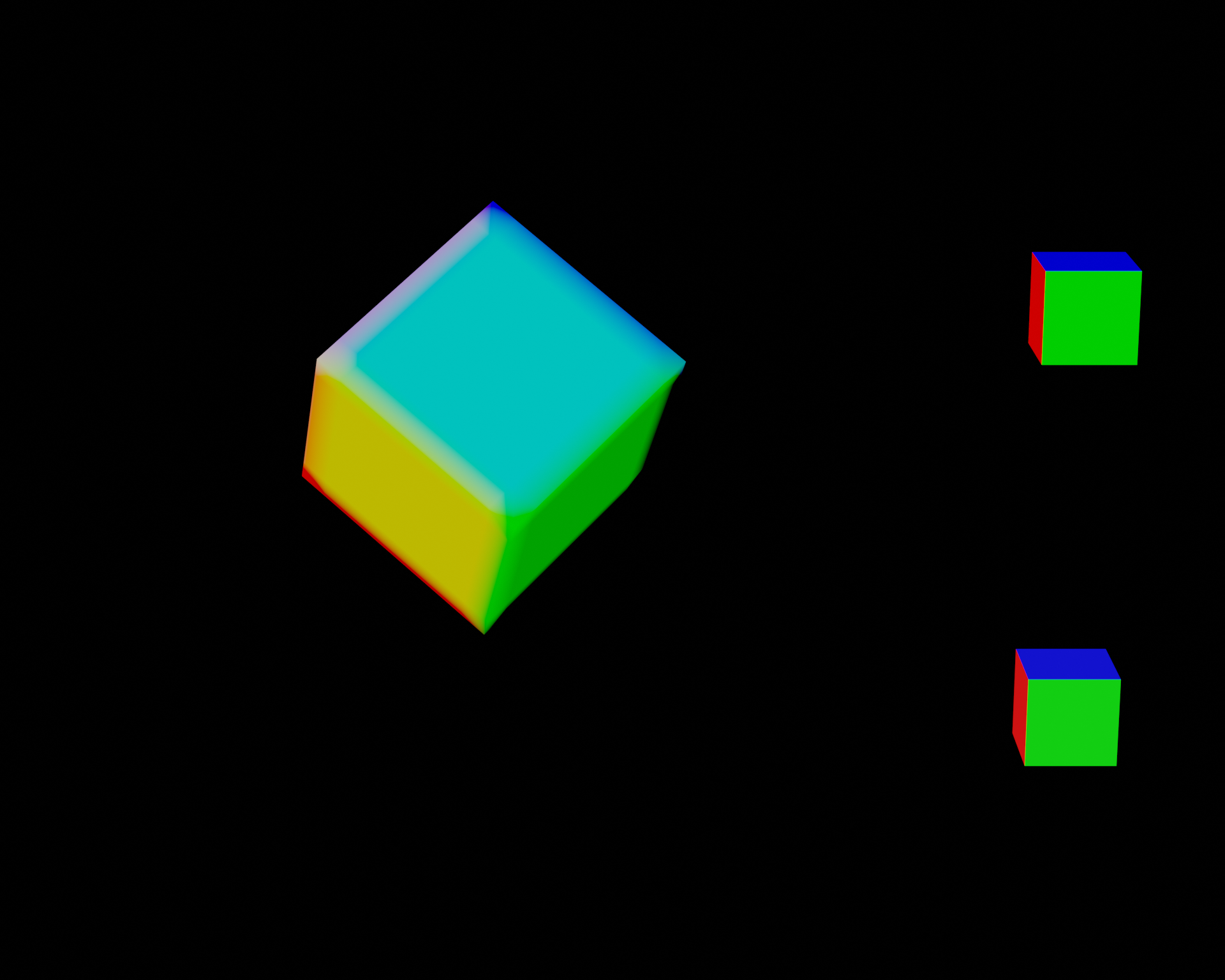
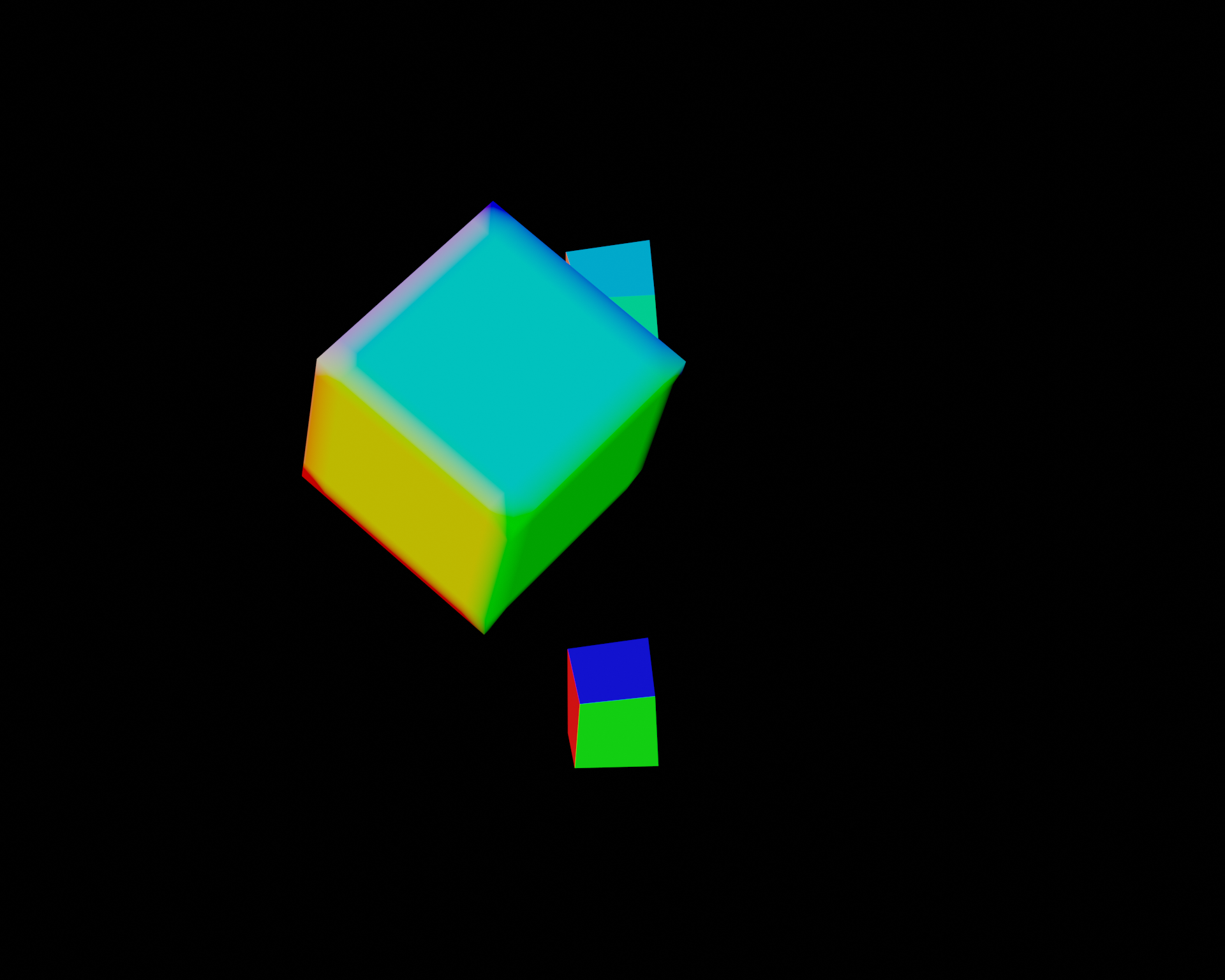
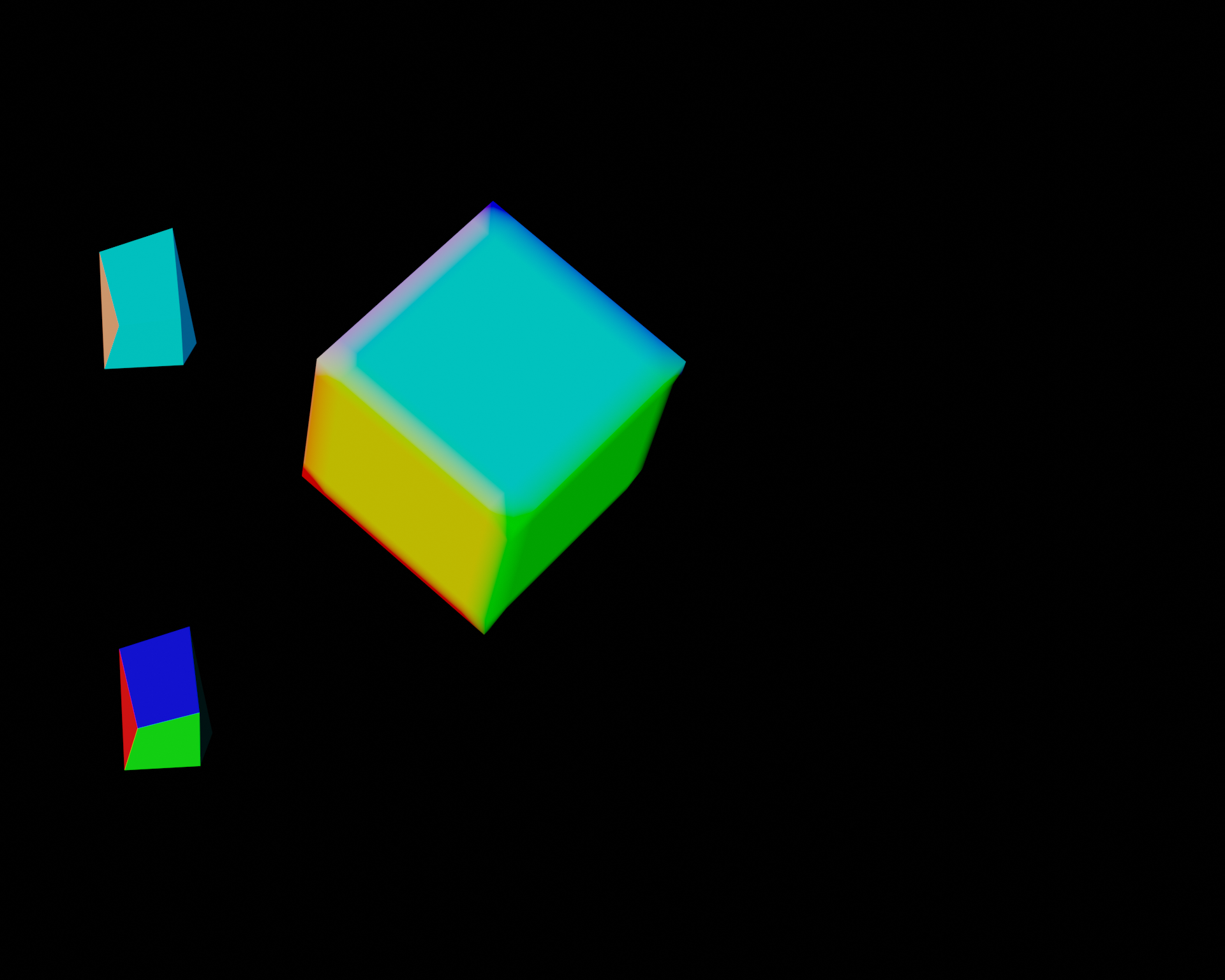
In addition, some behavior I noticed is that if I start rendering an animation from a later frame (in the case below, starting from frame 1033) the shape key settings are from whatever frame the animation was started on. So 1024 disabled is with the Particle Normals checkbox disabled and the shape keys are correct. 1024 enabled is incorrect and showing the shape key from frame 1015 (where I started the animation from) and 1024 enabled start frame 1033 and showing the shape keys from frame 1033.
So my best guess is that it's only using the shape keys from whatever frame you have selected in the editor. encode_normals_enabled.log encode_normals_disabled.log
1024 disabled:
 1024 enabled:
 1024 enabled start frame 1033:
Are the shape keys animated by a driver on the shape key value? I had to do some interesting things to disable and re-enable "generative" modifiers and their drivers, although I only see it turning Mask modifiers off and on in the log. And no crashes, which is a nice change. :P
This will help me set up a local test case for testing later today.
No drivers on the shape keys - I have lots of drivers on bones themselves (mostly corrective tweak bones and IK/FK swaps) but nothing that should affect the shape keys IMO.
And thanks for all the fast responses!
So I did more testing and I have a feeling it's the "lock interface" that's causing an issue. If I enable the lock interface, then enable Particle Normals and get it setup, then uncheck the Render -> Lock Interface it seems like the shape keys are animating again (at least in an initial test).
It's almost as if when both are enabled it's skipping the shape key updates.
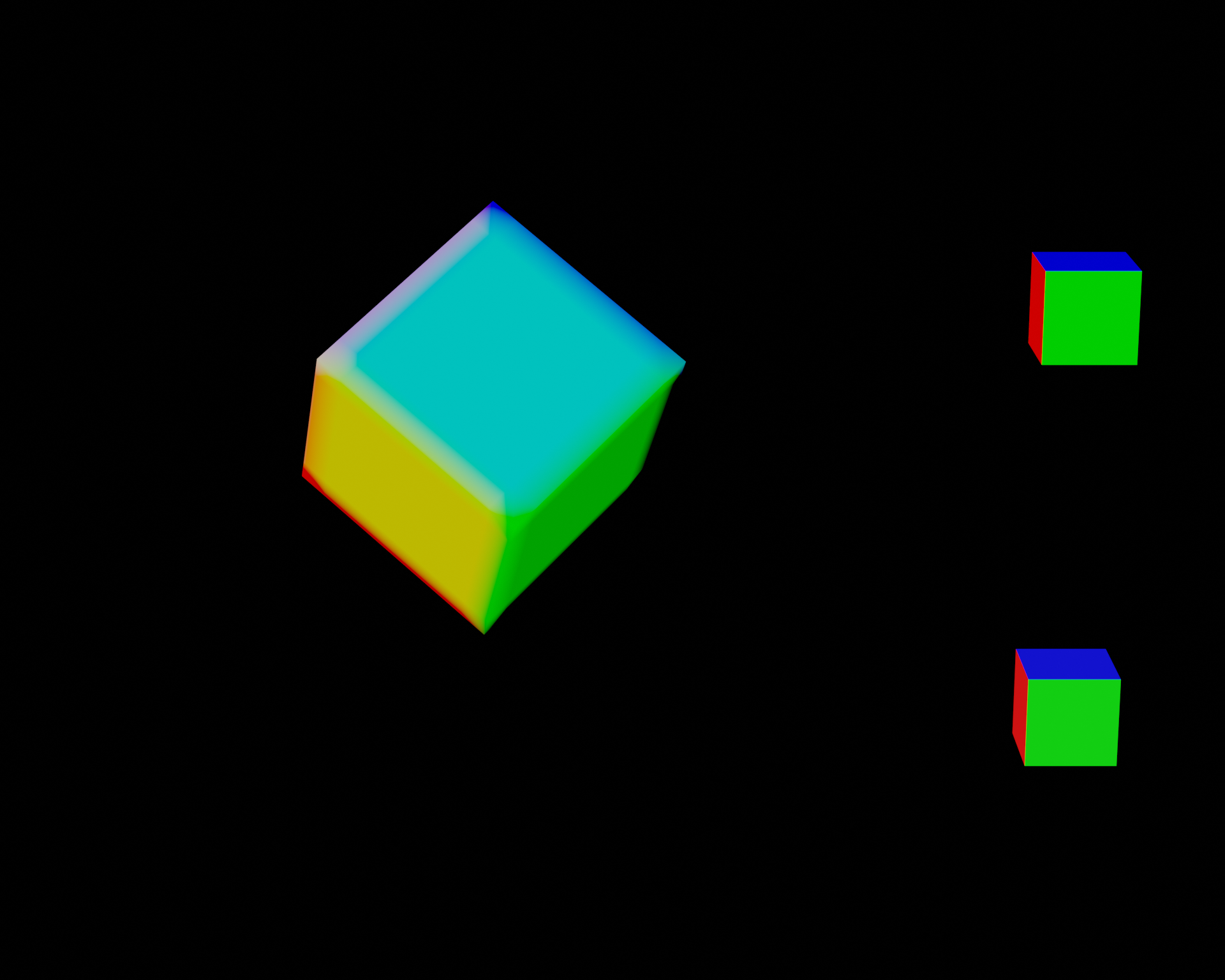
Very strange. How are the shape keys being animated exactly? I have a test case file that I use here. Both cubes have a shapekey that is animated by me putting keyframes directly on the value. The top one shows the normal normals, the bottom one shows computed normals. They won't sync in viewport but they should match in rendered view. I'd be interested to hear if the problem is still happening with this simplified case.
Are you doing a full render, or a viewport render?
I'm running out of ideas at the moment...
Doing a full render - just opened up the blend file you provided and the output is below, definitely different than what I got in the viewport. But then I ran it again and got a slightly different result! Then the 3rd set is if I disable particle normals.
First run:
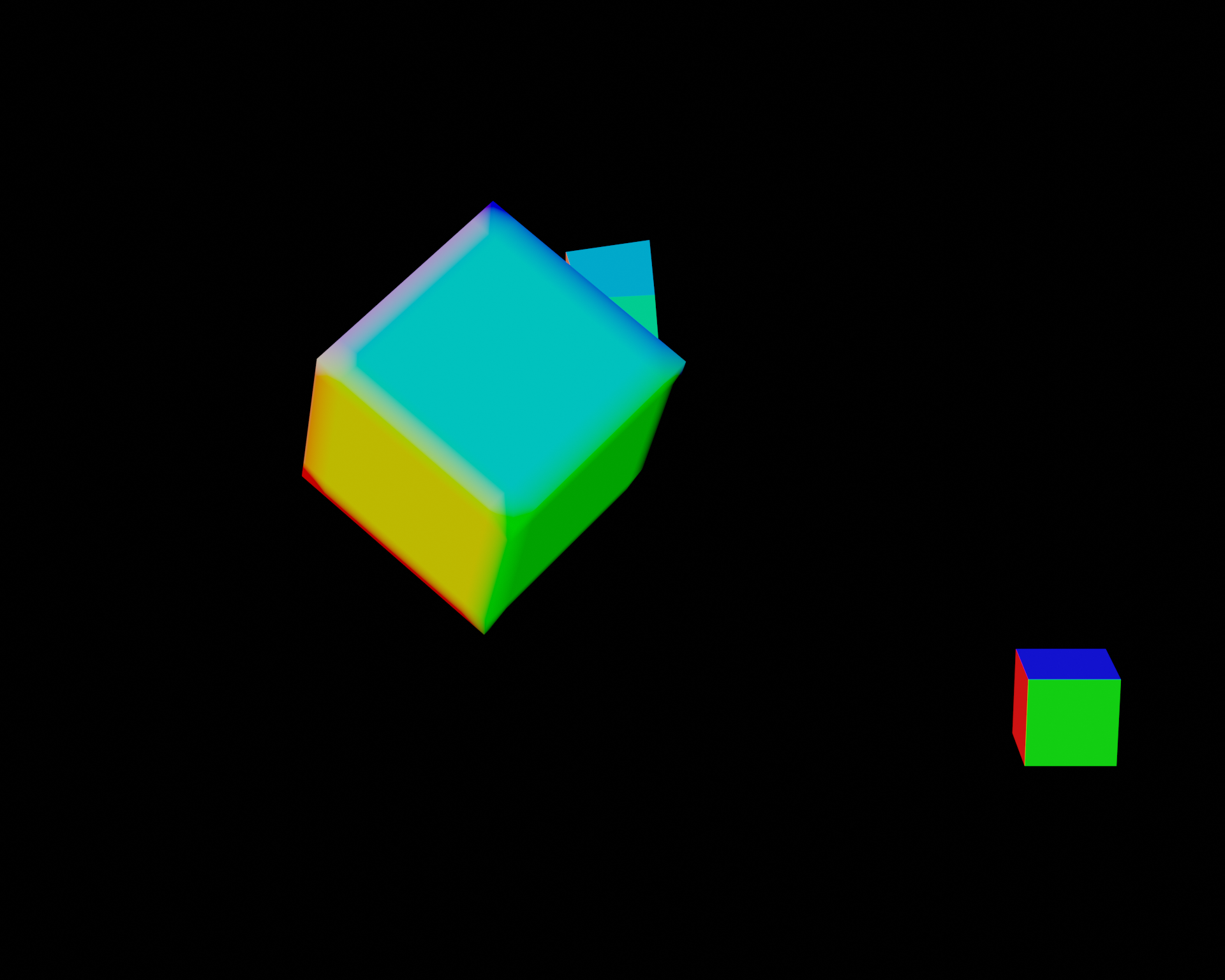
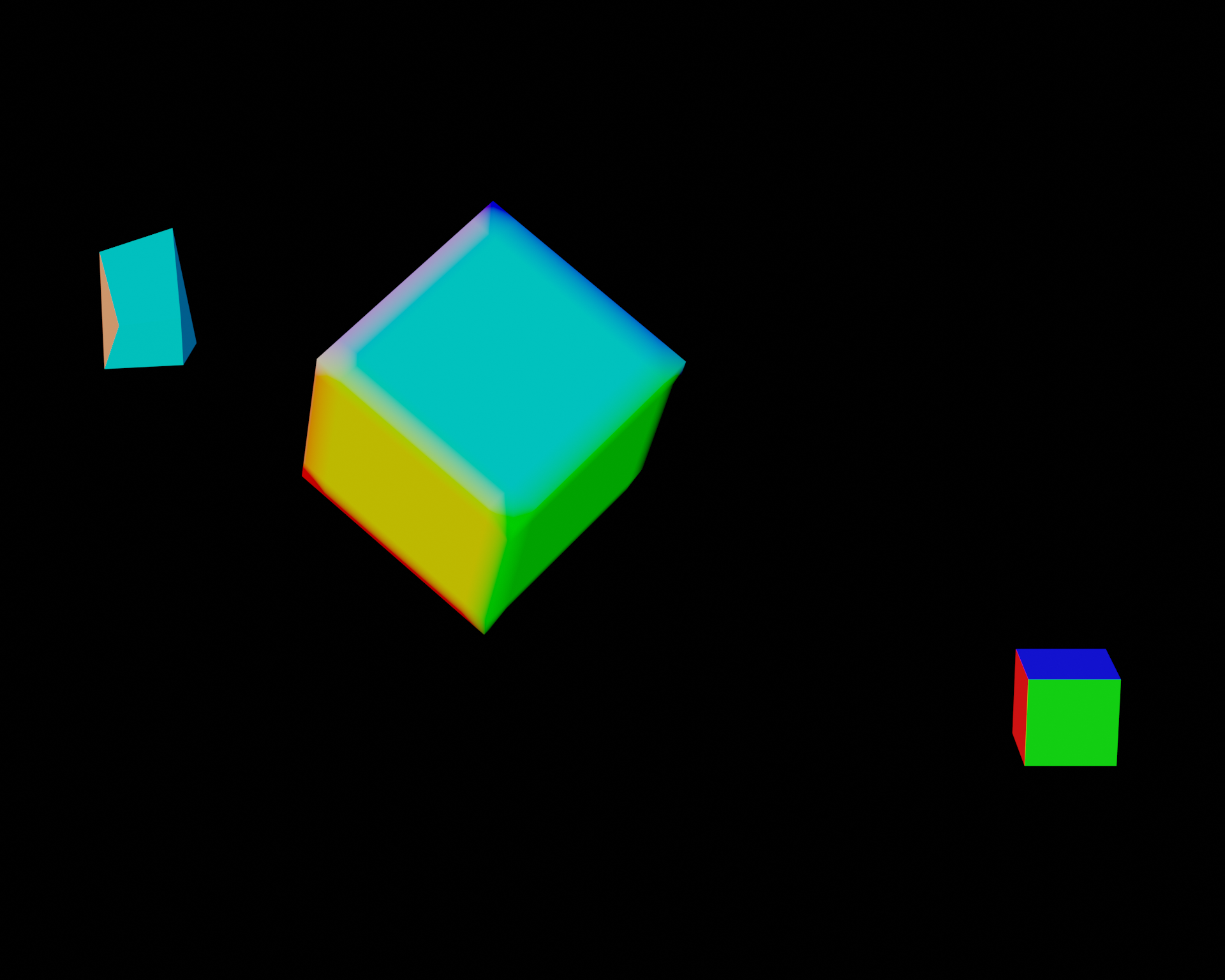 Second run:
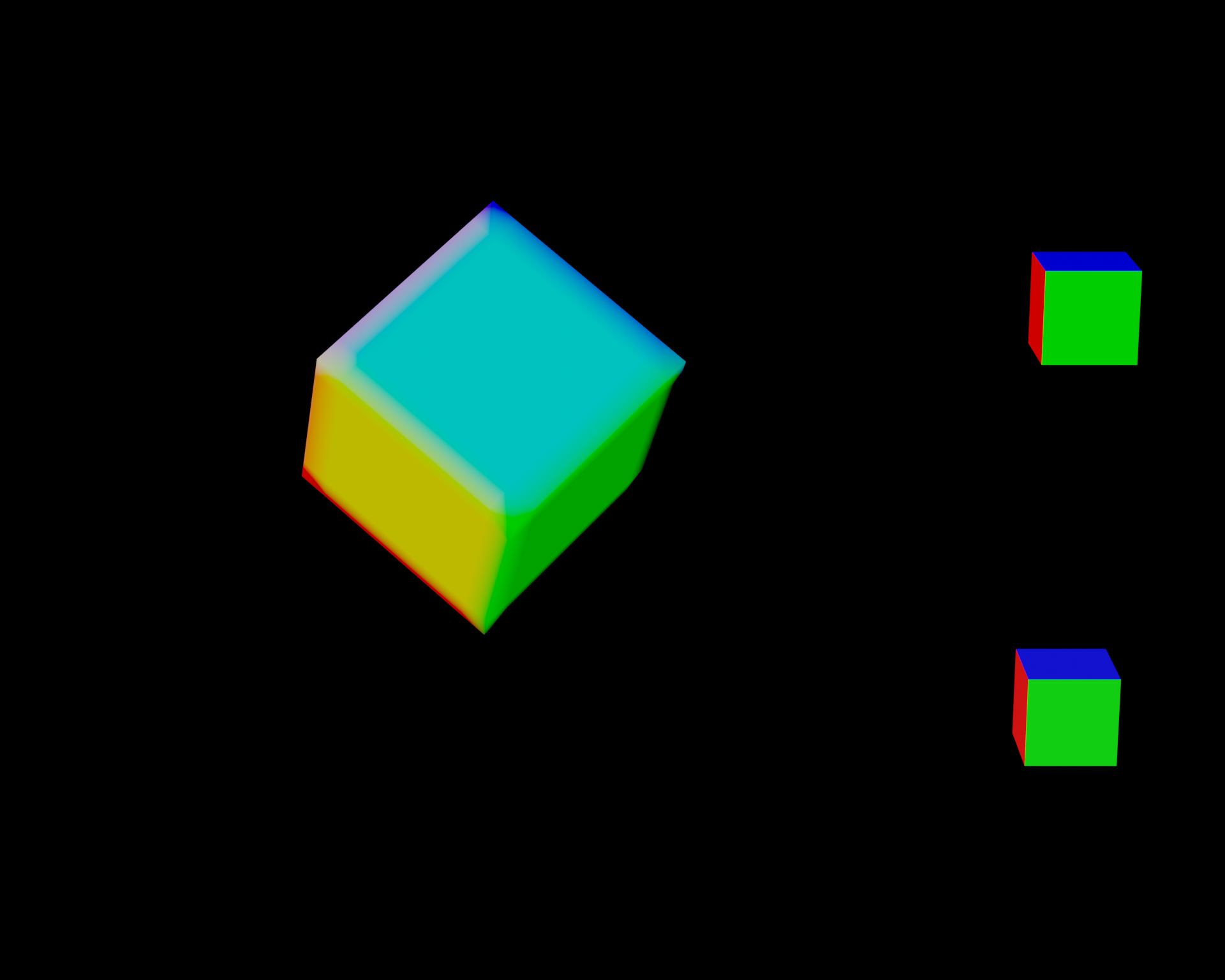
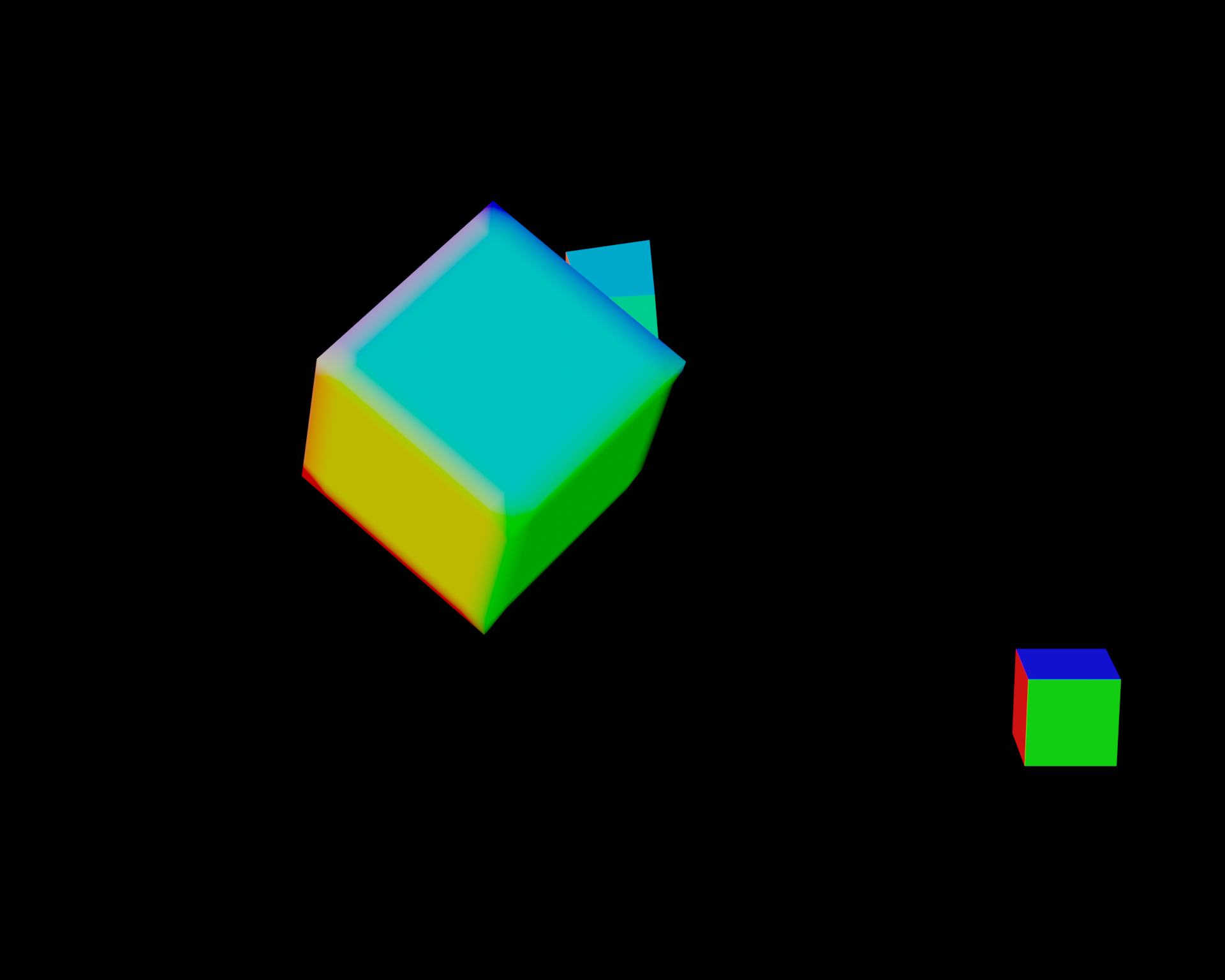
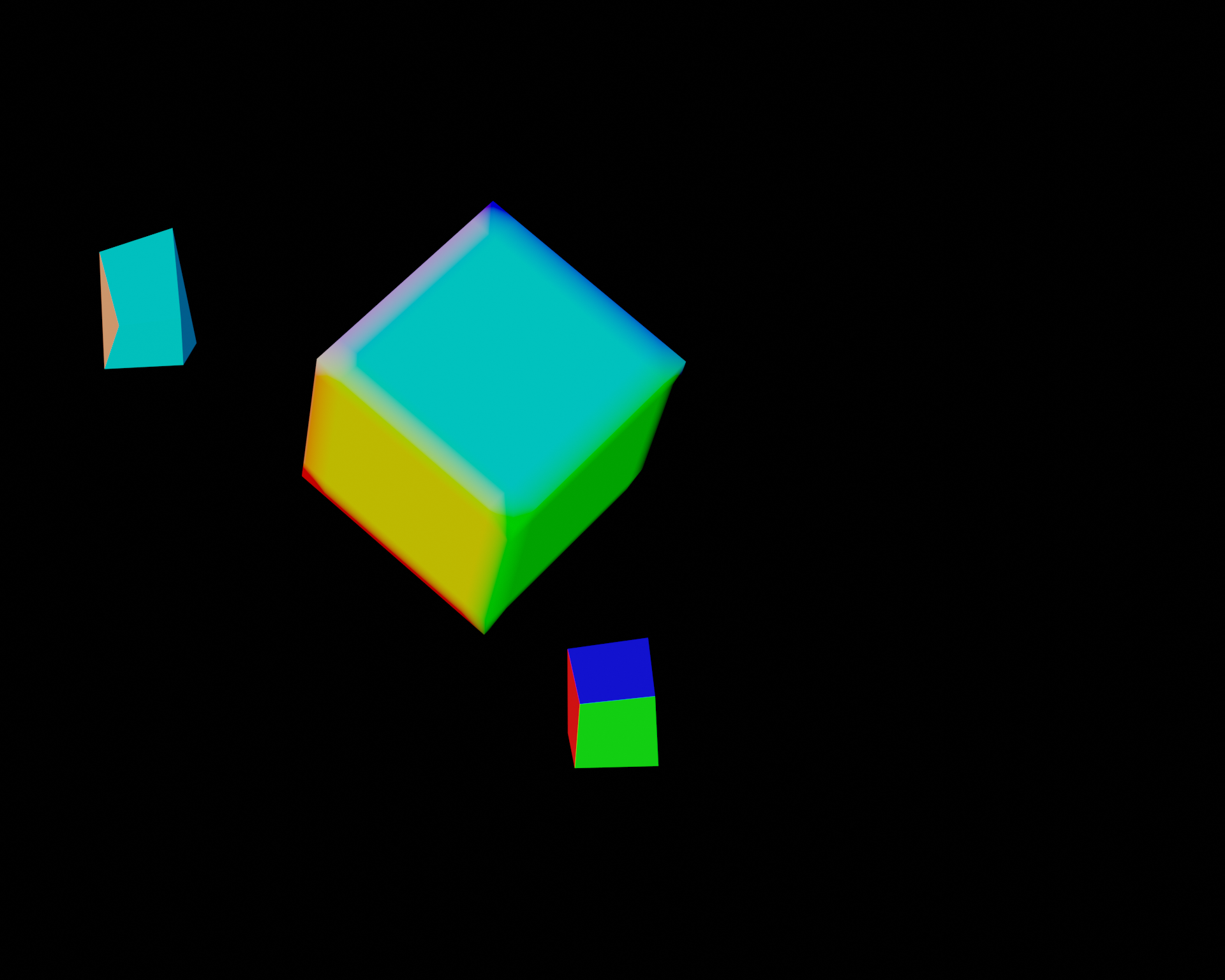 Third run (disabled particle normals):
Oh also the shape key animation is from an ARKit recording from Rokoko Studio. Basically uses an iphone to translate facial data to 52 different blendshapes onto an object in Rokoko Studio, which is then exported via an FBX and imported into Blender. And then it's really as simple as copy and pasting the blendshapes to and from
That makes sense, but something needs to be making the shape keys move each frame (otherwise they'll just stay at whatever value they're at). In my test case, the bottom and top shapes are both morphed by keyframes inserted directly onto the shape key value to move it between 0, 0.5, and 1. Maybe I'm not understanding how ARKit/Rokoko works (I've never used them).
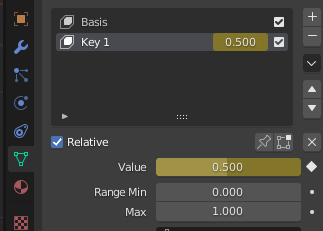
Is this provided by a Blender addon? I wonder if there's some incompatibility. The inconsistency is very strange and smells like some kind of race condition or out-of-order execution of the frame handlers. I don't think there's any guarantee that they run in any particular order, but I can check.
Well, for the shape keys themselves they're not provided by an addon (though there's an addon involved it's only for the bone keyframes and such). The actual keyframes are copy/pasted from another object that's imported but from what I can gather it's no real different from a manual keyframe insert.

But yeah, it does seem like a potential race condition - I do have a handful of animation plugins. If I get a chance to later this week I'll try and run a few tests on a clean install.