
TuxDex
 TuxDex copied to clipboard
 semarainc
Script to Help Run Your Samsung Dex From Linux Machine
TuxDex
Script to Help Run Your Samsung Dex From Linux Machine Note: The Current Script is messy but it works :)
Limitation
The Current script is not really stable, but overall it works well on my machine, currently miraclecast requires to turnoff NetworkManager and WPA_Supplicant when activating it as sink, thats why before connecting to SamsungDex it needs to disable your wifi temporarily
Requirements
- Systemd
- Python >=3.6
- notify-send
- miraclecast
- scrcpy
- pexpect
- netifaces
- Enable Developer Tools On Samsung S-Series Phone
- Enable Wireless Debugging
Installing pexpect and netinterfaces
Note: Requires Root because miracles.py need to run as superuser (Thanks To: Variatio_Delectat)
$ sudo pip3 install pexpect netifaces
Installation
  $ git clone https://github.com/semarainc/TuxDex
  $ cd TuxDex
  $ chmod +x tuxdex-restore.sh
How To Use
  $ cd TuxDex
  $ python3 tuxdex.py
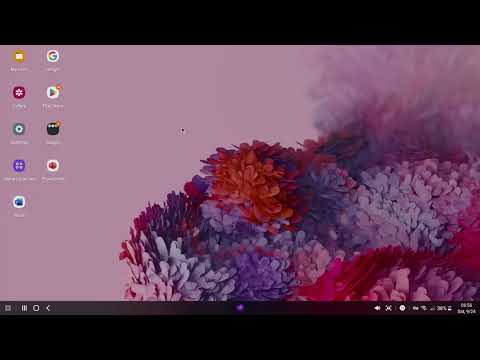
DEMO
 semarainc