sedwards2009
failed command always get framed+ vscode terminal
Maybe I'm missing something, but it seems that every none zero exit status gets framed, don't get me wrong I like the functionality but it would be nice to have more control over them.
in vscode integrated terminal getting annoying num above prompt and non zero exit bugy, only when I source integration scripts in ~/.config/fish/config.fish :
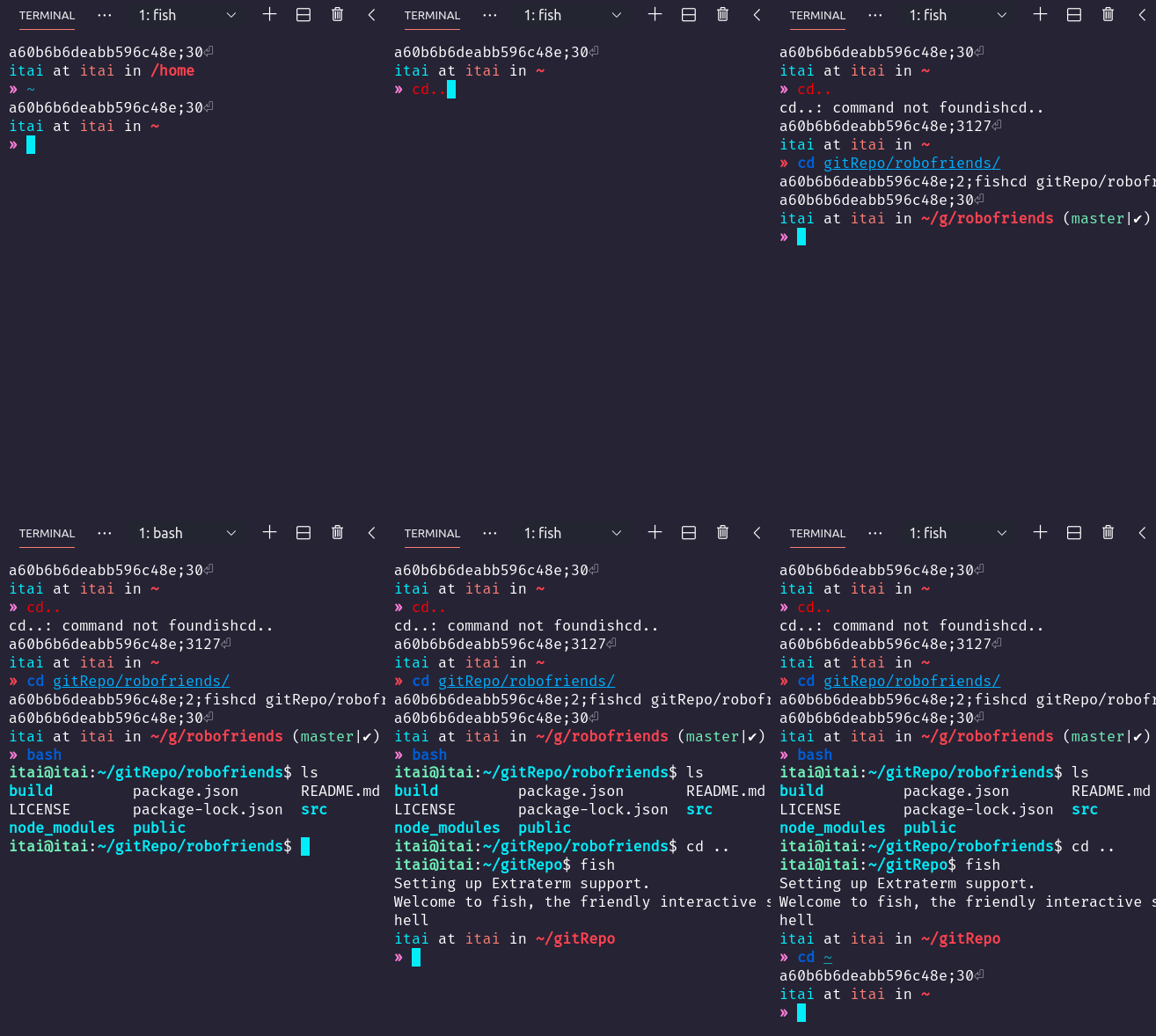

I see two issues here. Firstly, yes, some more options to control when framing is applied may be useful. But can I ask: when do you have a failing command in your workflow that you don't want framed?
For the second issue in the VSCode terminal looks like the shell integration being applied when not inside an Extraterm session. Did you start VSCode from Extraterm itself?

-
The short ones (1-2 line max).
-
Yes, I started VSCode from Extraterm, And I made Extrarterm my default terminal in the preferred application settings (os xUbuntu).
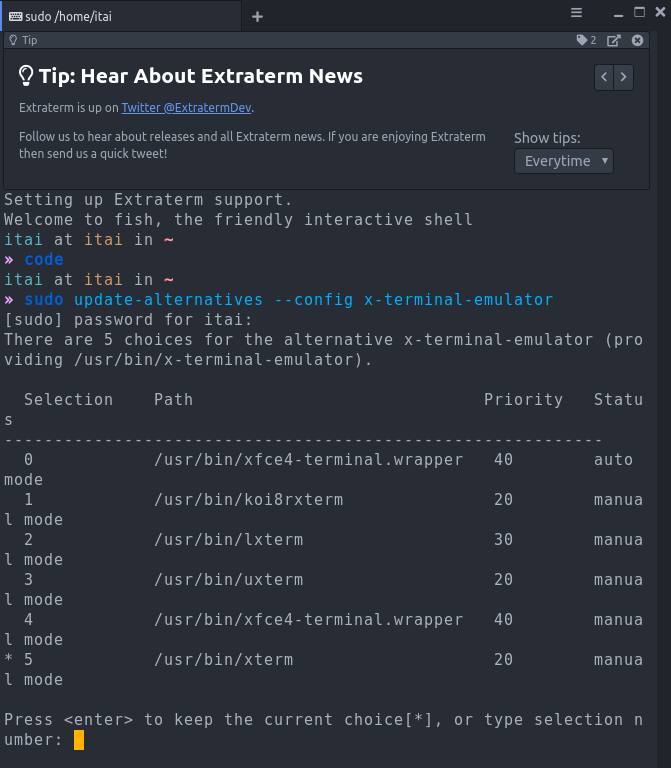
"For the second issue in the VSCode terminal looks like the shell integration being applied when not inside an Extraterm session." What do you mean shell integration applied not in Extraterm session? (exfrom.py* exshow.py* extratermclient.py setup_extraterm_fish.fish I dropped in ~/.config/fish/conf.d/) can't find Extraterm in alternative x-terminal-emulator How can I add it?