
ianix
 ianix copied to clipboard
 seagreen
Personal NixOS configuration
Intro
A description in code of my NixOS setup.
Screenshot
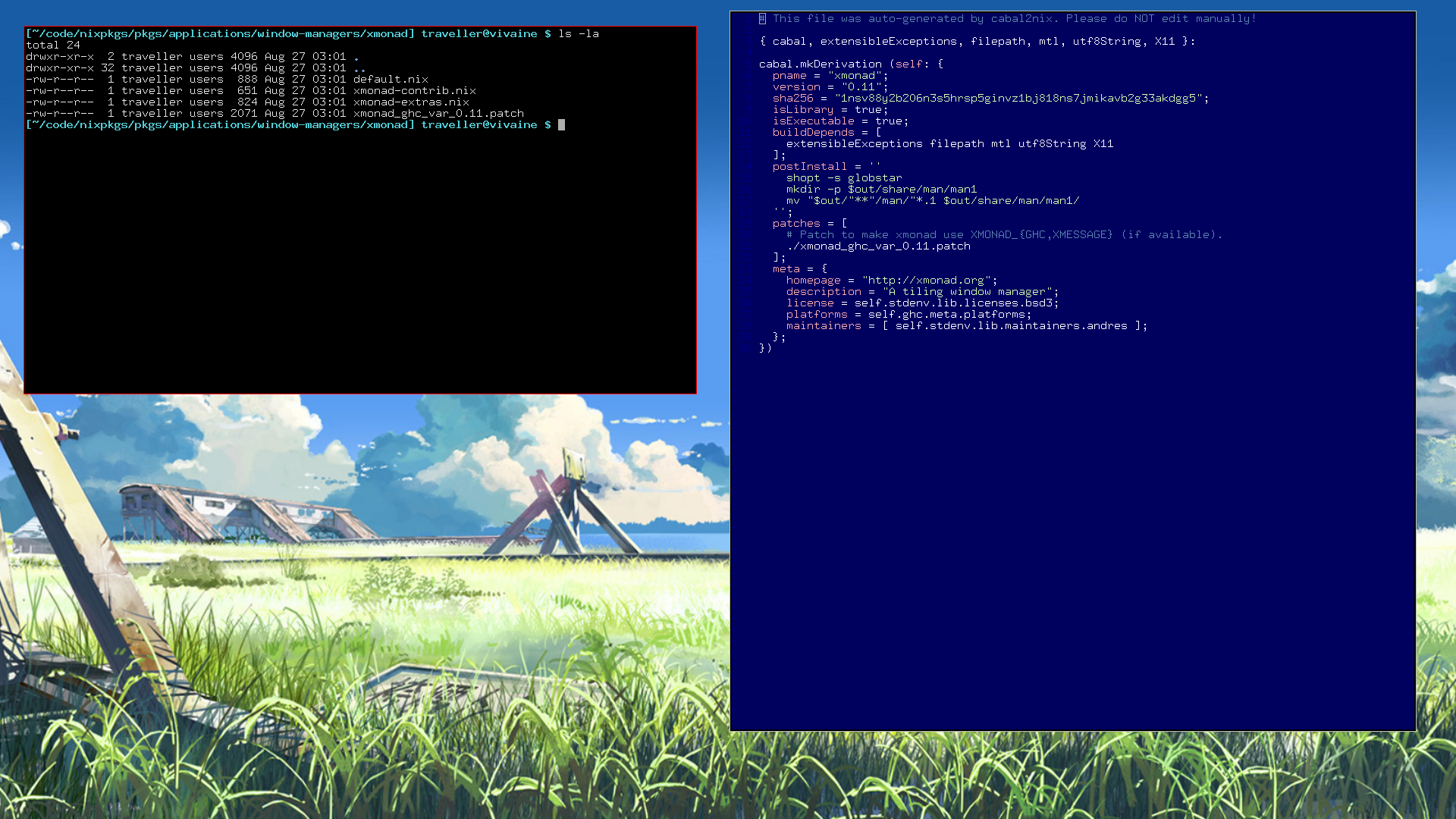
For info on the background image try Googling "Makoto Shinkai The Place Promised in Our Early Days".
Install
(NOTE: This will usually be out of date if I haven't done a fresh install in a while)
-
Download this repo.
-
Grep this repo for
traveller(my username) and change it to what's appropriate for your computer. This is a very rough project and/home/travelleris hardcoded far more than it needs to be. You may also want to place this repo at~/configor have a symlink from there pointed at this repo, some code may assume that's where the repo is located. -
(optional) Grep the config files for "cron" and remove any cron jobs you don't want.
-
Install
stow. -
./link_dotfiles -
./link_bin -
Setup nixpkgs:
cat version.txt >> 14.04.414.351aec7 (Baboon) git clone git://github.com/NixOS/nixpkgs.git cd nixpkgs # Replace 351aec7 below with the appropriate value from the output of `cat version.txt`: git checkout 351aec7 -
From
/etc/nixos/configuration.niximport this repo's./shared.nix.Alternately if you want to add your machine-specific configuration to this repo, make a folder for your machine in this repo following the example of
./desktop. Add yourconfiguration.nixandhardware-configuration.nixto it. Modify your configuration import this repo's./shared.nix, then change/etc/nixos/configuration.nixto import your machine-specific config, eg:{ imports = [ /home/traveller/config/machine/desktop/configuration.nix ]; } -
From root:
nixos-rebuild switch -I nixpkgs=<path_to_nixpkgs>
Post-Install
-
Make sure your shell aliases are loaded with
exec fish, then runbackground-fill wallpaper.png. -
mkdir ~/screenshots
 seagreen