
fs2open.github.com

fs2open.github.com copied to clipboard
 scp-fs2open
Add optional Drop Shadows to HUD
This PR adds a new control (By default Alt+L, but it will be unset for existing pilots) which lets the player enable or disable Drop Shadows on the HUD, affecting Text, the main targeting reticle and the background of the ETS gauges.
Click here to see comparison screenshots
Low contrast, no shadows
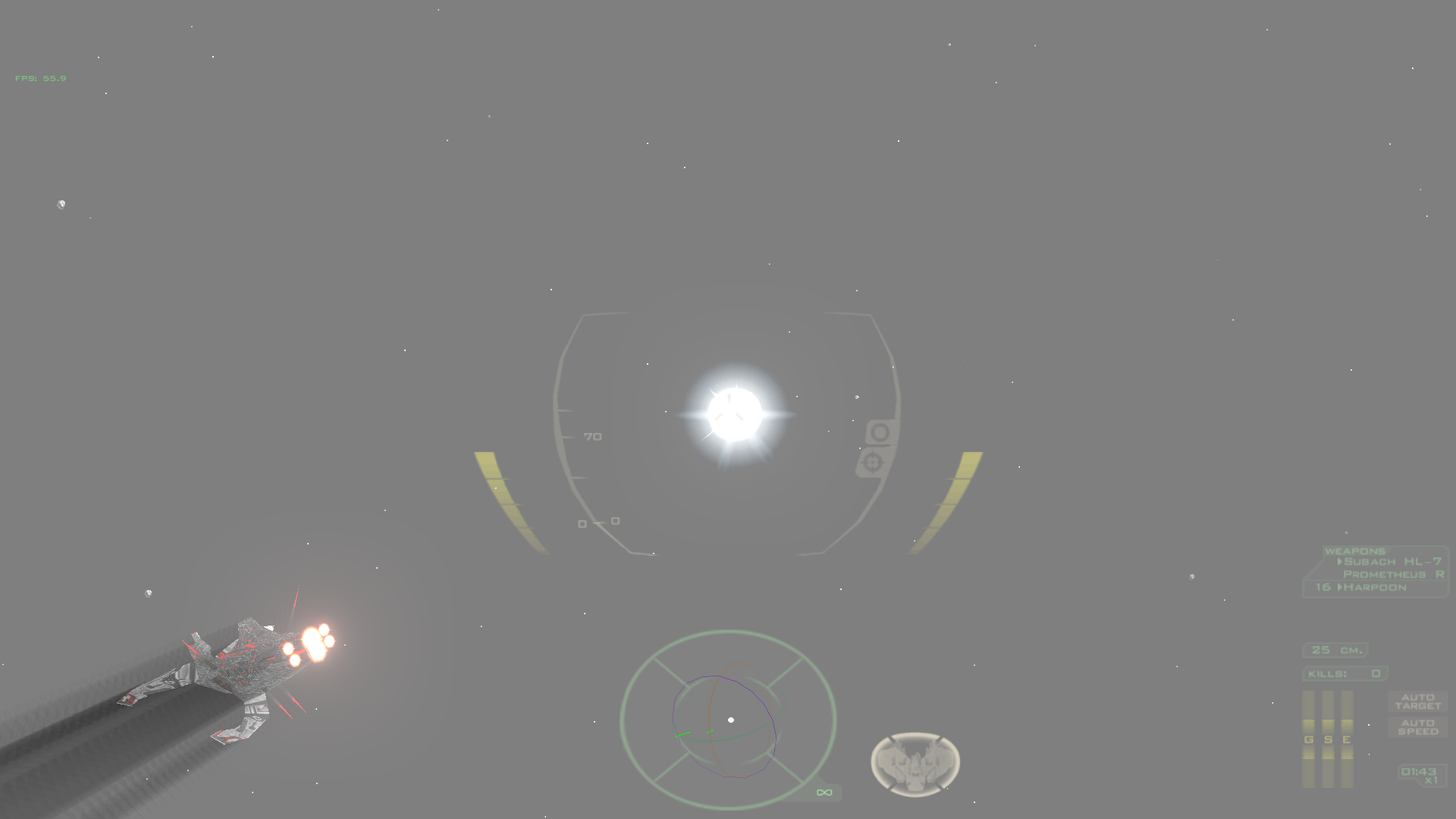
High contrast, no shadows
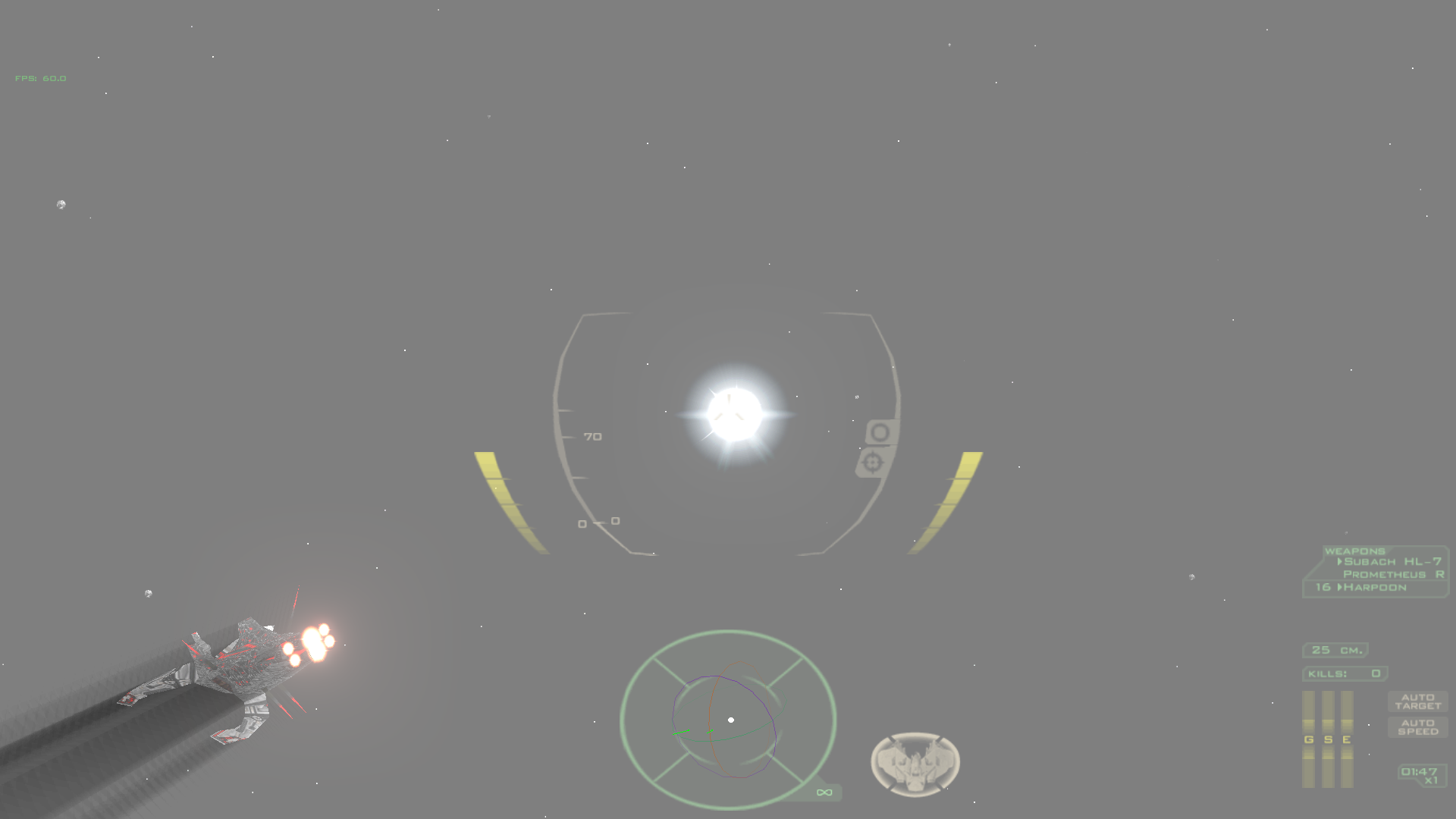
Low contrast, with shadows
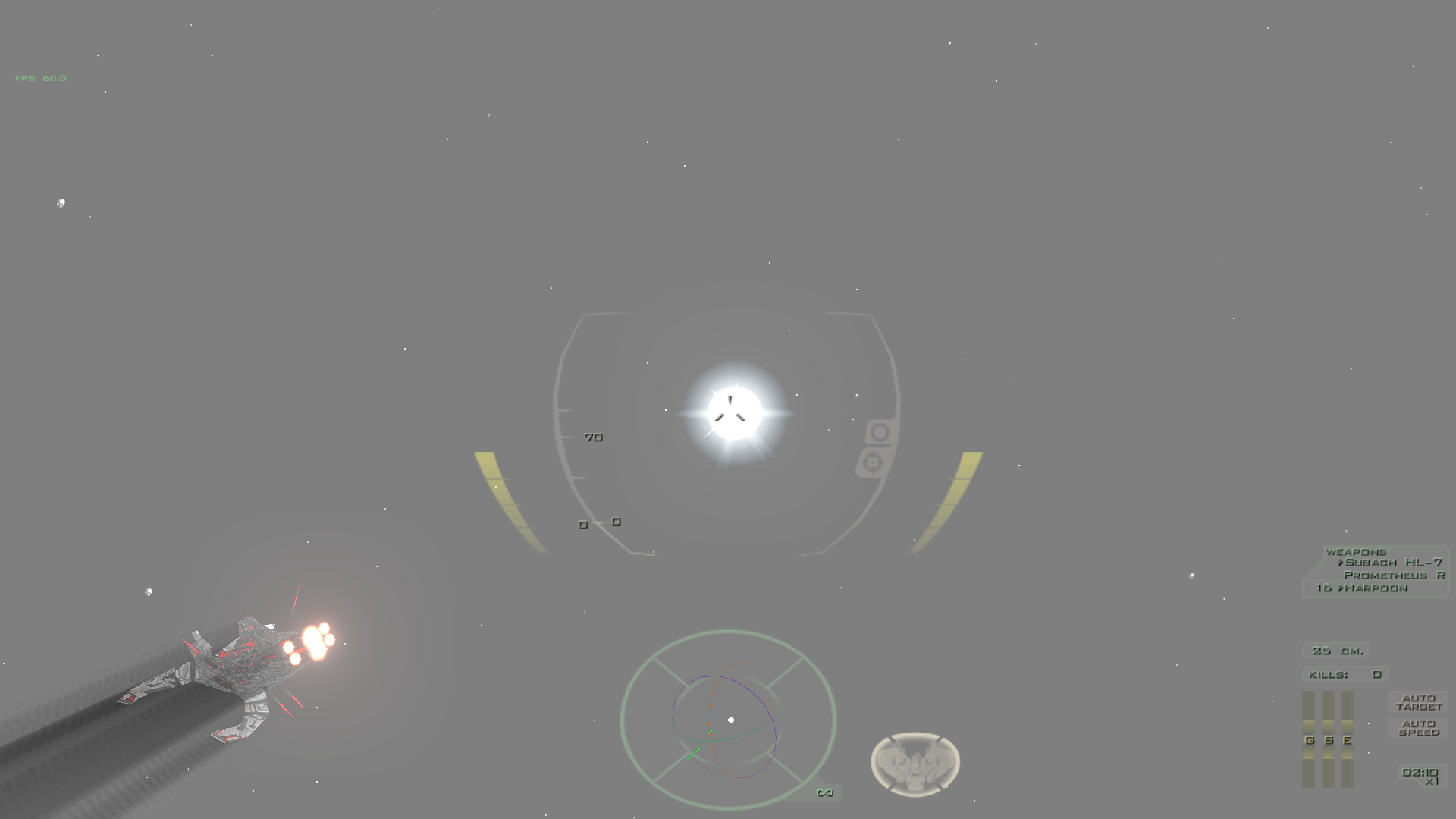
High contrast, with shadows
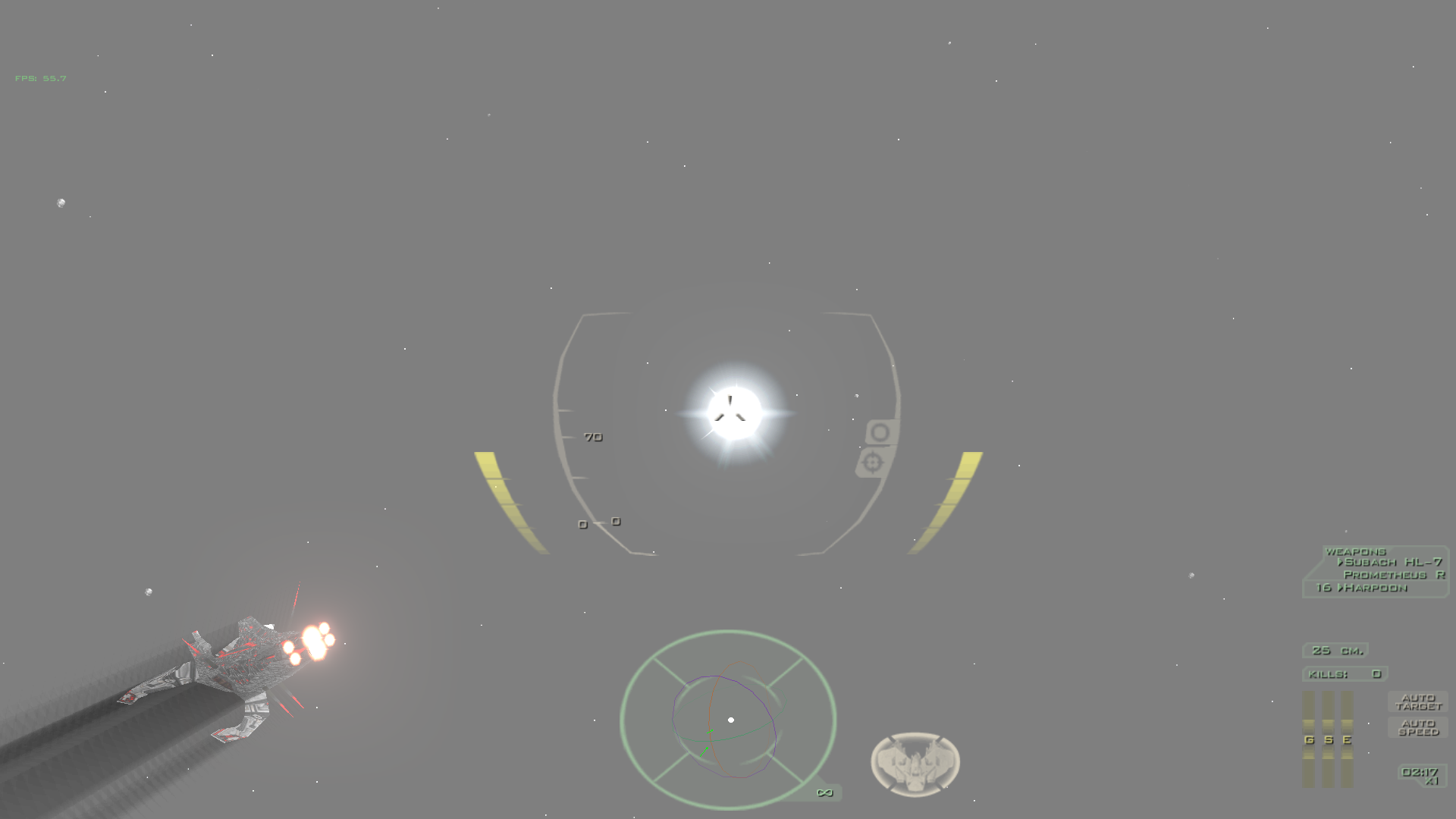
Related: #3712. I'm not sure if we could consider that it closes that FR. IMO there are other possible ways to improve HUD contrast that would be nice to have:
- Allow HUD elements to be fully opaque (currently even with alpha at 255, they'll be slightly transparent due to how
aabitmaps work - Use outlines instead of shadows (This would probably require a specific shader)
- Allow HUD elements to dynamically change color depending on the colors of what's behind it
