

 schibsted
Offline editor of .jojo-files with audio playback
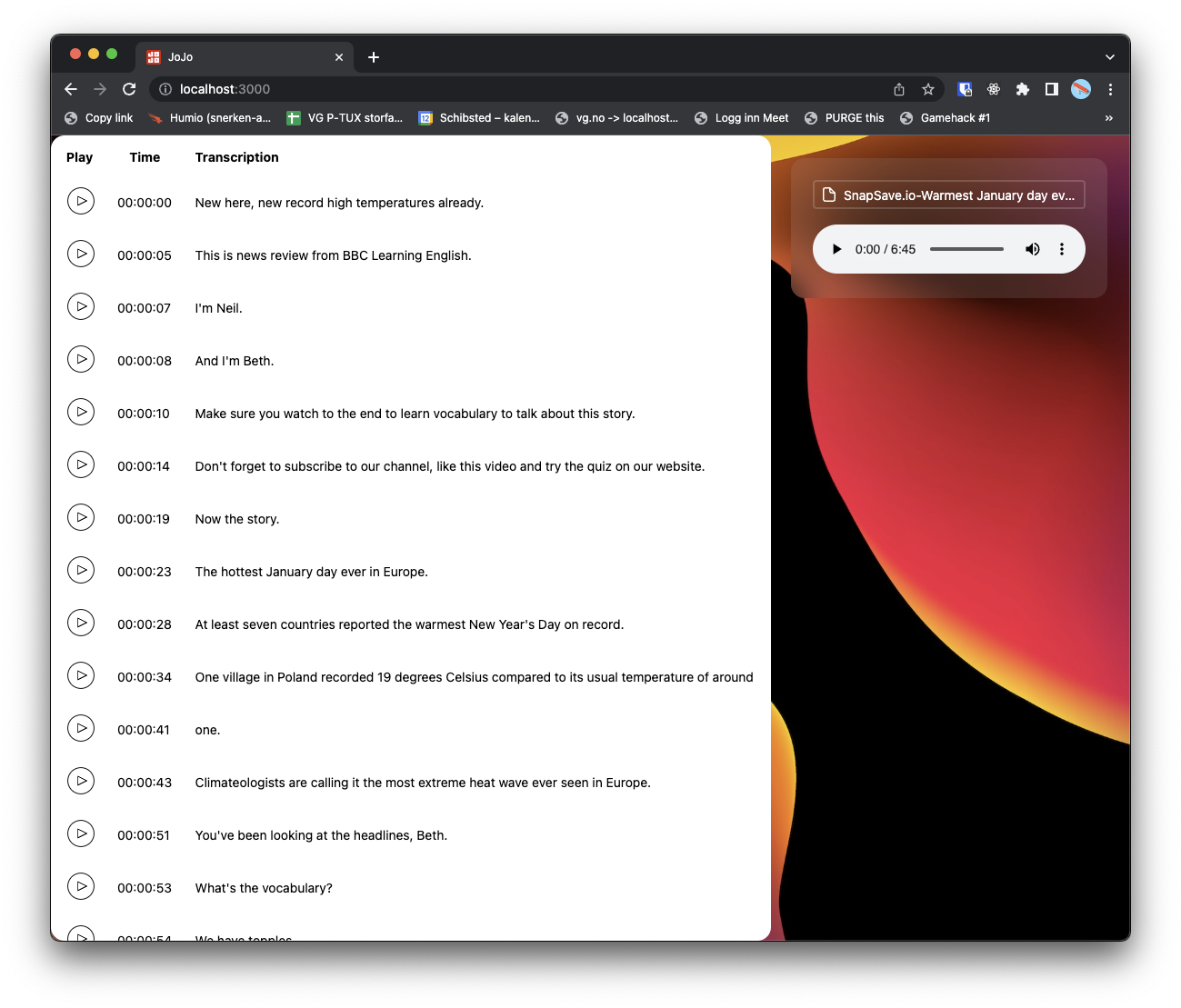
Drop the .jojo-file from main screen. This will read the Jojo-file and take you to the editor. You can then read the transcript and choose the audio file to play back segments from the file. Changes will be stored in the current state of the page, to save, download the file.
Save/export
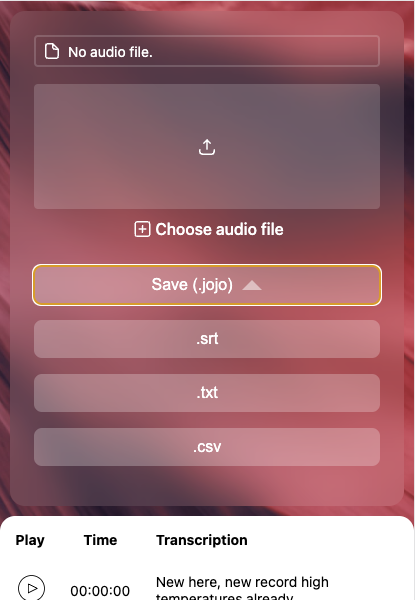
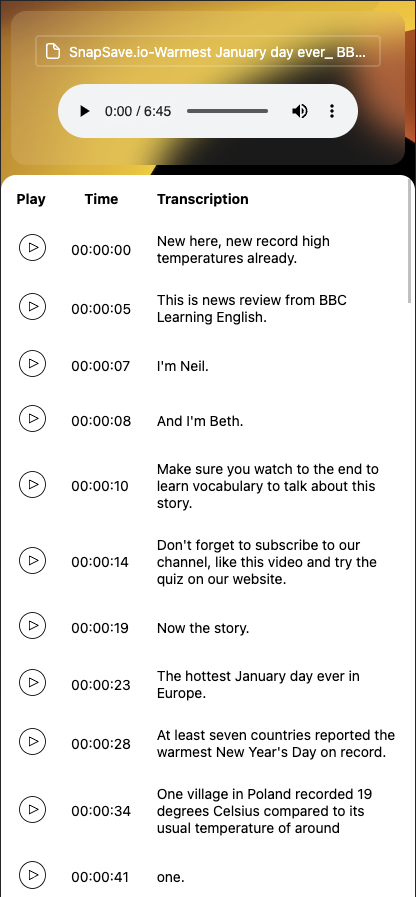
Mobile
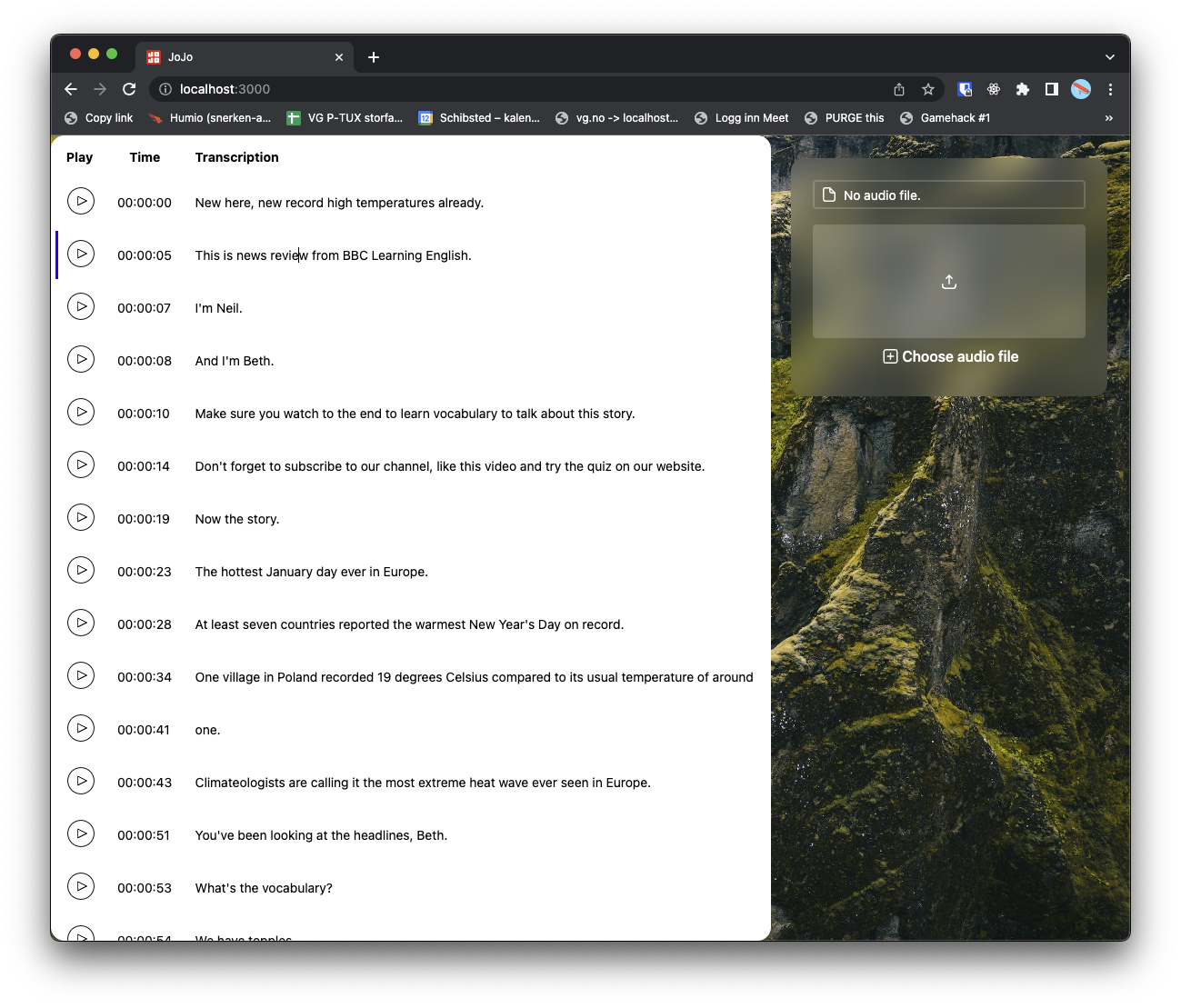
Desktop

Drag and drop is broken for audio files, you do not get the settings modal.

You cant choose a jojo file when you click the choose file input button. Is this something that should be possible maybe?
The save button pushes the transcription box downwards. We should use click instead of hover or perhaps the box could lie above the transcription field when you hover it?
Should the sound stop automatically when you have played the section of sound?
Should the sound stop automatically when you have played the section of sound?
It could. But atm it will not.
The save button pushes the transcription box downwards.
We should use click instead of hover or perhaps the box could lie above the transcription field when you hover it?
This it's like this on mobile. Sort of intended. On desktop it's not an issue.
You cant choose a jojo file when you click the choose file input button. Is this something that should be possible maybe?
Fixed
Drag and drop is broken for audio files, you do not get the settings modal.
Fixed