

 sameersbn
public key invalid after the docker gitlab recreate
hello, I have set the mirror repository of a gitlab's repository for syncing change to github's repo, the protocol I use is ssh, I have add the mirror repository's public key to the github repository's deploy key list. but when I recreate the gitlab docker container, it seems the public key not work? how to fix?

When container is up, public keys are regenerated so your deploy keys will be expired. To persist it, specify data directory as volumes:
# in docker-compose.yml
services:
  gitlab:
    image: sameersbn/gitlab:14.8.2
    volumes:
    - ./gitlab_data:/home/git/data:Z
You can find ssh public keys in gitlab_data/ssh/ on host machine.
Check how sameersbn/gitlab generates host key. GITLAB_DATA_DIR (/home/git/data) is defined in Dockerfile.

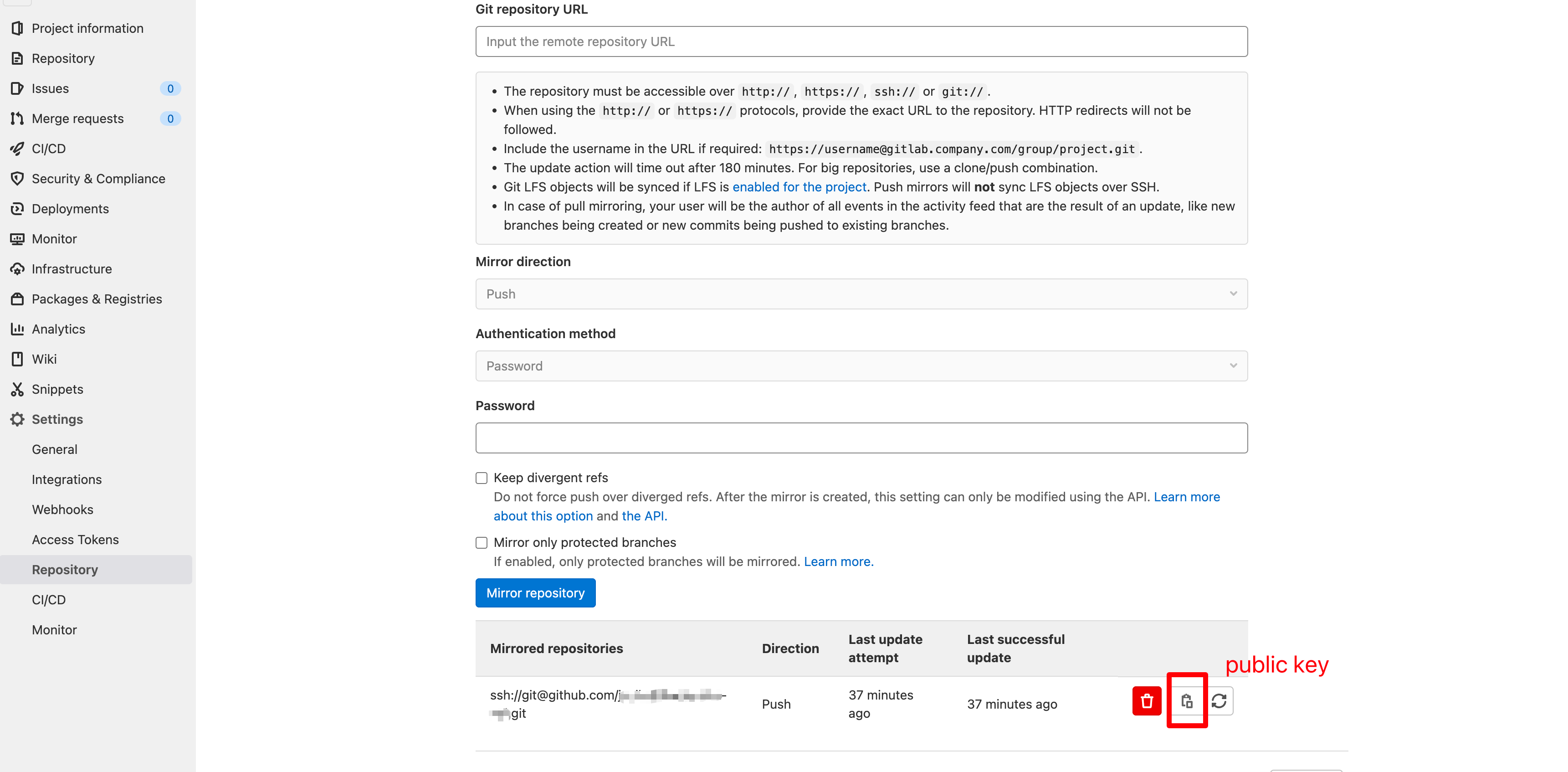 I have config the docker volume, but I use the public key generated when I config the mirror repository, then I paste the key to github repo's deploy key list. In my case, when I recreate the gitlab container, the public key `not work`.
Ah sorry, I misunderstood with host key of gitlab itself. Setting up volume will not solve your problem.
In official documentation, it is said that the generated keys are stored in the GitLab database, not in the file system. Could you confirm that public keys (one on gitlab's mirror list and one on github's deploy key list) are match?
I'm sure the public key I paste to github pepo's deploy list is the generated key when I set mirror repo.
If the key is not the generated public key, the syncing will failed.
There are many repos need to sync to github. when I first used the docker-compose up -d after I changed the SMTP config, I found the mirror syncing failed.
now I use the docker commit to save the current container as a new image, and change the gitlab image in docker-compose.yml file to the new.
I found when the gitlab container was recreated, the repos's mirror syncing still work.