
FFmpeg-SIXEL
 FFmpeg-SIXEL copied to clipboard
 saitoha
Experimental fork git://source.ffmpeg.org/ffmpeg.git
FFmpeg README
FFmpeg is a collection of libraries and tools to process multimedia content such as audio, video, subtitles and related metadata.
Libraries
libavcodecprovides implementation of a wider range of codecs.libavformatimplements streaming protocols, container formats and basic I/O access.libavutilincludes hashers, decompressors and miscellaneous utility functions.libavfilterprovides a mean to alter decoded Audio and Video through chain of filters.libavdeviceprovides an abstraction to access capture and playback devices.libswresampleimplements audio mixing and resampling routines.libswscaleimplements color conversion and scaling routines.
Tools
- ffmpeg is a command line toolbox to manipulate, convert and stream multimedia content.
- ffplay is a minimalistic multimedia player.
- ffprobe is a simple analysis tool to inspect multimedia content.
- ffserver is a multimedia streaming server for live broadcasts.
- Additional small tools such as
aviocat,ismindexandqt-faststart.
Documentation
- See the INSTALL file.
The offline documentation is available in the doc/ directory.
The online documentation is available in the main website and in the wiki.
Examples
Coding examples are available in the doc/examples directory.
License
FFmpeg codebase is mainly LGPL-licensed with optional components licensed under GPL. Please refer to the LICENSE file for detailed information.
SIXEL Integration
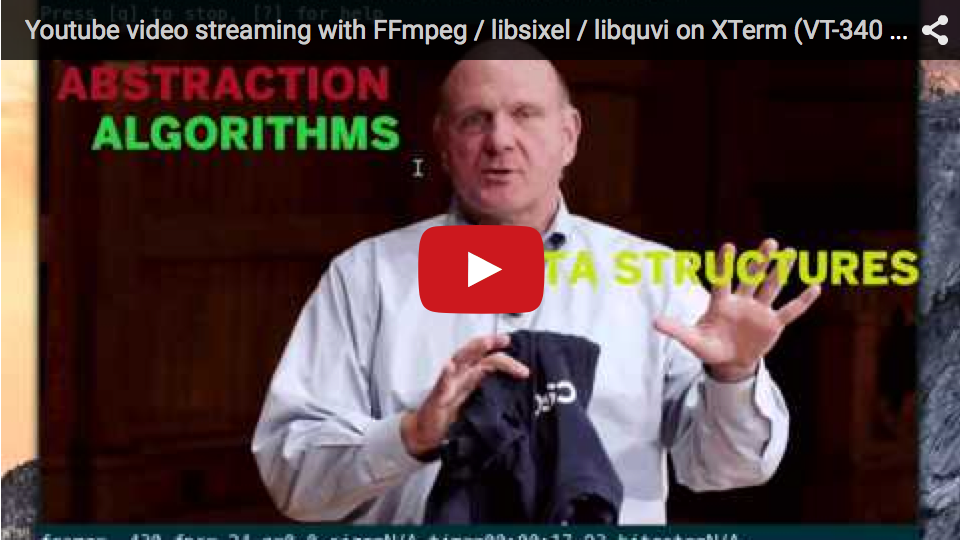
Step 0. Edit .Xresources
$ cat $HOME/.Xresources
XTerm*decTerminalID: vt340
XTerm*sixelScrolling: true
XTerm*regisScreenSize: 1920x1080
XTerm*numColorRegisters: 256

$ xrdb $HOME/.Xresources  # reload
Step 1. Build xterm with --enable-sixel-graphics option
$ wget ftp://invisible-island.net/xterm/xterm.tar.gz
$ tar xvzf xterm.tar.gz
$ cd xterm-*
$ ./configure --enable-sixel-graphics
$ make
$ ./xterm  # launch
Step 2. Build FFmpeg-SIXEL with libsixel and libquvi (for network streaming)
$ git clone https://github.com/saitoha/libsixel
$ cd libsixel
$ ./configure && make install
$ cd ..
$ git clone https://github.com/saitoha/FFmpeg-SIXEL
$ cd FFmpeg-SIXEL
$ ./configure --enable-libquvi --enable-libsixel
$ make install
$ ffmpeg -i 'https://www.youtube.com/watch?v=ixaMZPPmVG0' -f sixel -pix_fmt rgb24 -s 480x270 -
 saitoha