

 saadeghi
Range component display broken on mobile
As you can see on the screenshot below, range components have the left side not rounded. Tested with latest Safari and Brave (Chrome). Thanks!
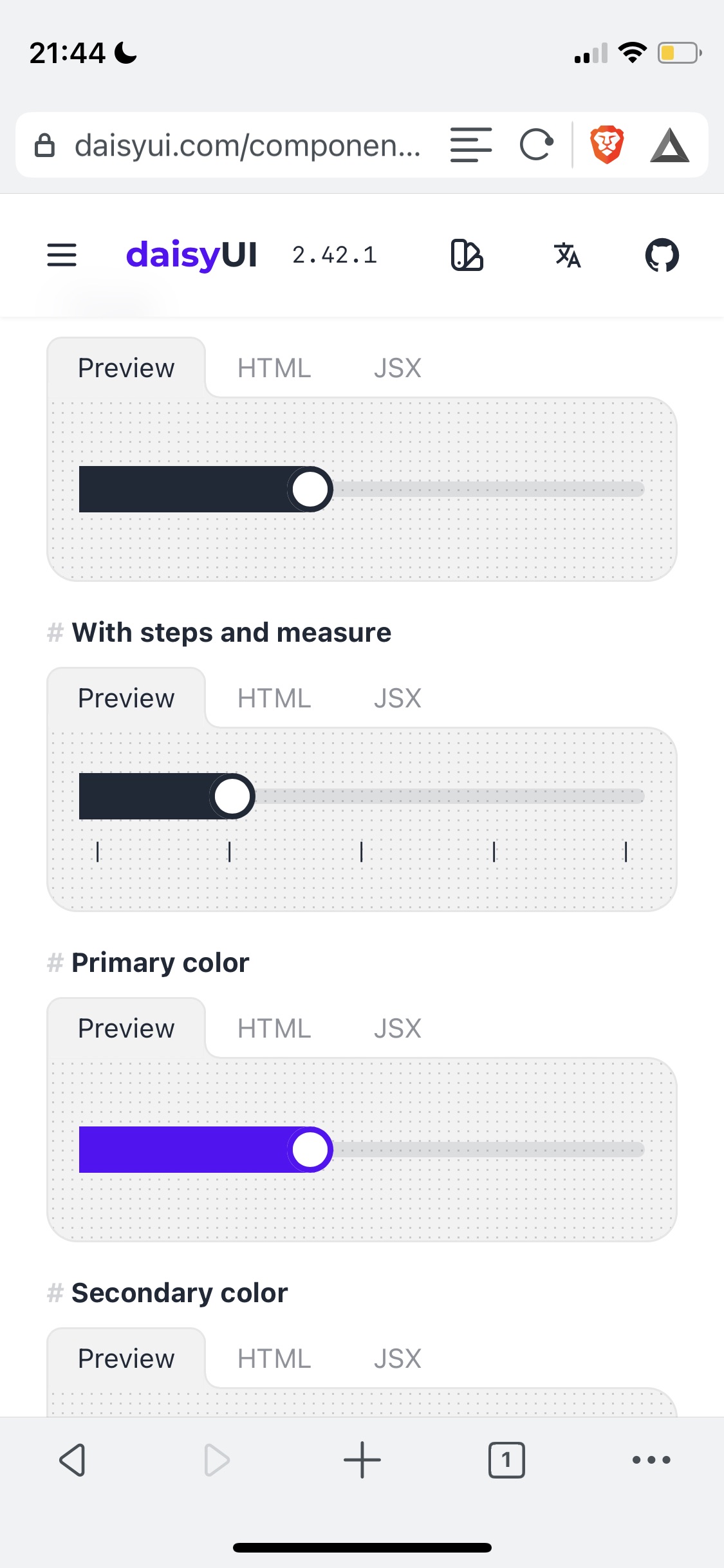

I think it's already fixed, for me in version 2.43.0 it works completely fine. Maybe check it out with that version and see if it works for you.

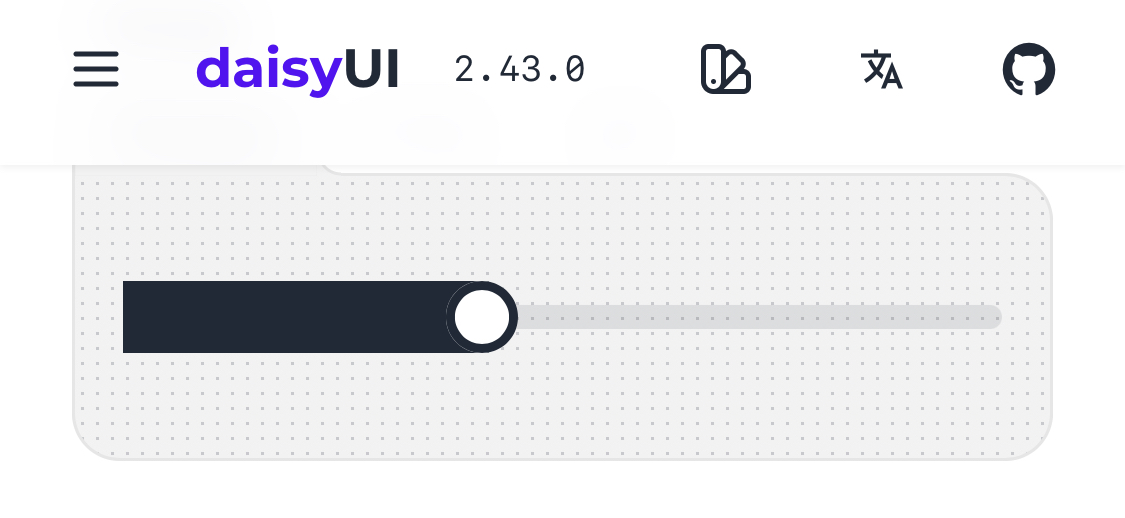
Based on a similar issue that was posted earlier, it sounds like it might be an issue with Safari/Webkit.
As far as dealing with it in your own code, in the thread of the issue I linked, you can find a workaround for using it in your own code which seems to involve setting the position of the preceding element to relative. ~It seemed to work around in the issue in my case.~ EDIT: Actually, I needed to use relative positioning on the range input in my case.

@bryndsey thank you.
Yes it's a bug from the browser indeed and I really can't fix it on my own. You can use the workaround tho.
I hope they fix it soon.
Closing as a duplicate of https://github.com/saadeghi/daisyui/issues/1105
