
sa11y
 sa11y copied to clipboard
 ryersondmp
Sa11y is an accessibility quality assurance tool that visually highlights common accessibility and usability issues. Geared towards content authors, Sa11y straightforwardly identifies errors or warnin...
Sa11y
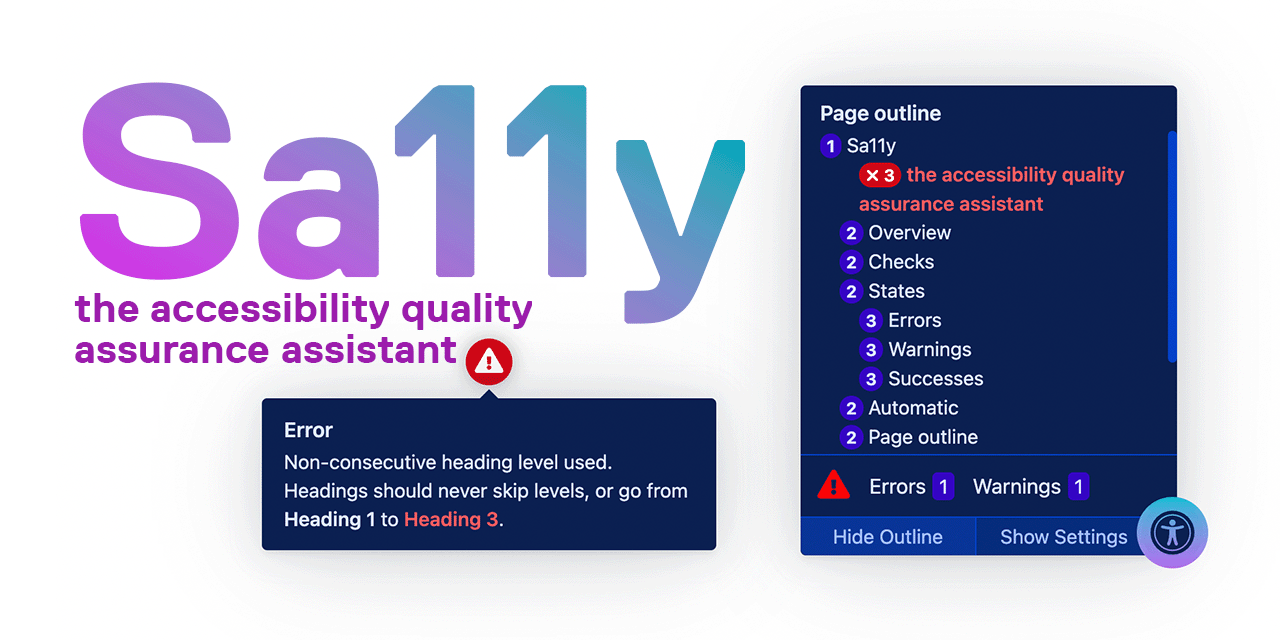
Meet Sa11y, the accessibility quality assurance assistant. Sa11y is a customizable, framework-agnostic JavaScript plugin. Sa11y works as a simple in-page checker that visually highlights common accessibility and usability issues. Geared towards content authors, Sa11y straightforwardly identifies errors or warnings at the source with a simple tooltip on how to fix them. Sa11y is not a comprehensive code analysis tool; it exclusively highlights content issues.
- Project website 🌐
- Developer documentation 📓
- Demo 🚀
- Report an issue 🐜
- Install the WordPress plugin 💻
- WordPress plugin development repo 🛠
- Acknowledgements 👤
Contributing
Want to help translate or improve Sa11y? Consider contributing! Translations may either be contributed back to the repository with a pull request, or translated files can be returned to: [email protected]
Contact
Have a question or any feedback? Email: [email protected]
Install
Sa11y is a framework-agnostic JavaScript plugin. It's made with vanilla JavaScript and CSS, and its only dependency is Tippy.js - a highly customizable tooltip library that features a positioning system.
To install on your website, insert Sa11y right before the closing
tag. Sa11y consists of four files:
- sa11y.css - The main stylesheet. Should be included in the of the document (if possible).
- lang/en.js - All text strings and tooltip messages. View supported languages.
- sa11y.js - Contains all logic.
- (Optional) sa11y-custom-checks.js - Any custom checks created by you.
NPM
npm i sa11y
Example installation (modules)
<!-- Stylesheet -->
<link rel="stylesheet" href="css/sa11y.css"/>

<!-- JavaScript >
<script type="module">
  import { Sa11y, Lang } from '../assets/js/sa11y.esm.js';
  import Sa11yLangEn from '../assets/js/lang/en.js';
  import CustomChecks from '../assets/js/sa11y-custom-checks.esm.js'; // Optional

  // Set translations
  Lang.addI18n(Sa11yLangEn.strings);

  // Instantiate
  const sa11y = new Sa11y({
    customChecks: new CustomChecks, // Optional
    checkRoot: "body",
    readabilityRoot: "main",
  });
</script>
Example installation (regular script)
<!-- Stylesheet -->
<link rel="stylesheet" href="css/sa11y.css"/>

<!-- JavaScript -->
<script src="/dist/js/sa11y.umd.min.js"></script>
<script src="/dist/js/lang/en.umd.js"></script>

<!-- Optional: Custom checks -->
<script src="/dist/js/sa11y-custom-checks.umd.min.js"></script>

<!-- Instantiate -->
<script>
  Sa11y.Lang.addI18n(Sa11yLangEn.strings);
  const sa11y = new Sa11y.Sa11y({
    customChecks: new CustomChecks, // Optional
    checkRoot: "body",
    readabilityRoot: "main",
  });
</script>
CDN
Please visit developer documentation for CDN installation instructions.
Development environment
A light server for development is included. Any change inside /src folder files will trigger the build process for the files and will reload the page with the new changes. To use this environment:
- Clone this repo.
- Be sure you have node installed and up to date.
- Execute
npm install - In a terminal execute:
npm run serve. Then openhttp://localhost:8080/docs/demo/en/in your browser.
Metadata
Owner
 ryersondmp
Metadata
Sa11y is an accessibility quality assurance tool that visually highlights common accessibility and usability issues. Geared towards content authors, Sa11y straightforwardly identifies errors or warnin...