
lite
 lite copied to clipboard
 rxi
rxi
resizing the side panel doesn't work
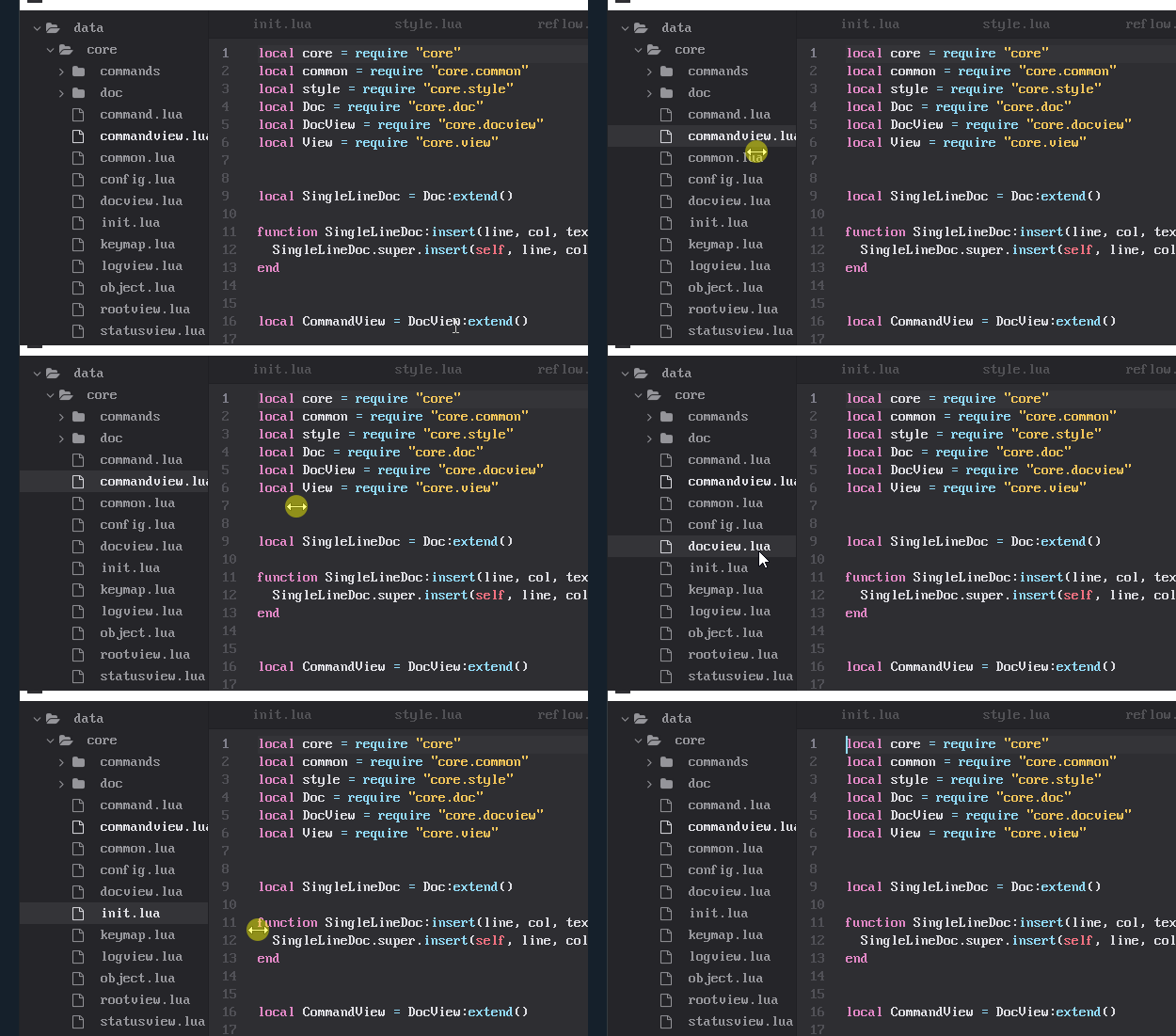
steps to reproduce: open the editor, hover mouse over the border between main edit area and sidebar, click and drag expected behavior: side panel changes width observed behavior: nothing happens
demonstration:


This is what I did to increase the width
config.treeview_size = 250 * SCALE
I don't think we can resize it as mentioned in issue 23.
in that case can we consider this issue a feature request to implement resizing the sidebar with a mouse? having to modify a config file every time i want to resize the sidebar is not very convenient.
@nicebyte I agree with you. Because I have also similar issue with the width. But what I try is increasing the width, and use ctrl+\ to hide it.
In treeview.lua:190;
node:split("left", view, false)
false here corresponds to locked, changing it to true will make the side panel/treeview resizeable. However, it will not use the treeview_size directly, but split the root view equally. Might be a good point to start investigating a solution, let me know if you come up with something. :)

As mentioned before this is intended behaviour, that being said supporting this functionality is a valid feature request (thus this issue will remain open). The thing that's preventing this isn't the treeview in general but the UI layout system as a whole -- that is, I'd rather not add a hack to fix this, and instead would prefer changing how the RootView works to better support this. I haven't yet settled on an elegant solution of how this can be resolved.
