

 rxhanson
Wrong Size if used by rectangle
- [ ] This is a new bug that hasn't been documented in a closed issue or in the Readme.
- [ ] Rectangle is not using the full screensize, neither for full screen not for split screen modes. Only ~4/5 of the screen size is used on the external monitor.
Monitor: Dell 3818DW
macOS version: 12.1 (Apple M1 Pro)
Rectangle version: 0.50
Logs if applicable (In Rectangle menu, hold option, "View Logging..."):
2022-01-27T10:09:44+01:00: AX sizing proposed: (1400.0, 1223.0), result: (1400.0, 1222.0)
2022-01-27T10:09:44+01:00: AX position proposed: (1400.0, 25.0), result: (1400.0, 25.0)
2022-01-27T10:09:44+01:00: AX sizing proposed: (1400.0, 1223.0), result: (1400.0, 1222.0)
2022-01-27T10:09:44+01:00: rightHalf | display: (0.0, 85.0, 2800.0, 1223.0), calculatedRect: (1400.0, 25.0, 1400.0, 1223.0), resultRect: (1400.0, 25.0, 1400.0, 1222.0), srcScreen: DELL U3818DW, destScreen: DELL U3818DW, resultScreen: DELL U3818DW
2022-01-27T10:09:45+01:00: AX sizing proposed: (1400.0, 1223.0), result: (1400.0, 1222.0)
2022-01-27T10:09:45+01:00: AX position proposed: (0.0, 25.0), result: (0.0, 25.0)
2022-01-27T10:09:45+01:00: AX sizing proposed: (1400.0, 1223.0), result: (1400.0, 1222.0)
2022-01-27T10:09:45+01:00: leftHalf | display: (0.0, 85.0, 2800.0, 1223.0), calculatedRect: (0.0, 25.0, 1400.0, 1223.0), resultRect: (0.0, 25.0, 1400.0, 1222.0), srcScreen: DELL U3818DW, destScreen: DELL U3818DW, resultScreen: DELL U3818DW
2022-01-27T10:09:51+01:00: AX sizing proposed: (1400.0, 1223.0), result: (1435.0, 1050.0)
2022-01-27T10:09:51+01:00: AX position proposed: (1400.0, 25.0), result: (1400.0, 25.0)
2022-01-27T10:09:51+01:00: AX sizing proposed: (1400.0, 1223.0), result: (1400.0, 1222.0)
2022-01-27T10:09:51+01:00: rightHalf | display: (0.0, 85.0, 2800.0, 1223.0), calculatedRect: (1400.0, 25.0, 1400.0, 1223.0), resultRect: (1400.0, 25.0, 1400.0, 1222.0)
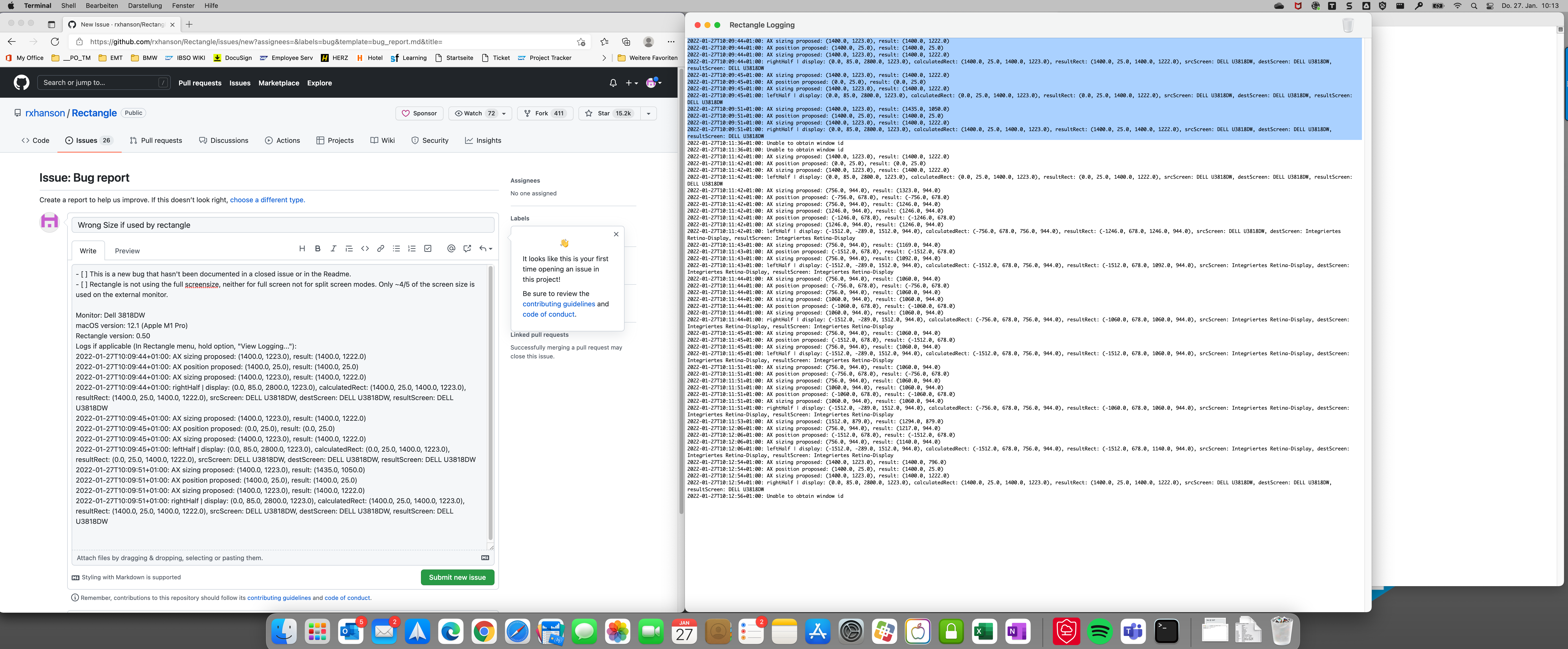 , srcScreen: DELL U3818DW, destScreen: DELL U3818DW, resultScreen: DELL U3818DW

Looks like you have todo mode enabled but have no todo application present. You'll want to disable todo mode in the menu bar menu.
