

 rxhanson
Disable fast dragging to Mission Control not working again
This worked for a while and is now back.
macOS version: 13.2.1 Rectangle version: 0.66
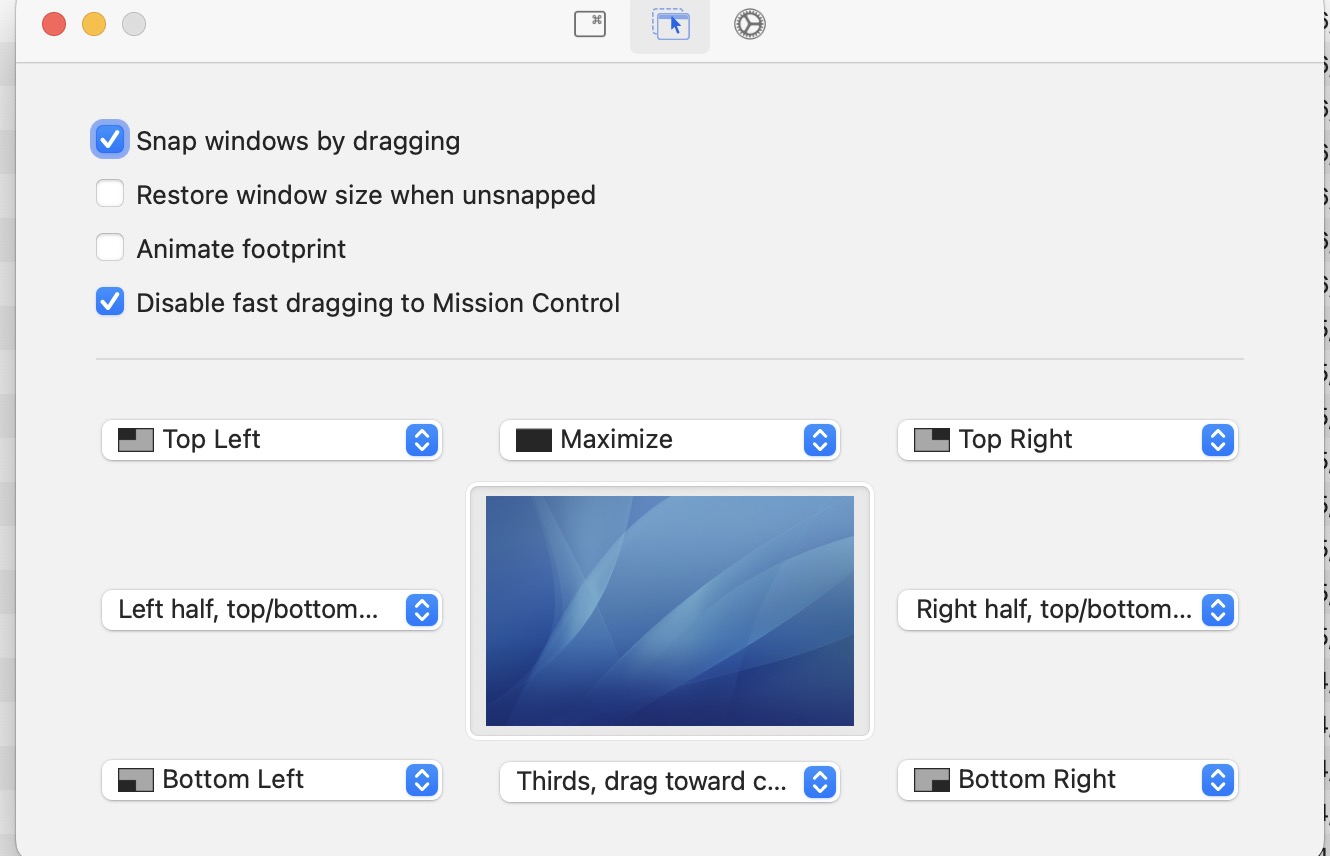
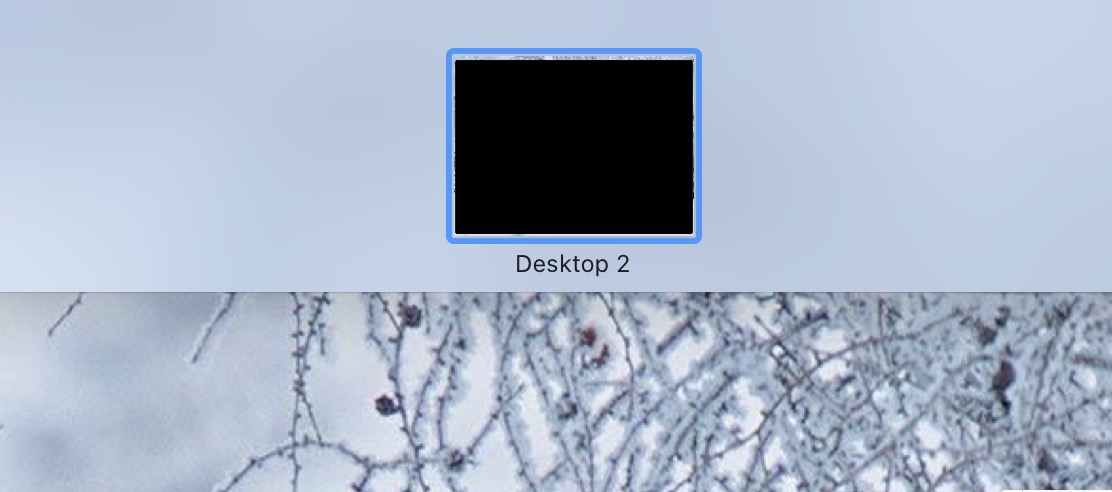

Thanks for reporting. This feature was actually hidden a few releases back for all users that did not have it checked, as the way it currently works is prone to disrupting clicks in certain applications. At the moment, I see this as an "unsupported feature", but I will take another look at it when I get a chance.

Have you tried adjusting the settings?
For example, if you want to completely disable dragging to Mission Control, paste in Terminal:
defaults write com.knollsoft.Rectangle missionControlDraggingAllowedOffscreenDistance -float 0.1; killall Rectangle; open -a Rectangle

Thanks both. The Terminal command appears to have worked perfectly. Perhaps the checkbox in Rectangle settings could enable this directly?