
react-selection
 react-selection copied to clipboard
 rwu823
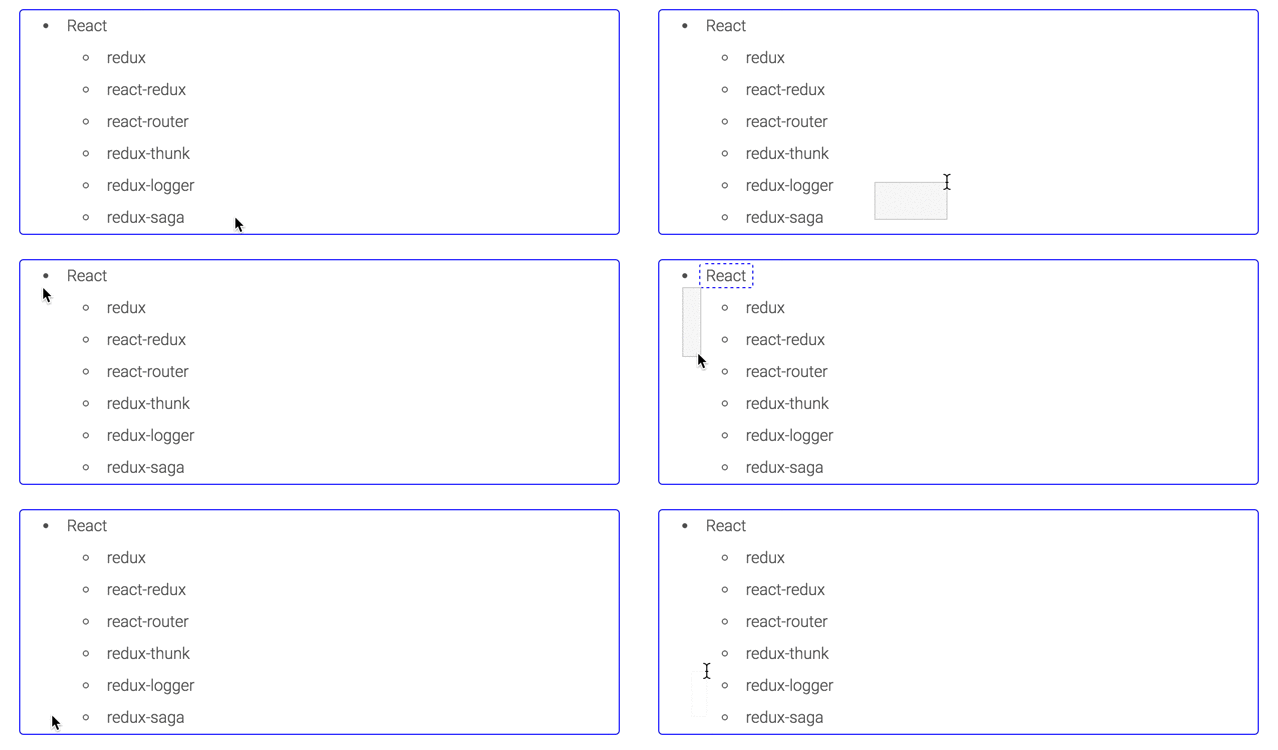
:white_large_square: Like the normal OS selection



React Selection
Like the normal OS selection, it builds in algorithm for detect two rectangles are overlap, so the performance is pretty fast.
Live Demo
https://rwu823.github.io/react-selection/demo
Usage
<link href="/dist/react-selection.css" rel="stylesheet" />
import Selection from 'react-selection'

afterSelect = (selectedTargets)=>{
  const hasSelected = selectedTargets.length
}

render() {
  <Selection target=".target" afterSelect={this.afterSelect}>
    <ul>
      <li><span className="target">React</span>
        <ul>
          <li><span className="target">redux</span></li>
          <li><span className="target">react-redux</span></li>
          <li><span className="target">react-router</span></li>
          <li><span className="target">redux-thunk</span></li>
          <li><span className="target">redux-logger</span></li>
          <li><span className="target">redux-saga</span></li>
        </ul>
      </li>
    </ul>
  </Selection>
}
API
Props
static propTypes = {
  target: PropTypes.string.isRequired,
  selectedClass: PropTypes.string,
  afterSelect: PropTypes.func,
  isLimit: PropTypes.bool,
}

static defaultProps = {
  target: '.react-selection-target',
  selectedClass: 'react-selection-selected',
  isLimit: false,
  afterSelect() {

  }
}
| name | description |
|---|---|
| target | [String] required, it should be a css select |
| selectedClass | [String] add selected class |
| isLimit | [Boolean] limit select range inside box |
| afterSelect | Function([selectedTargets]) be triggered after select, the select targets are native DOMList |
Customization
If you want to custom your rectangle selection, it just overwrites .react-selection-rectangle class
.react-selection-rectangle {
  pointer-events: none;
  transition: opacity .4s;
  position: absolute;
  background-color: rgba(204,204,204 .2);
  border: 1px solid #ccc;
}
 rwu823