

 runelite
Discord rich presence not functioning
Screenshots

Environment (please complete the following information):
- OS: Windows 10 Version 1809 Build 17754.1
- RuneLite version: 1.4.19
- Launcher version: 1.5.2
Additional context I don't believe it will be of any use to you, but I've supplied yesterday's log file which has one instance where it mentions discord however it is only an INFO level event. application_2018-08-31.0.log

- Do you use stable Discord version? E.g no beta, no nightly, no BetterDiscord
- Do you have "Show running game as" enabled in Discord settings?
- Do you have runelite Discord plugin enabled?

@deathbeam Yes, vanilla discord on the stable build. I would have included it in the screenshot if possible, but yes show running game is enabled and the screenshot shows that it is enabled on runelite as well.
Small update since this is still an issue. I am sure at this point that it is not a bug on discord's end. I've attempted to reinstall discord and the issue persists. Other game activity shows up, runelite is the only application not showing.
If you happen to run Discord as admin, you'll have to run Runelite as admin as well, otherwise rich presence will not work at all, even if you toggle it in the settings.
I was having this issue and this did the trick.

Sorry for bumping this a year ahead but I have the same issue and have also tried running both apps as admin which still result to Discord not displaying any status for me.

I am having the same issue with a fresh RuneLite install, plugin is enabled and the game is not showing in discord even when I try to add it manually:
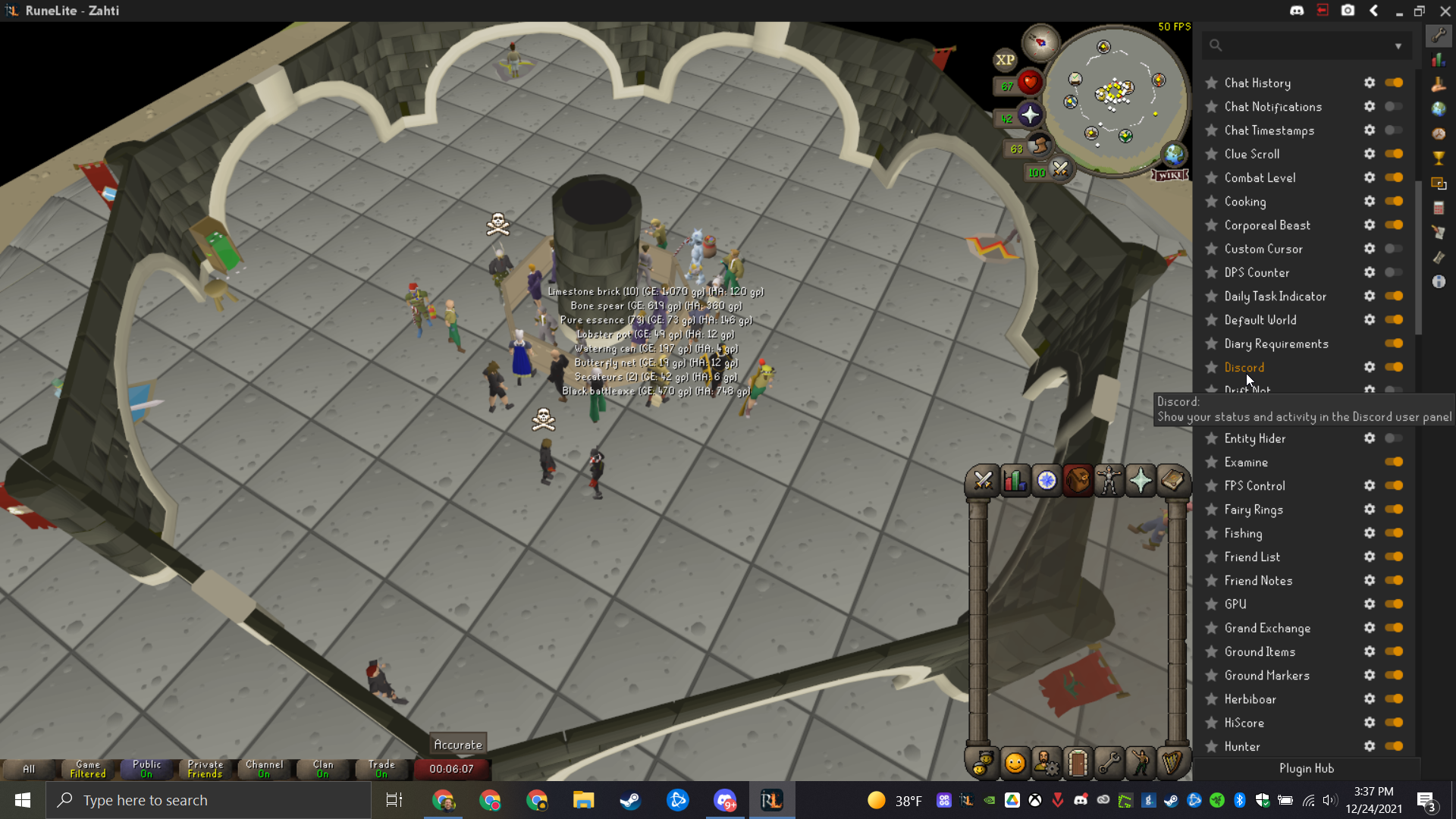
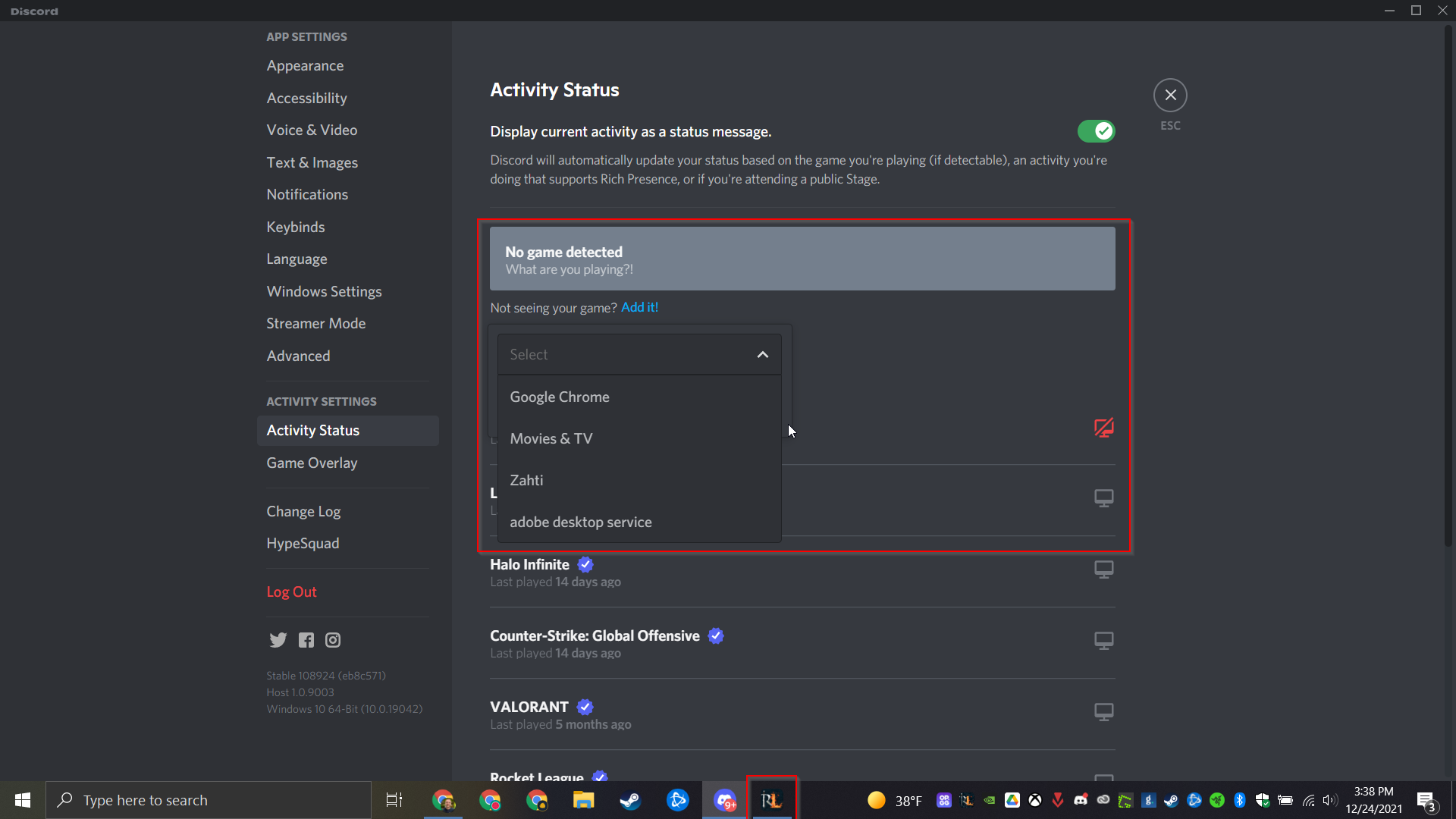

I am having the same issue with a fresh RuneLite install, plugin is enabled and the game is not showing in discord even when I try to add it manually:
I just noticed this. Two things I have to ask. First, have you tried completely uninstalling Runelite and it's launcher, and re-downloading and installing the newest? I believe what solved my issue was updating the launcher specifically, without uninstalling everything, but it's good to err on the safe side. Also have you tried the above solution of launching Runelite as administrator?
If neither of these work for some reason you may want to create a new issue for this as it could be a new bug, but I have a feeling one of these should work.
i got a similar problem
discord show that i'm playing runelite bit it doesn't show the activity i'm doing

If your Discord activity status is not showing properly follow these steps:
- Make sure your Discord plugin is enabled.
- Make sure RuneLite is not manually added as game to Discord game list.
- Enable
Display currently running game as status messagein Discord settings. - Make sure both RuneLite and Discord are NOT running as admin.
- If it is still not working, try running both RuneLite and Discord as admin. You might have to run the Jagex Launcher as admin as well to log in.
