

 runelite
RuneLite 1.6.18.1 Blurry - XPS 13 2020 Model 1920x1200 Resolution - Intel UHD Graphics
All,
Before I begin, I would like to say I have done 10+ hours of research on how to fix the issue I am having ever since I got this laptop (XPS13 2020 model, i5, 16gb RAM, 1920x1200 resolution, with Intel UHD Graphics) 4 days ago.
I have done every recommended step per other peoples issues/complaints, whether it disable hardware acceleration, windows auto-fix for blurry applications, cleartext type, changing DPI compatibility settings, custom scaling, best performance modes, gpu modes, stretched mode and re-sizing troubleshoots, running thru java .jar files, etc.
My screen resolution is stated above, 1920x1200 and the recommended scaling for the system is 150%. Of course, if I change the scaling to 100% everything is clear but the scaled down additional -50% in size so I'd need some "bubbles"-from-parks-and-rec-type glasses to operate that shit.
Needless to say, since my laptop is a 2020 model, its running windows-64bit.
The Runelite version (downloaded for windows-64bit) is the most up-to-date version: 1.6.18.1 and the launcher runelitesetup.exe is version 2.1.3.
To show you exactly the way I see RuneLite and its appearance, please see the image via the link or image below:
(https://user-images.githubusercontent.com/66570304/83978410-435ead00-a8d5-11ea-9f5a-a54c62bdaf58.png)
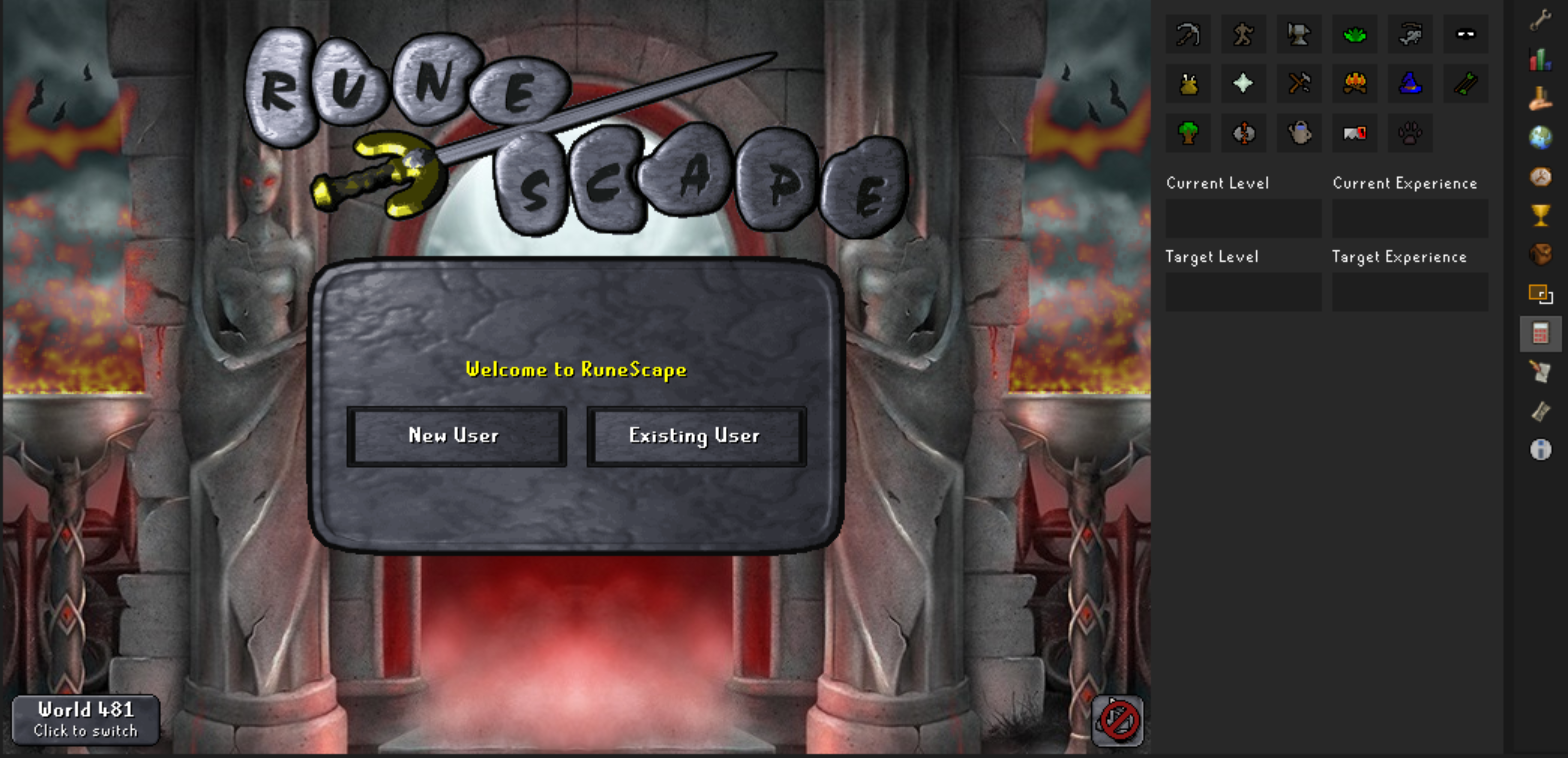
As you can see, it is quite blurry and is not "crisp" in any fashion. Everything else to do with the laptop and windows supported apps are clear as day. All but runelite. My old 2011 macbook pro which was the laptop I just upgraded from, has no issues with being blurry or "crisp" and the thing is a brick from 2011. So you can probably assume my confusion and frustration while upgrading to a brand new $1300 laptop.
All in all, if anyone has had the same issue and have found a solution, PLEASE advise.

Does this happen on the latest release of RuneLite? Join us at https://runelite.net/discord in the #support channel so we can fix this issue for you.

Do any of the steps in this wiki page cause any change? https://github.com/runelite/runelite/wiki/Change-DPI-Scaling-%28Windows%29
