

 rumax
rumax
Right vertical lines: Broken snapshot tests by local recorded iPhone Simulator uploads
It is not an actual bug to the testing framework PixelsCatcer but I detected a missbehavior on local running iOS Simulators breaking snapshot tests for iOS. Maybe you have made the same observations and can provide a good workaround or even a fix for that.
Describing the "bug"
- When running snapshot tests in our Azure pipeline using a vmImage macOS-11, our snapshot tests start failing for, let's say, "ghost button like" components.
- After some research, we recognized that the recorded screens from our local iPhone Simulator running on Mac OS X 12.x do not render vertical lines properly on the right hand side of the screen. The pipeline, also using a simulator, renders the views properly. Same for real iPhone devices.
Attached you can see the pipeline diff and the depiction on devices / pipeline simulator next to the local simulators snapshot where the right vertical lines are rendered a bit thicker.
Diff
 https://github.com/shalfknight/vertical-line-bug/blob/main/bug/PairingScreen%20-%20empty%20failure%20-%20lightDiff.png
Pipeline & Device Rendering
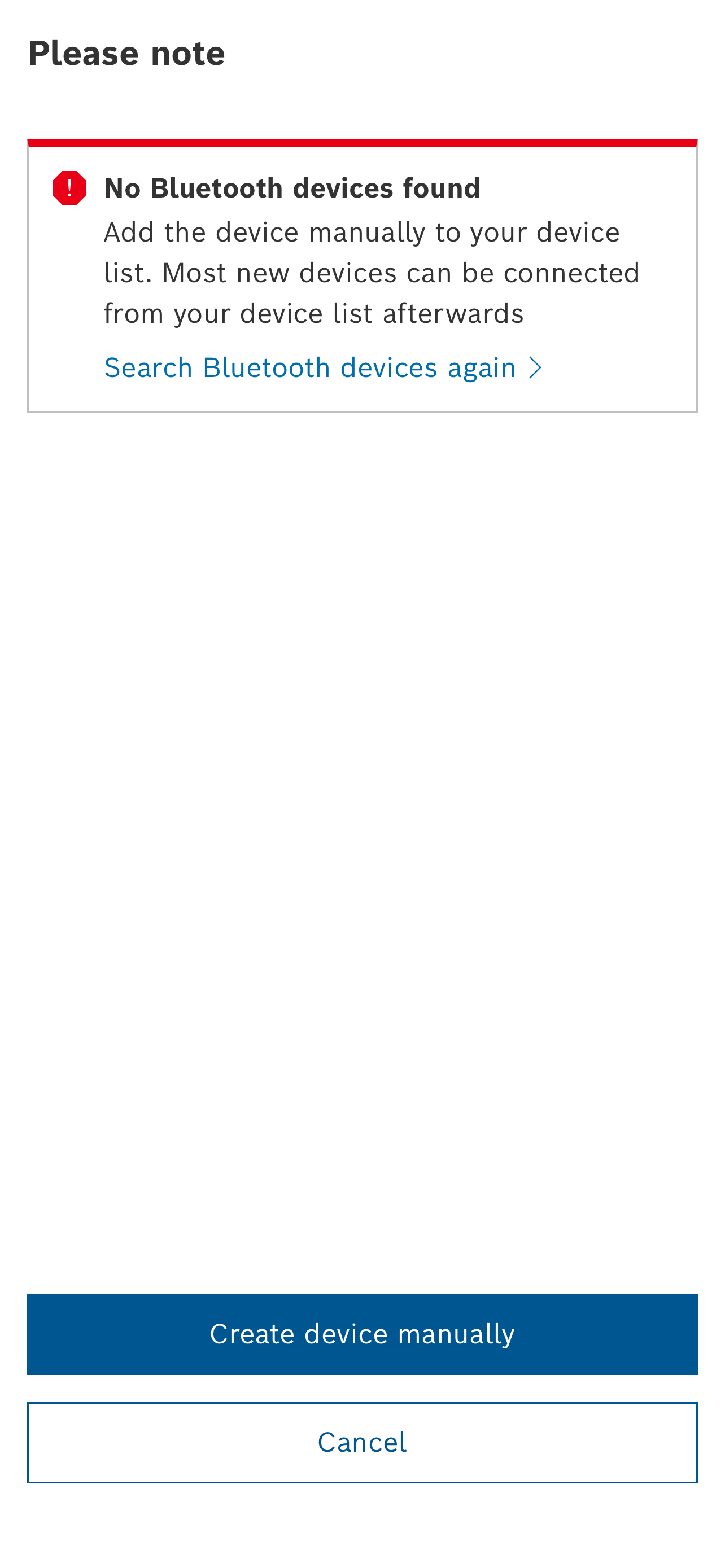 https://github.com/shalfknight/vertical-line-bug/blob/main/bug/PairingScreen%20-%20empty%20failure%20-%20lightActual.png
Local iPhone Simulator with wrong rendering
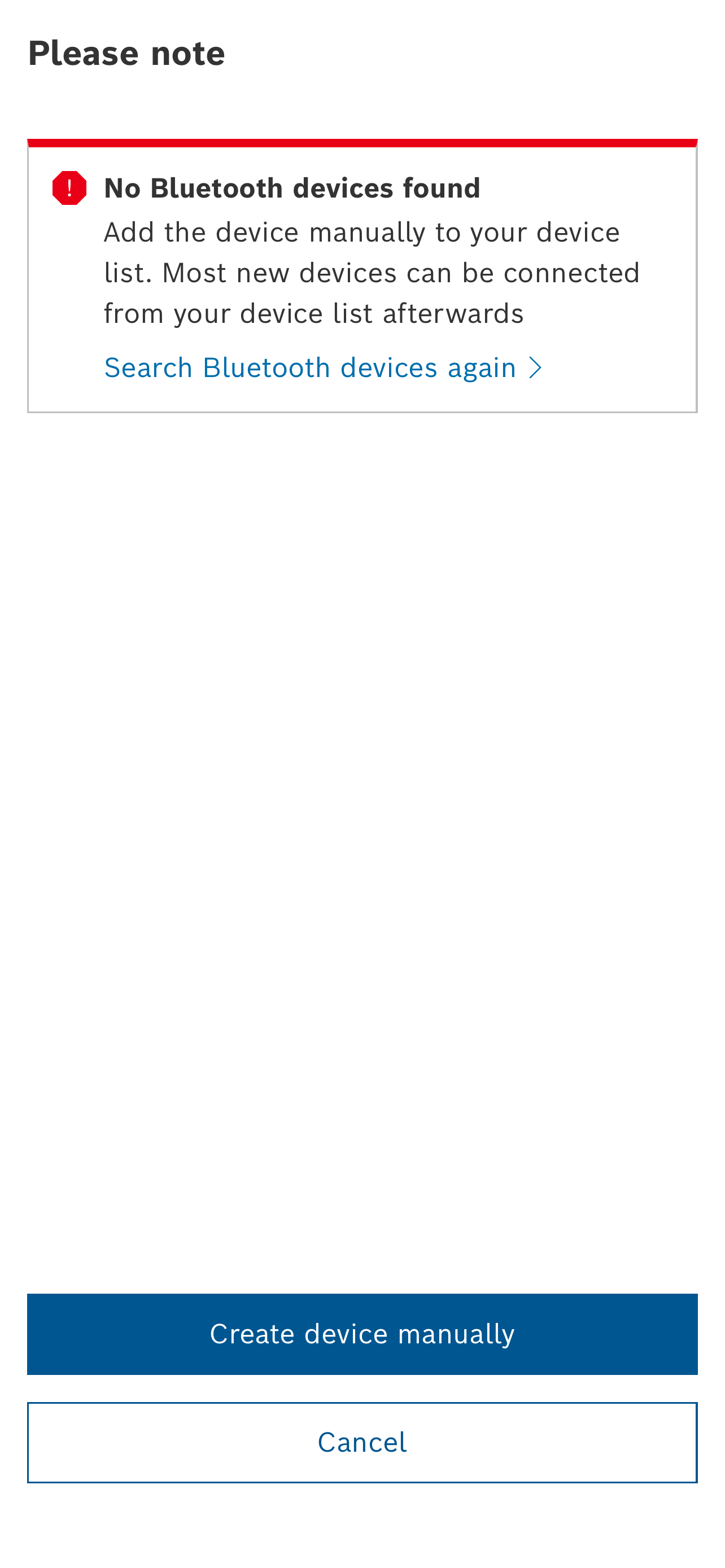 https://github.com/shalfknight/vertical-line-bug/blob/main/bug/PairingScreen%20-%20empty%20failure%20-%20lightReference.png
To Reproduce
I created a very minimalstic demo project applying the small notification box from the previous screens.
https://github.com/shalfknight/vertical-line-bug
Expected behavior When deploying it on an simulator, you should see that the right grey line is a bit thicker than the other grey lines
 https://github.com/shalfknight/vertical-line-bug/blob/main/bug/VerticalLine-Simulator.png
Deploying it to the device shows everything at its place
 https://github.com/shalfknight/vertical-line-bug/blob/main/bug/VerticalLine-Device.jpeg
Simulator information:
- It does not matter if it is an iPhone 8, iPhone 8 Plus or iPhone Pro Max 13
- Even different iOS versions do not matter The behavior is always the same rendering a thicker vertical line for such components
Did you already observe something similar breaking snapshot tests that way?
Kind regards Stefan

Hi @shalfknight, I didn't experience this kind if issue. Can you try to add some delays, let's say 1 sec to be sure that rendering is completed. You can do like it is done here https://github.com/rumax/react-native-PixelsCatcher/blob/master/demo/indexSnapshot.js#L77
componentDidMount() {
      // override default componentDidMount from Snapshot to delay it
      setTimeout(() => {
         this.props.onReady();
      }, 1000);
}
Otherwise maybe there is some difference between simulators. Do you create them with the same scrip both locally and on CI?

This issue has been automatically marked as stale because it has not had recent activity. It will be closed if no further activity occurs. Thank you for your contributions.
![stale[bot] avatar](https://avatars.githubusercontent.com/in/1724?v=4 "Published by a pub.dev verified publisher")
Hello @rumax
Introducing timeouts for rendering did not change the behavior at all. We also do not use a special script for simulator generation, we are just using the simulators which can be installed on Mac OS X. Nothing fancy done here at all as well.
Thereby it is so confusing that the simulators start failing for this kind of UI element, regardless if it is used in our main customer project nor in the simple demo project to reproduce this error: https://github.com/shalfknight/vertical-line-bug/
Does it work for you with our demo project?
Hello @rumax
Introducing timeouts for rendering did not change the behavior at all. We also do not use a special script for simulator generation, we are just using the simulators which can be installed on Mac OS X. Nothing fancy done here at all as well.
Thereby it is so confusing that the simulators start failing for this kind of UI element, regardless if it is used in our main customer project nor in the simple demo project to reproduce this error: https://github.com/shalfknight/vertical-line-bug/
Does it work for you with our demo project?
Hi @shalfknight , I've tried your project locally and do not see any issues
iPhone 8:
0 │ 'Vertical Line Bug Screen' │ 'PASSED' │ 0.255 │ 0.069

Same for iPhone 13

Border seems to be correct, according to definition
Thank you for testing!
On the one side I am becalmed that there is no issue in particular with pixels-catcher 👍
On the other side: It is really strange that this behavior occurs only on my team's local development machines. Nevermind, maybe time will tell one day what is causing that issue on our side. And if we should ever figure out that, we will document it here to prevent you from further headaches 😉
This issue has been automatically marked as stale because it has not had recent activity. It will be closed if no further activity occurs. Thank you for your contributions.