

 rstudio
fix footer to the bottom
If my site has a (partially) empty page like this, the footer jumps up. I tried to use the solutions proposed here but it doesn't seem to work

This is mainly a CSS question.
You can tweak the CSS to make that happens by adding those two rules
.distill-site-footer {
    position: fixed;
    bottom: 0;
}
This would change the default position.
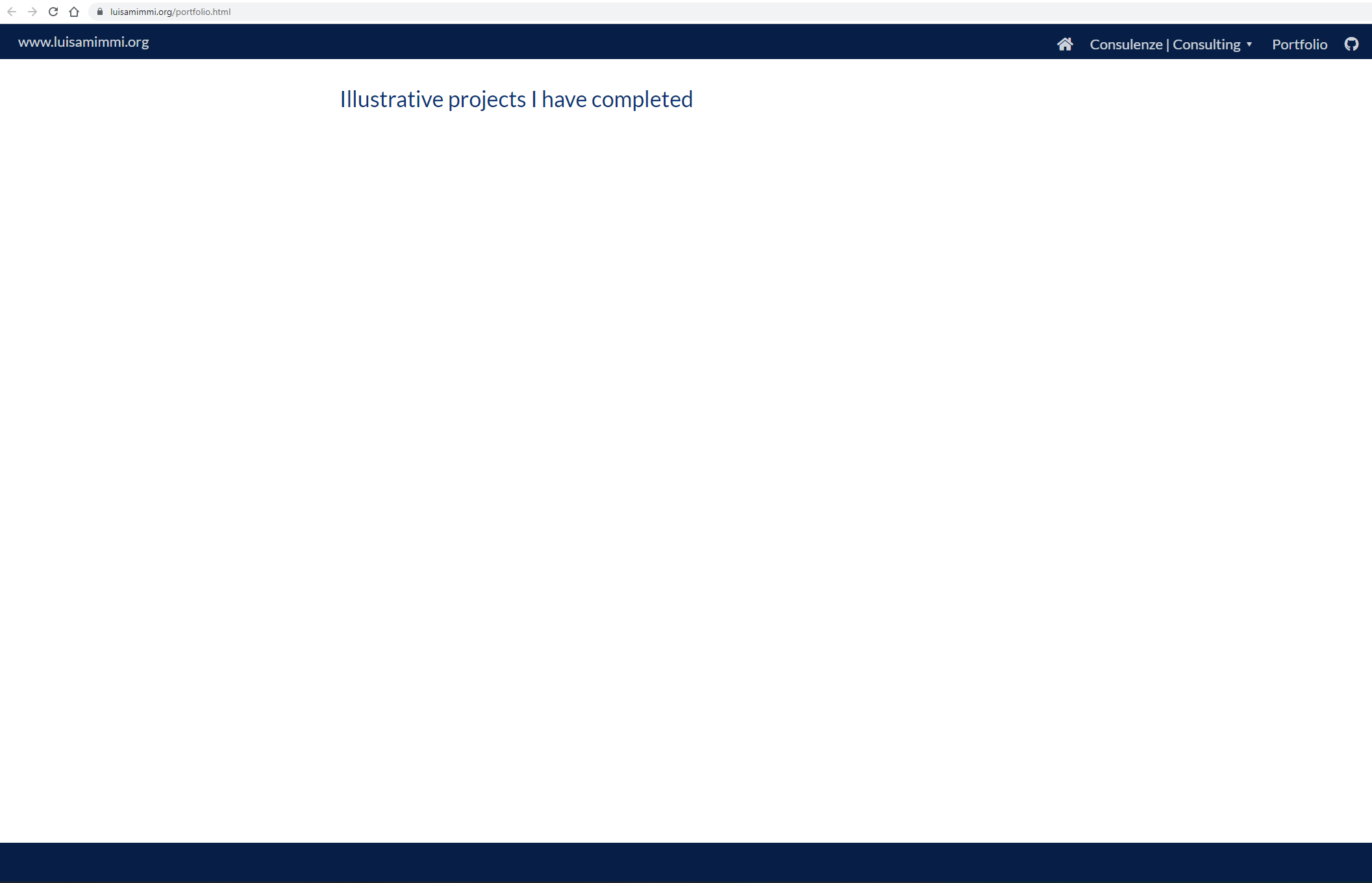
Hope it helps

Interesting. Let me reopen.
I added the rules in the browser console on your website, and it worked. Where are you adding the CSS rule in your website ? How did you add those ?
It should be done as custom CSS rules : https://rstudio.github.io/distill/website.html#custom-style
I added your line to the footer portion of my theme.css file as so:
.distill-site-footer {
  --position:	fixed;
  --bottom:	0;
  --text-color:	rgba(255, 255, 255, 0.8);
  --text-size:	15px;
  --hover-color:	rgb(168,138,35);
  --bkgd-color:	#071f46;
}
and specify theme.css in _site.yml here:
name: "www.luisamimmi.org"
title: "www.luisamimmi.org"
theme: theme.css
As explained in the doc (https://rstudio.github.io/distill/website.html#create-theme) , you are defining custom properties here (https://developer.mozilla.org/en-US/docs/Web/CSS/--*).
If those properties are not used in rules, then setting the value only will have no effect. Currently --position and --bottom are not properties used by distill.
This is why you need to use custom rules here: https://rstudio.github.io/distill/website.html?panelset=themed-site#custom-style
or you would like to change site elements not included in the theme file, you can define your own CSS as well.
So you need to add
.distill-site-footer {
    position: fixed;
    bottom: 0;
}
as a CSS rule.