

 rogerclarkmelbourne
[SOLVED] Which one of the binaries should I use for the mini stm32F103ZET6 chip with 144 pin package ?
Hi,
I have this board:
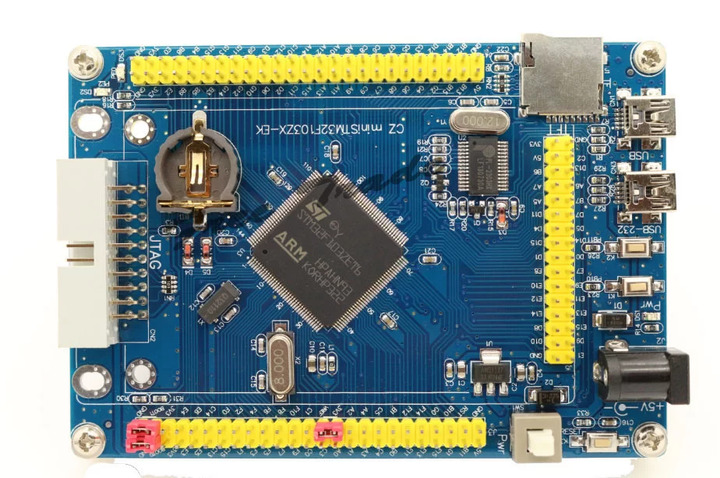
I found this video, and thought maybe this method would work to flash the board.
I downloaded these software:
- STM32 Flash Loader
- STM32 USB Mini Driver
- STM32duino Bootloader
So the link of point 3 directed me to this page and found many bin files, which one should I download for the chip in this board ?
Also, if there are other steps regarding programming this board, please tell me what to do exactly ?


I couldn't connect it on Arduino IDE
I installed ST32CubeProgrammer with UART method but the same problem, I get this result:
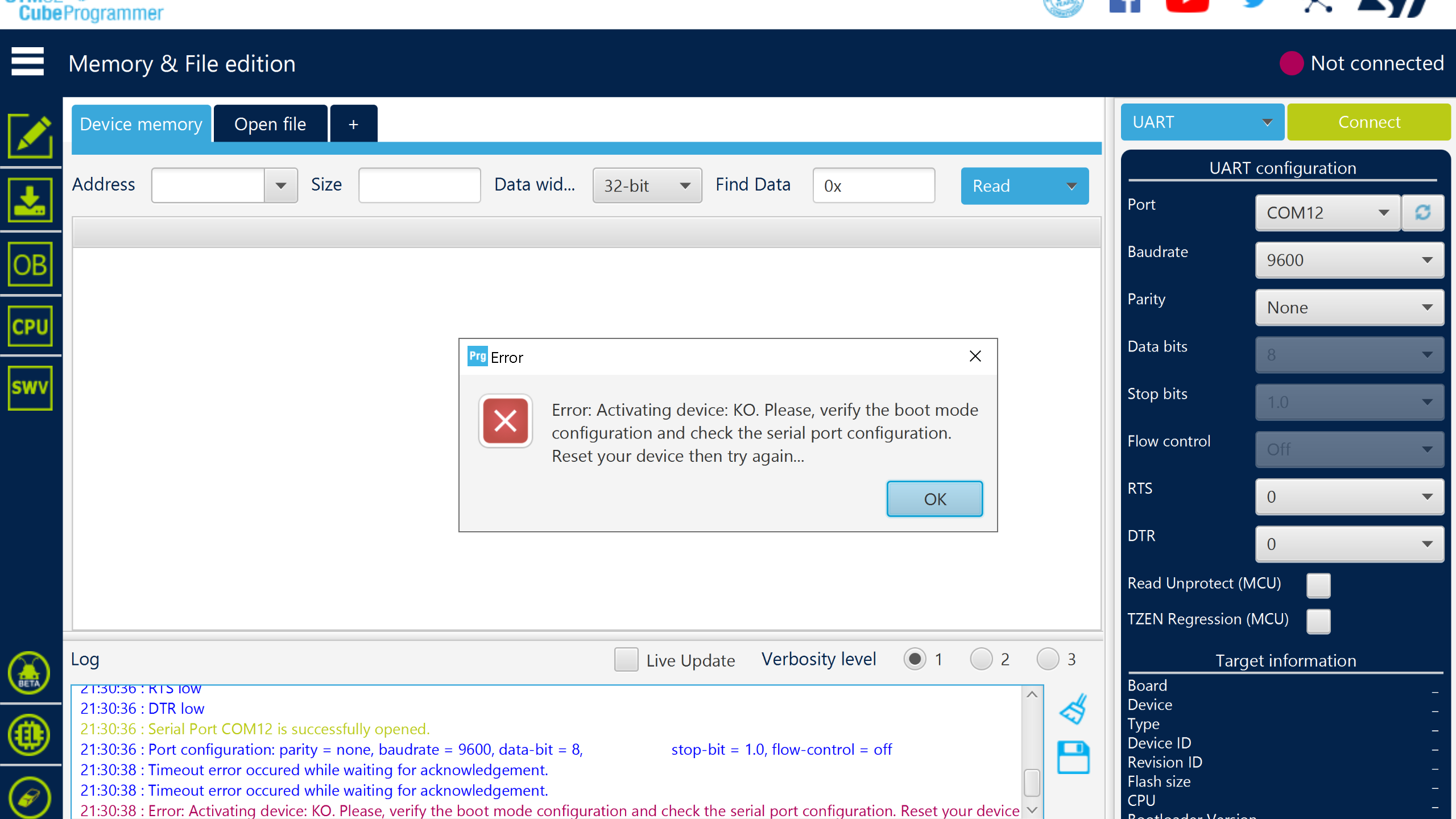
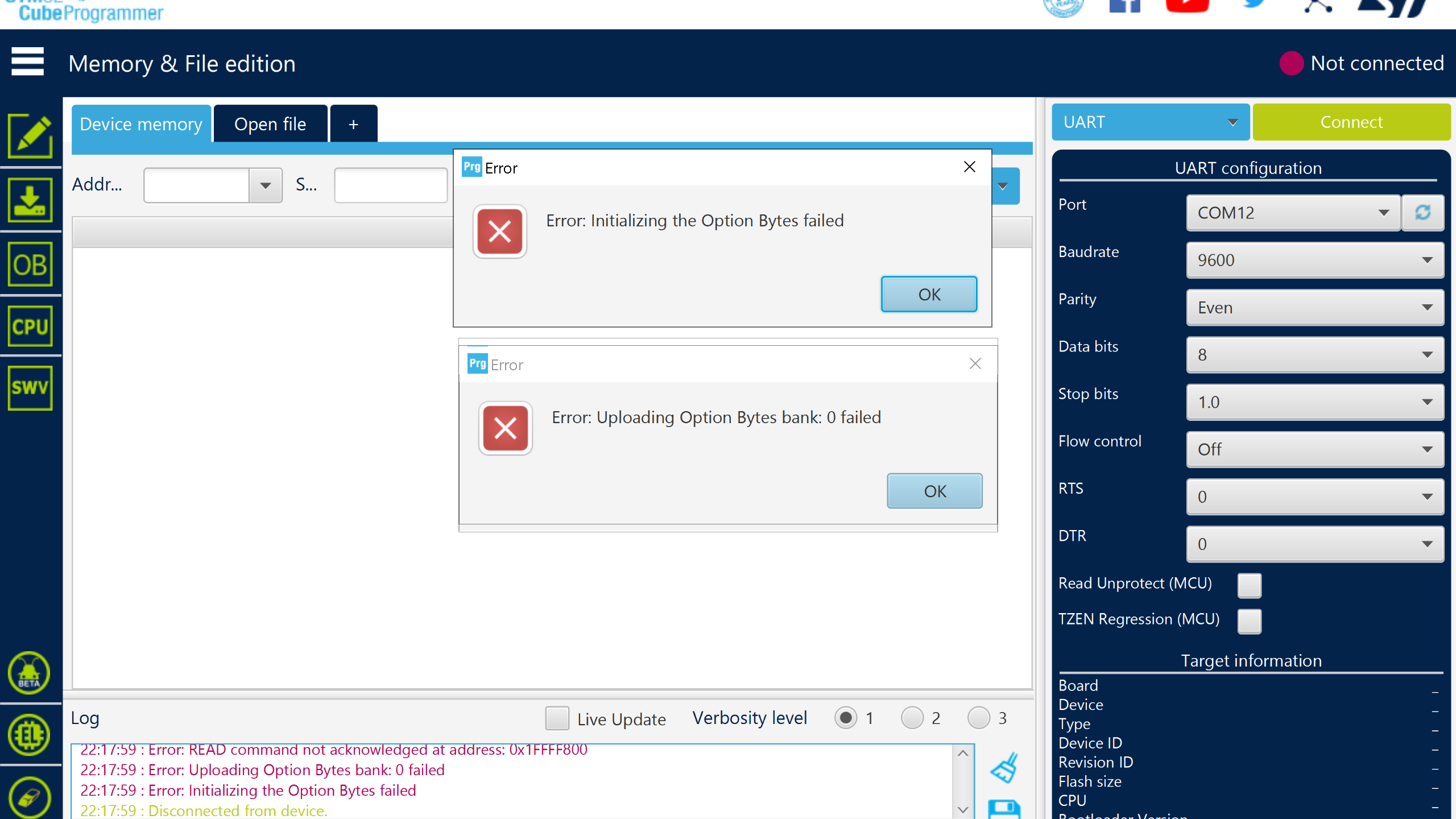
OK, I was able to program it with Arduino IDE.
First solve the "pl2303hxa phased out since 2012 please contact your supplier" issue, with updating the driver with this file:
http://www.mediafire.com/file/982x6iyk89v95dp/Prolific_PL2303_driver_v3.3.2.102_%25282008-24-09%2529_Win8_x64_x86.7z/file
With the following setting.
During flashing the MCU with Flash Loader Demonstrator with the appropriate bin file:
Set boot1 to GND. Power the board and select Next, then the next screen show the size of the flash memory. Select Next, this page has the flash mapping. Select Next. In the final page, select Download to device and check "Verify after download" and mount the bin file and select Next and wait until flashing process is done. In Arduino IDE:
Choose the board type as "Generic STM32F103Z series" In variant option select "STM32F103ZE" Upload method, select "Serial" CPU speed ""72MHz" Optimized "Smallest" Select the required COM port Keep boot1 set to GND Reset the board Then program blink example
