

 robotframework
Each `*** Variable ***` evaluation is done only once
*** Settings ***
Documentation   Variables evaluation
Suite Setup     Log             slowMo=${SLOWMO_VAL}

*** Variables ***
${SLOWMO_VAL}   0.0625
${SLOWMO_VAL}   0

*** Test Cases ***
A
    Sleep   0
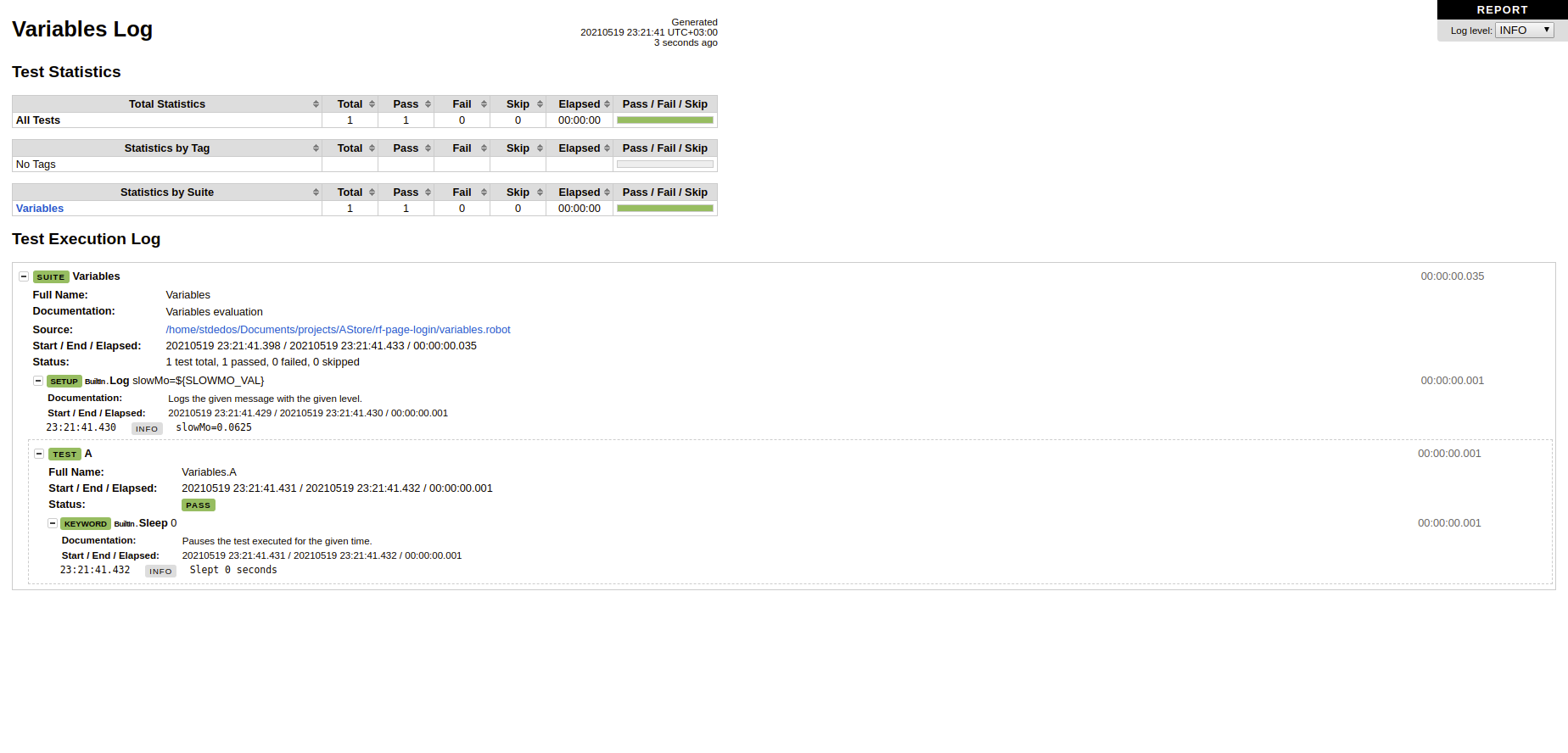
vs
*** Settings ***
Documentation   Variables evaluation
Suite Setup     Log             slowMo=${SLOWMO_VAL}

*** Variables ***
${SLOWMO_VAL}   0
${SLOWMO_VAL}   0.0625

*** Test Cases ***
A
    Sleep   0
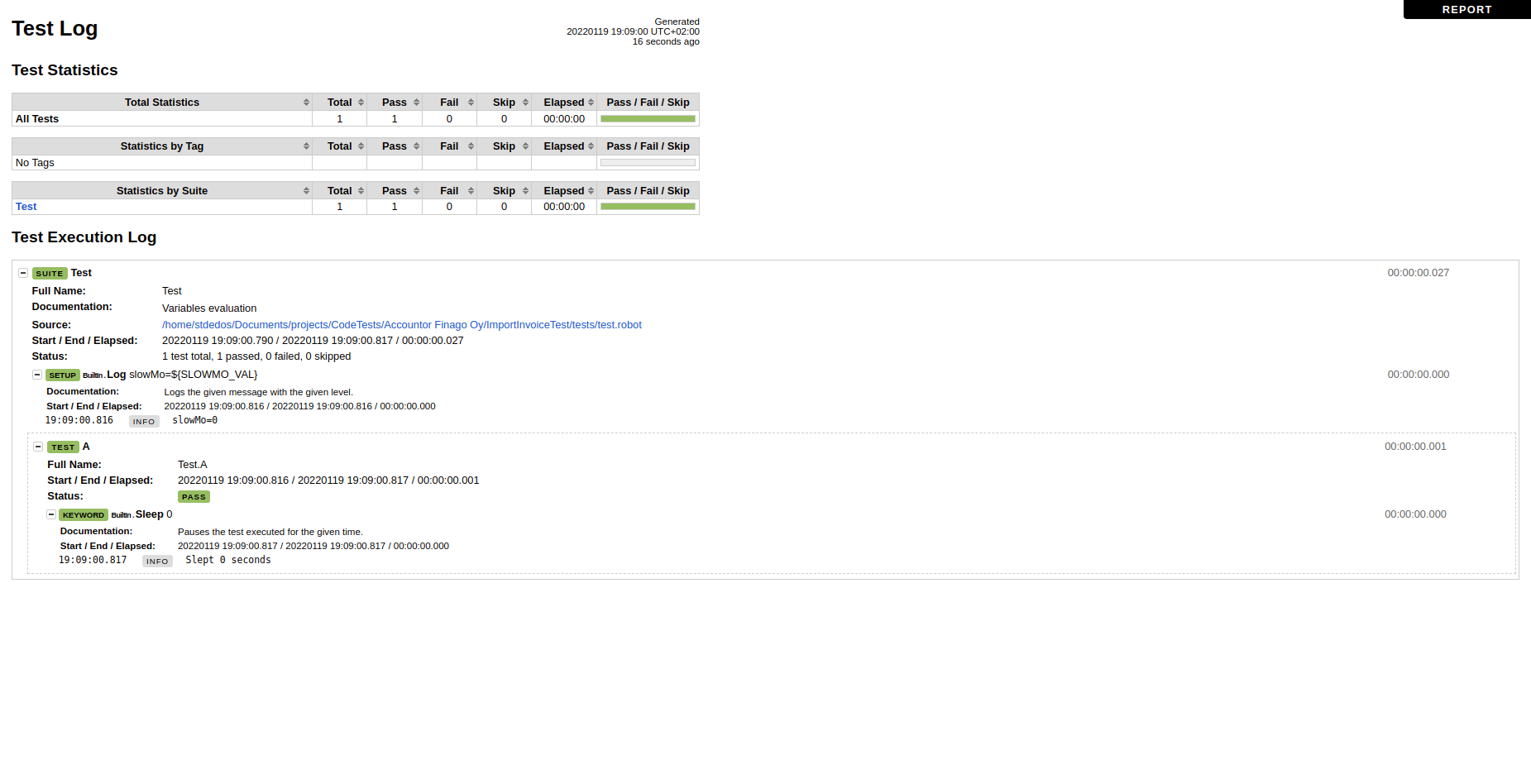
Use case: I don't know (or don't remember) if there is a shorthand ala bash for "if variable is empty then replace with ..." functionality (i.e. ${SLOWMO:-0}) in Robot Framework.
None of the:
- ${SLOWMO}
- $SLOWMO
- ${{ $SLOWMO or 0 }}
seem to work if I remove/comment out all the *** Variables *** (feel free to expand the list)

Do I get it right that you get slowMo=0.0625 regardless the order of how you declare ${SLOWMO_VAL}? I tested this locally and your latter example gave me slowMo=0.
With "if variable is empty" do you mean variable having an empty string or possibly None as value or the variable not being defined at all?
Do you have a more concrete example about what you actually are trying to do?

Do I get it right that you get
slowMo=0.0625regardless the order of how you declare${SLOWMO_VAL}? I tested this locally and your latter example gave meslowMo=0.
Hmm - seems the screenshots are a bit off from what I am reporting 😅. I'll run them again.
Indeed that's the case - the first declaration takes precedence (i.e. second is slowMo=0).
With "if variable is empty" do you mean variable having an empty string or possibly
Noneas value or the variable not being defined at all?
Yes
Do you have a more concrete example about what you actually are trying to do?
I am trying to have a quick-and-dirty way of configuring slowMo https://marketsquare.github.io/robotframework-browser/Browser.html#New%20Browser.
- My initial thought was to replicate the bash behavior of
${slowmo:-default}; it failed (the list above) - Then, I thought I will define the variable twice - latter declaration takes precedence; it failed too. (the code examples)
- I know of https://robotframework.org/robotframework/latest/libraries/BuiltIn.html#Get%20Variable%20Value; but that would mean I need to extract a one-liner
Suite Setupto a separate keyword and spend about 3-4 lines. It is of course okay to tell me "that's the way it's happening right now"; I was wondering if there are other people that think this would be good/wanted.
I think the reason that first variable declaration "wins" is that it makes handling variables in resource files easier. Variables in the test case are parsed first, and thus variables in possible resource files cannot overwrite them. This whole design is actually pretty bad, we should have separate variable namespaces for resource files instead of having all variables in one store. I hope we get all that rewritten sometime in the future and then this could change. Anyway, I don't see much point in declaring same variable multiple times in one place and thus don't think it really matters which one of them is actually used.
I don't see much point in declaring same variable multiple times in one place and thus don't think it really matters which one of them is actually used.
I don't see the point either, but this
*** Settings ***
Documentation   Variables evaluation
Suite Setup     Log             slowMo=${SLOWMO_VAL}

*** Variables ***
# ${SLOWMO_VAL}   0.0625

*** Test Cases ***
A
    Sleep   0
will result in an error 😕
Being able to give a default value for a variable would be handy and such support was actually added to environment variables in RF 3.2 (#3382) using syntax %{NAME=default}. This syntax is safe because environment variable names cannot contain =, but Robot's normal variable names can contain it and always considering = a default value separator in this context would thus be backwards incompatible. I guess this kind of algorithm would work, though:
- Always first try finding a variable with the "full" name. For example, with
${x=y}usex=y. - If there's no match and the name contains
=, try finding with the "name part". For example, with${x=y}usex. - If there's no match, return the default value. For example, with
${x=y}returny.
The current way to handle this situation is creating the variable so that it has the default value set. For example,
*** Variables ***
${SLOWMO_VAL}    0
Then that value can be overridden fro the CLI using --variable. The value can also be altered in the data, for example, like
*** Variables ***
#${SLOWMO_VAL}    0
${SLOWMO_VAL}    0.0625
Although this works fine, being able to specify the default value where the variable is used would be more convenient.
If you @stdedos think being able to specify default values using ${NAME=default} syntax would be a good idea, please submit a separate issue about that. We could get it added already in RF 4.1 (at least if you are interested to help with a PR) or latest in RF 5.0.
- Always first try finding a variable with the "full" name. For example, with
${x=y}usex=y.
I'd never use = anyway in a variable myself (unless somehow I have typed it inadvertently).
If you/others don't object with the idea, LGTM.
I doubt = is too commonly used in variable names, but we still cannot make it a special character without deprecating it or otherwise handling it gracefully. If we select the deprecation way, then we could earliest deprecate it in RF 4.1 and take the new syntax into use in RF 5.0. The algorithm I proposed above ought to work well so that this functionality could be introduced already in RF 4.1. Then we could consider deprecating using = for other purposes to make the syntax simpler.