

 robotframework
RIDE-1.5.2.1 is not working if I install 1.7.3.1 and reinstall 1.5.2.1 version
I have updated my RIDE to 1.7.3.1 and due to the grid editor issues I wanted to switch back to 1.5.2.1 version but RIDE not working properly with 1.5.2.1 version (Getting an exception when I run ride.py from cmd - Attached screenshot below)

Version Details: Windows 10 Python--2.7.15 (using anaconda) robotframework -3.0.4


it seems that the problem can be related to additional information in library keyword database added in 1.7.3. try to remove libraryrkeywords.db file from %AppData%\robotframework\ride (backup as always) The database work as a cache for keywords Ride should create it on next start if it is missing.

@kajamoihdeen You said:
due to the grid editor issues
Can you reference what is the Issue number? If not, please explain what was the problem. Thanks.

I had been having head banging moments because of this.
OMG... you guys are amazing. It helped me too. Thank you( I can not thank you enough:) )

it seems that the problem can be related to additional information in library keyword database added in 1.7.3. try to remove libraryrkeywords.db file from %AppData%\robotframework\ride (backup as always) The database work as a cache for keywords Ride should create it on next start if it is missing.
It worked for me...Thank You...
Hello, I had the same problem and it helped me a lot to remove the old directory.


it seems that the problem can be related to additional information in library keyword database added in 1.7.3. try to remove libraryrkeywords.db file from %AppData%\robotframework\ride (backup as always) The database work as a cache for keywords Ride should create it on next start if it is missing.
it worked ,thank you very much

it seems that the problem can be related to additional information in library keyword database added in 1.7.3. try to remove libraryrkeywords.db file from %AppData%\robotframework\ride (backup as always) The database work as a cache for keywords Ride should create it on next start if it is missing.
it worked ,thank you very much
but It works the same way as 1.7V, for example I can't show my selection in the grid, although the selection works
@Carlzkh You can see that fixed in current development version:
pip install -U https://github.com/robotframework/RIDE/archive/master.zip
@Carlzkh You can see that fixed in current development version:
pip install -U https://github.com/robotframework/RIDE/archive/master.zip
This will have to be started in python3 to work, but it will give you an error when it's started The ride can be started by clicking ok in the error box, but there are fewer menus and features,eg run
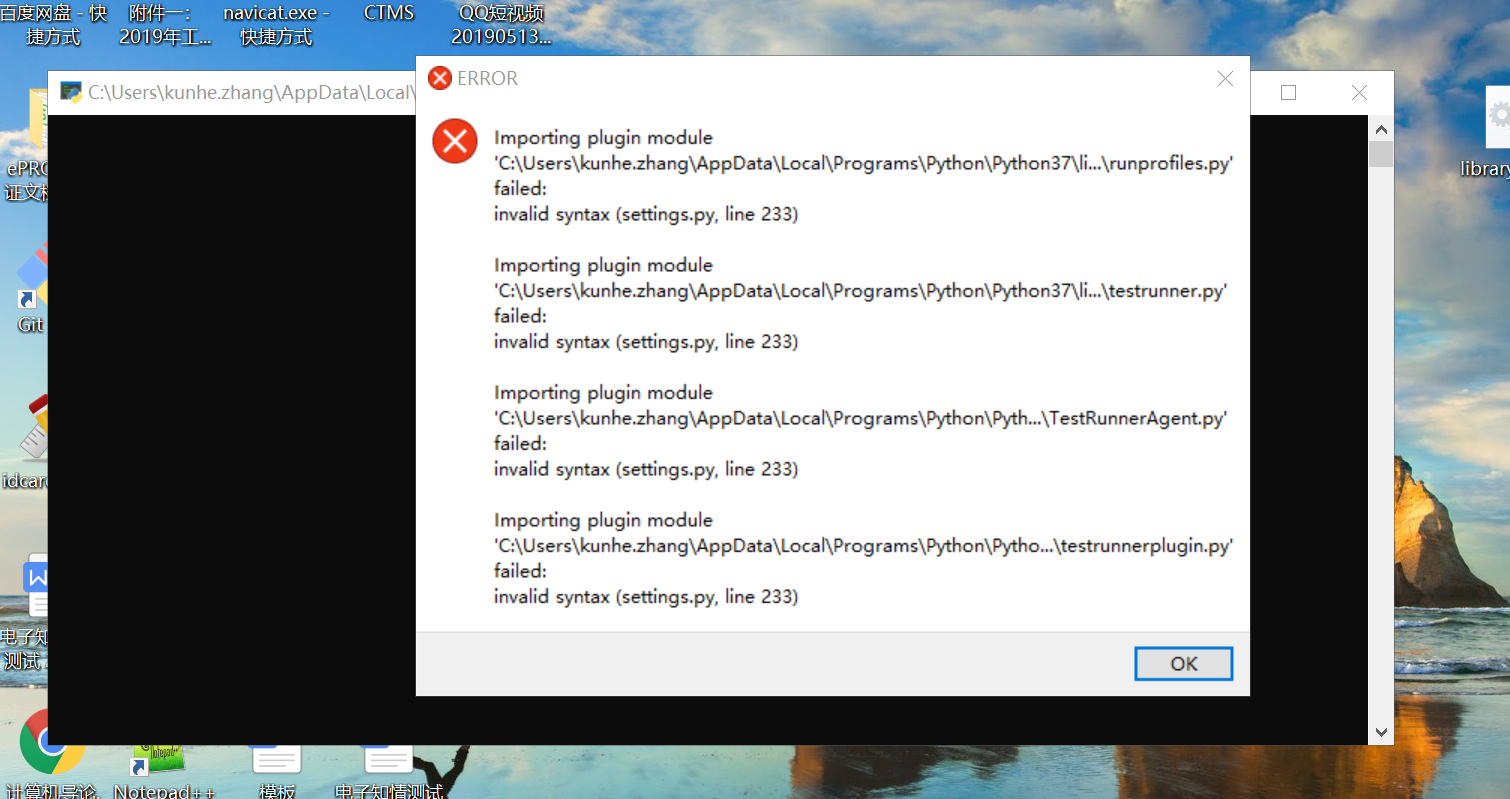

@Carlzkh That maybe a similar problem of the initial report. I now see that you have an Asian code character mapping. It may be that you have Include or exclude fields with tags containing Chinese characters. If so, you can make a backup copy of settings.cfg and then delete and start RIDE again.
You may also, only delete the robot_exclude_tags and robot_include_tags from settings.cfg.
That maybe a similar problem of the initial report. I now see that you have an Asian code character mapping. It may be that you have Include or exclude fields with tags containing Chinese characters. If so, you can make a backup copy of settings.cfg and then delete and start RIDE again. You may also, only delete the
robot_exclude_tagsandrobot_include_tagsfrom settings.cfg.
Which path? I found many settings.cfg on my computer,and There are others with similar names
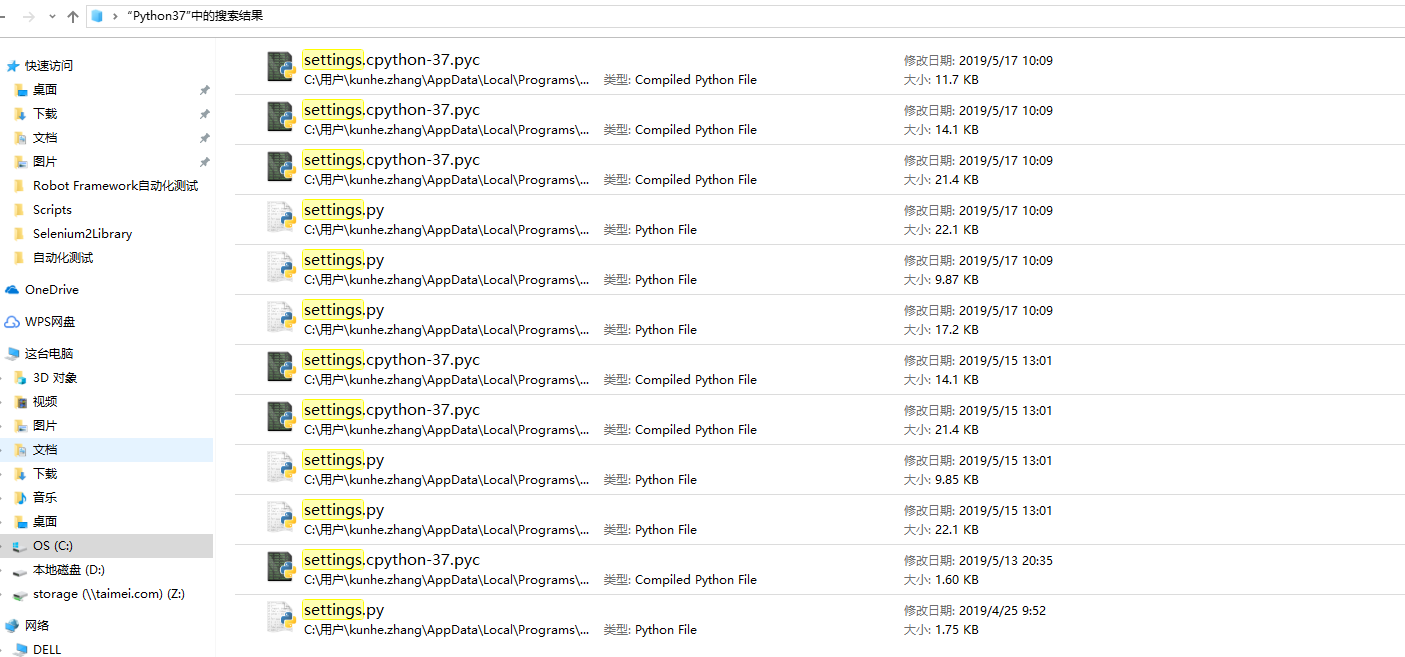
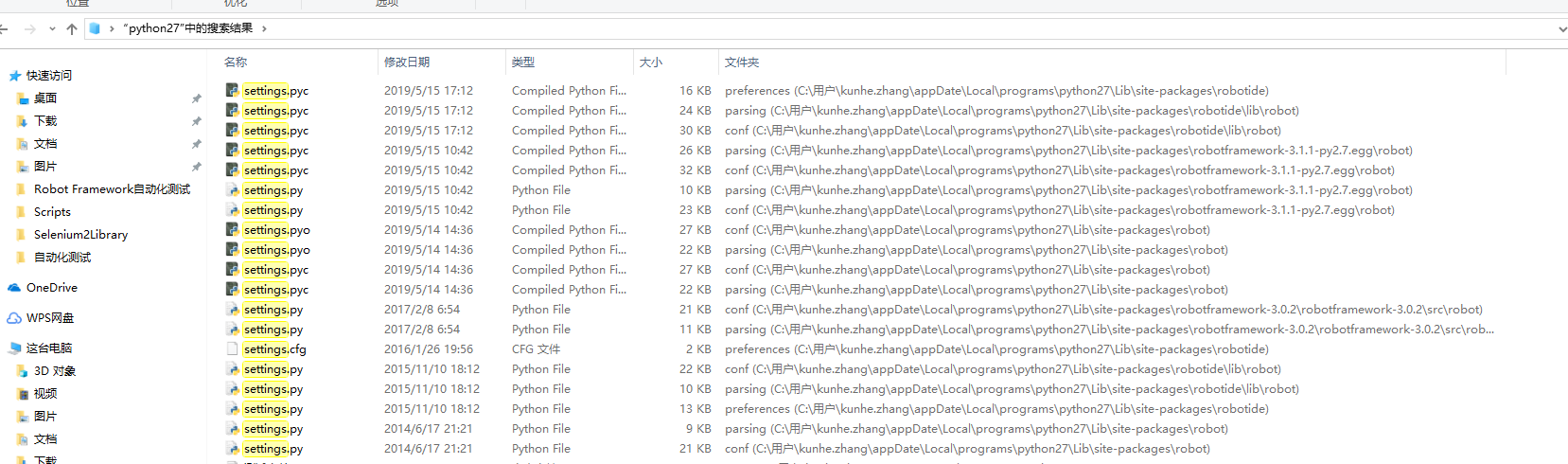
@Carlzkh It in is the %APPDATA%\RobotFramework\ride
(or C:\Users\YourUserName\AppData\Roaming\RobotFramework\ride )
@Carlzkh It in is the
%APPDATA%\RobotFramework\ride(orC:\Users\YourUserName\AppData\Roaming\RobotFramework\ride)
After deleting settings.cfg, ride will not start

@Carlzkh Your screen capture shows you starting python3 (it starts and closes, that is normal). To start RIDE, you could have created the Desktop Shortcut from Tools. Open a command window and enter:
python -m robotide.__init__
or ride.py
it seems that the problem can be related to additional information in library keyword database added in 1.7.3. try to remove libraryrkeywords.db file from %AppData%\robotframework\ride (backup as always) The database work as a cache for keywords Ride should create it on next start if it is missing.
This fix the problem

Facing issue with the ride edit view. Ride version: 1.7.4b2
I have also tried the below solution still facing the same issue: try to remove libraryrkeywords.db file from %AppData%\robotframework\ride (backup as always) The database work as a cache for keywords

While handling <robotide.publish.messages3.RideNotebookTabChanged object at 0x008B57C0>

Traceback (most recent call last):
'fixed font'
 File "c:\users\ashish\appdata\local\programs\python\python38-32\lib\site-packages\robotide\publish\publisher.py", line 103, in __call__
   self.listener(data)
 File "c:\users\ashish\appdata\local\programs\python\python38-32\lib\site-packages\robotide\editor\__init__.py", line 144, in OnTabChanged
   self._show_editor()
 File "c:\users\ashish\appdata\local\programs\python\python38-32\lib\site-packages\robotide\editor\__init__.py", line 117, in _show_editor
   self._editor = self._create_editor()
 File "c:\users\ashish\appdata\local\programs\python\python38-32\lib\site-packages\robotide\editor\__init__.py", line 121, in _create_editor
   return self._creator.editor_for(self, self._tab, self.tree)
 File "c:\users\ashish\appdata\local\programs\python\python38-32\lib\site-packages\robotide\editor\editorcreator.py", line 53, in editor_for
   self._editor = self._create_editor(editor_panel, plugin, tree)
 File "c:\users\ashish\appdata\local\programs\python\python38-32\lib\site-packages\robotide\editor\editorcreator.py", line 70, in _create_editor
   return self._create_new_editor(controller, editor_panel, plugin, tree)
 File "c:\users\ashish\appdata\local\programs\python\python38-32\lib\site-packages\robotide\editor\editorcreator.py", line 87, in _create_new_editor
   return editor_class(plugin, editor_panel, controller, tree)
 File "c:\users\ashish\appdata\local\programs\python\python38-32\lib\site-packages\robotide\editor\editors.py", line 80, in __init__
   self._populate()
 File "c:\users\ashish\appdata\local\programs\python\python38-32\lib\site-packages\robotide\editor\macroeditors.py", line 33, in _populate
   self._create_kweditor()
 File "c:\users\ashish\appdata\local\programs\python\python38-32\lib\site-packages\robotide\editor\macroeditors.py", line 37, in _create_kweditor
   self.kweditor = KeywordEditor(self, self.controller, self._tree)
 File "c:\users\ashish\appdata\local\programs\python\python38-32\lib\site-packages\robotide\editor\kweditor.py", line 109, in __init__
   self._configure_grid()
 File "c:\users\ashish\appdata\local\programs\python\python38-32\lib\site-packages\robotide\editor\kweditor.py", line 177, in _configure_grid
   self._set_fonts()
 File "c:\users\ashish\appdata\local\programs\python\python38-32\lib\site-packages\robotide\editor\kweditor.py", line 181, in _set_fonts
   font_family = wx.FONTFAMILY_MODERN if self.settings['fixed font'] \
 File "c:\users\ashish\appdata\local\programs\python\python38-32\lib\site-packages\robotide\preferences\settings.py", line 322, in __getitem__
   value = self._config_obj[name]
 File "c:\users\ashish\appdata\local\programs\python\python38-32\lib\site-packages\robotide\preferences\configobj.py", line 616, in __getitem__
   val = dict.__getitem__(self, key)
```

@ashishp100194 That is a known problem when using python 3.8. We have placed a warning on README project page, and search the Issues for similar problem.
@ashishp100194 That is a known problem when using python 3.8. We have placed a warning on README project page, and search the Issues for similar problem.
So is there any workaround or solution for this issue?

The original issue has a workaround. The Python 3.8, problem will not be fixed in this version, and there is a proper issue for that.
Closing because should have lost relevance for modern systems. Current versions are:
- Python 3.11
- wxPython 4.2.1
- RIDE 2.0.7 (and 2.0.8dev13)