robotframework
How to change the font and size of project tree in the left of RIDE
Hi,
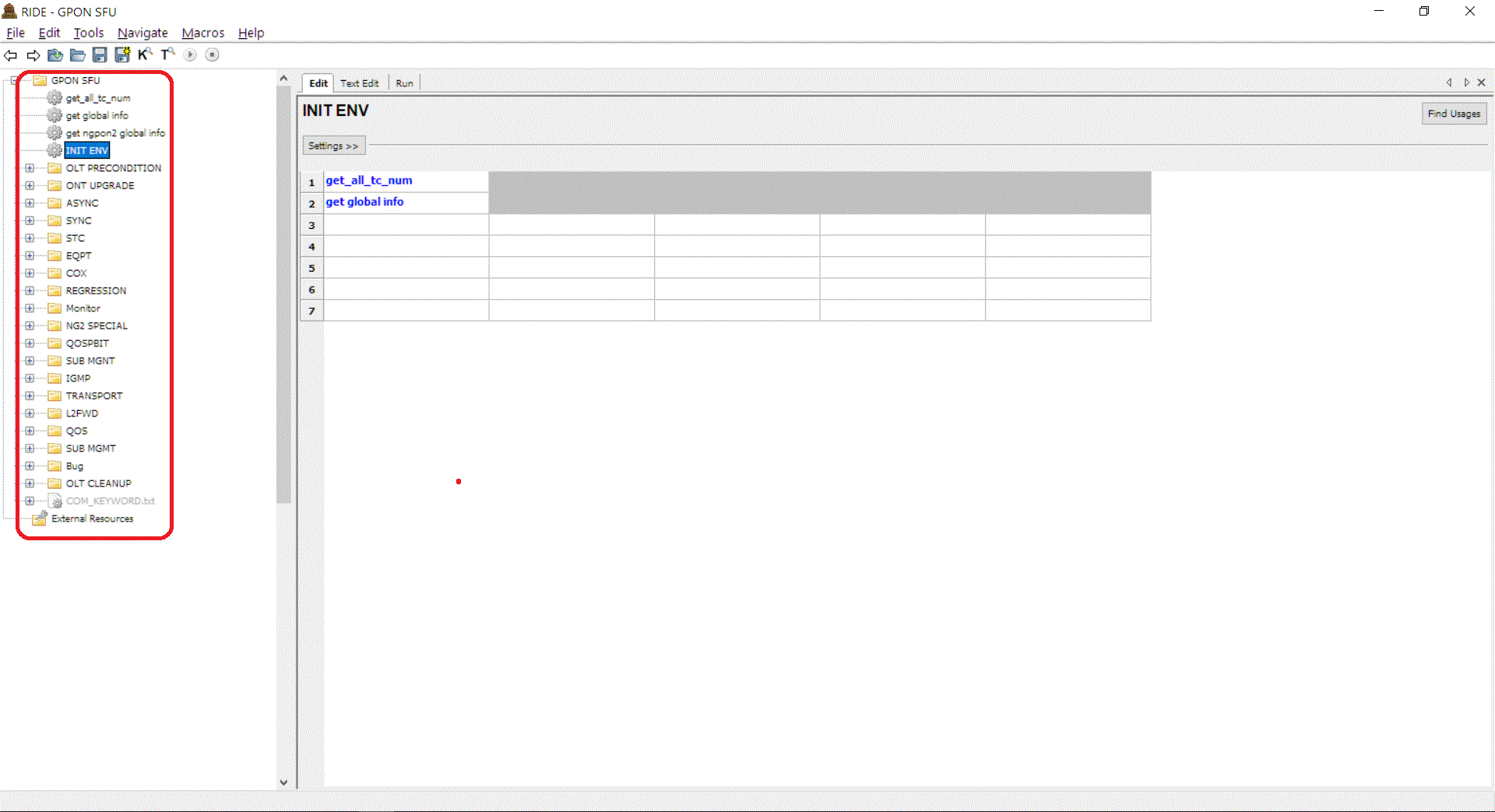
I install the RIDE 1.5.2.1 on the Win10, in my office laptop. The font size of the project tree is too small in the left side of the RIDE.
On the Win7, I can change this font and size by the following steps:
right click on the desktop, select "Personalize" click "Window Color", open the "Window Color and Appearance" windows change the fond name and size in the "Window Color and Appearance" windows
But in the version of Win10 of my office laptop, I can not do it. This function has been removed.
Is there any other method to change this font and size of the project tree in the RIDE? Thanks.
Leo

same question like you.
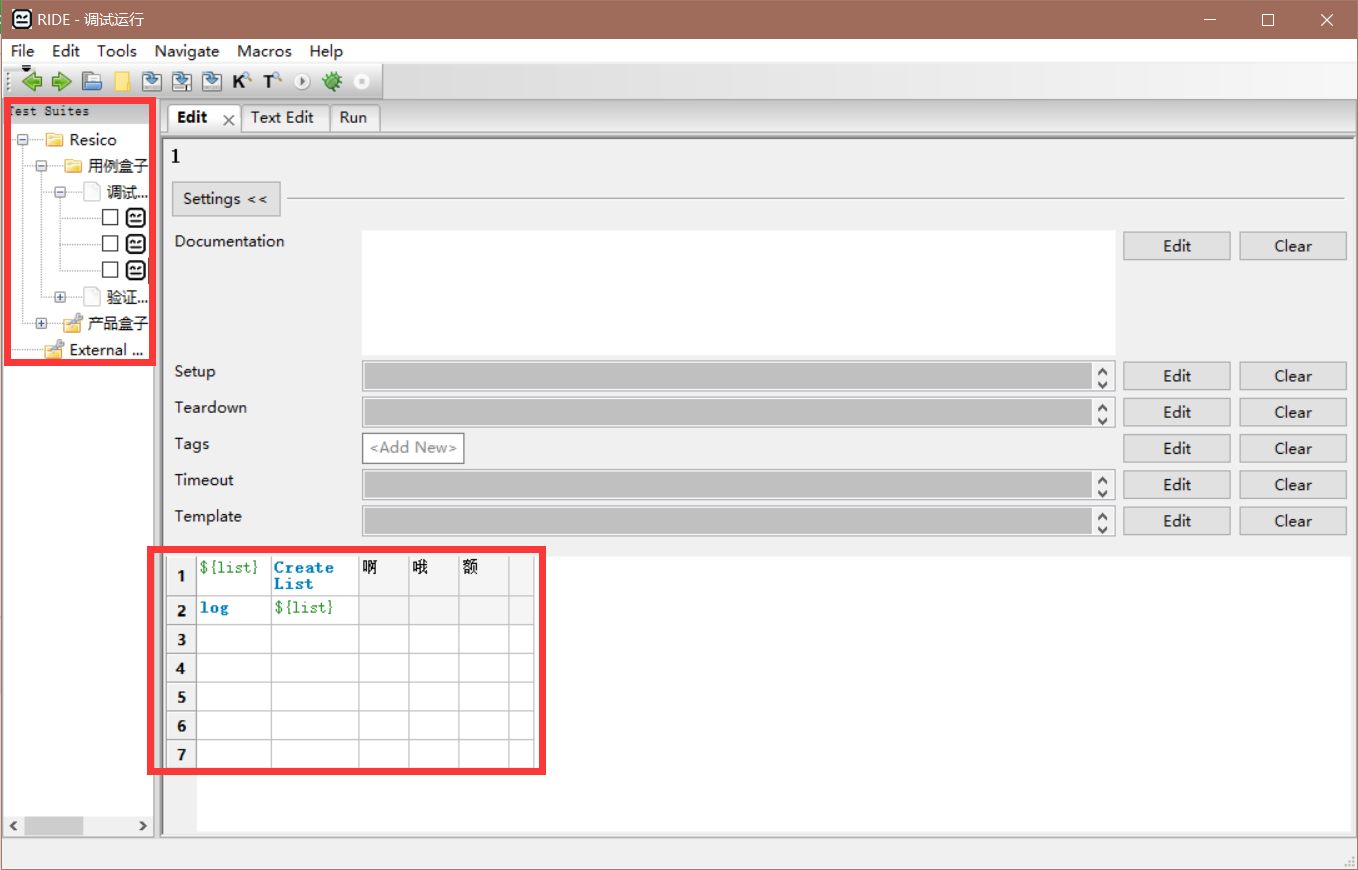
and I'd like to ask how make the table a little wider.
I open my ride always like this: