
b3
 b3 copied to clipboard
 ritschmaster
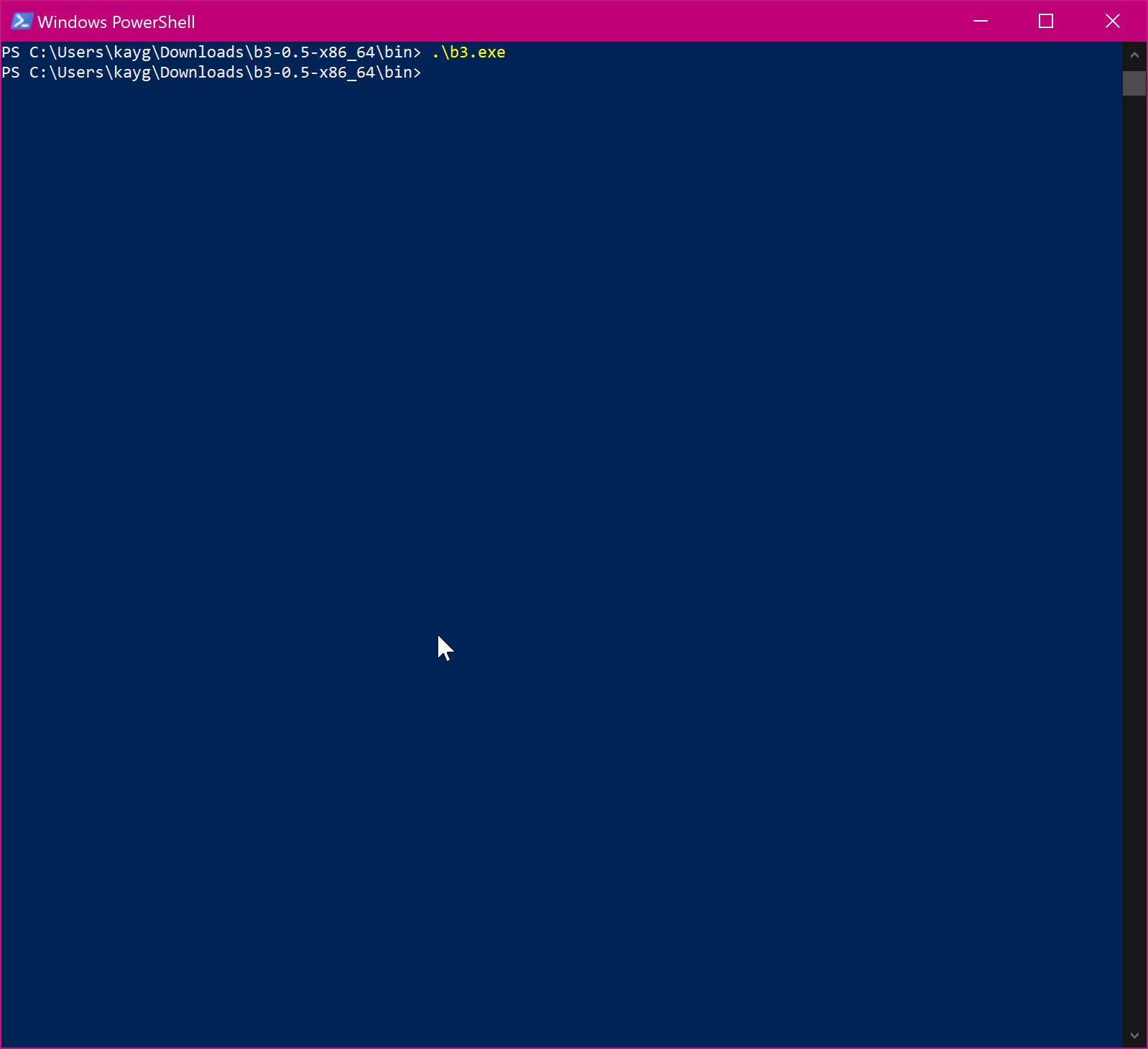
Nothing happens when executable is run
Hello!
I've tried placing the example.config as config in the same directory as b3.exe and in C:\Users\user\.config\b3 as config but upon starting b3.exe, nothing happens and there's no error / output as well.
It might be worth noting that I am using a standard user account. Thanks!

So it looks like I needed to run it as admin. Can this behaviour be changed?
What is your command line (cmd.exe or powershell) is "saying" when you execute the b3.exe from this environment?

So it looks like I needed to run it as admin. Can this behaviour be changed?
I cannot confirm that. In the contrast, I can execute it without any admin privileges.
But I do experience some weird behavior myself too when running b3 in a VM. For some reason I have to start it multiple times in a row to actually get it up and running. Sounds to me like some race condition. But on bare metal I have no issues at all. @kayg04 are you running it in a VM?

I have the same issue on windows 10. It seems nothing happens when I execute b3.exe. Trying from a powershell prompt does not return any error message.

@ritschmaster, I'm running it on baremetal. I tried again and the behaviour hasn't changed. I get no messages at all when the executable at run and nothing happens.
Hi, thanks for work on this tool, I just tried it but nothing happended. The below are some logs in the Event Viewer
Faulting application name: b3.exe, version: 0.0.0.0, time stamp: 0x60152c3d
Faulting module name: ntdll.dll, version: 10.0.22000.51, time stamp: 0xafd3fa29
Exception code: 0xc0000374
Fault offset: 0x000000000010b789
Faulting process id: 0x6b54
Faulting application start time: 0x01d76fe46de1dc52
Faulting application path: C:\Downloads\b3-0.5-x86_64\b3-0.5-x86_64\bin\b3.exe
Faulting module path: C:\Windows\SYSTEM32\ntdll.dll
Report Id: 92ae6547-234e-48ce-8cc3-fe659db00793
Faulting package full name:
Faulting package-relative application ID:
Specs:
- OS: Windows 11 Insider

I have the same issue on windows 10. It seems nothing happens when I execute b3.exe. Trying from a powershell prompt does not return any error message.
same for me..

I have the same issue on windows 10. It seems nothing happens when I execute b3.exe. Trying from a powershell prompt does not return any error message.
same for me..
Sorry for this :'D. it is working.. All you have to do is putting the example.config inside "C:\Users\user.config\b3" then naming it "config" not "example.config". After you do everything right it should look like "C:\Users\user.config\b3\config".
@kayg04 Have you really put the config file into C:\Users\kayg\.config\b3\config or into C:\Users\user\.config\b3\config?
I can confirm the issue presented by dzungtran89 earlier still persists
Faulting application name: b3.exe, version: 0.0.0.0, time stamp: 0x61d31123 Faulting module name: ntdll.dll, version: 10.0.22621.317, time stamp: 0x6cf39caa Exception code: 0xc0000374 Fault offset: 0x000000000010c1c9 Faulting process id: 0x0x3AEC Faulting application start time: 0x0x1D9166ACE221892 Faulting application path: C:\b3.exe Faulting module path: C:\Windows\SYSTEM32\ntdll.dll Report Id: ab91c36b-cfe6-4108-b6d3-8f3d80c4d657 Faulting package full name: Faulting package-relative application ID:
Windows 11 22H2 (22621.525) Enterprise IoT

Just found b3 and wanted to give it a try. I appear to have the exact same problem
Faulting application name: b3.exe, version: 0.0.0.0, time stamp: 0x61d31123 Faulting module name: ntdll.dll, version: 10.0.19041.3324, time stamp: 0xda4a9f63 Exception code: 0xc0000374 Fault offset: 0x00000000000ff459 Faulting process id: 0x2c40 Faulting application start time: 0x01d9cd094d1d2dc2 Faulting application path: C:\dev\tools\b3\bin\b3.exe Faulting module path: C:\Windows\SYSTEM32\ntdll.dll Report Id: 120ef2c0-75be-4fb2-8f7c-67c6d29dab28 Faulting package full name: Faulting package-relative application ID:
OS: Windows 10 Pro
