

 rhinstaller
About Me/Account Name phase on intitial setup
Enterprise login button not self explanatory :-
After clicking on the button,
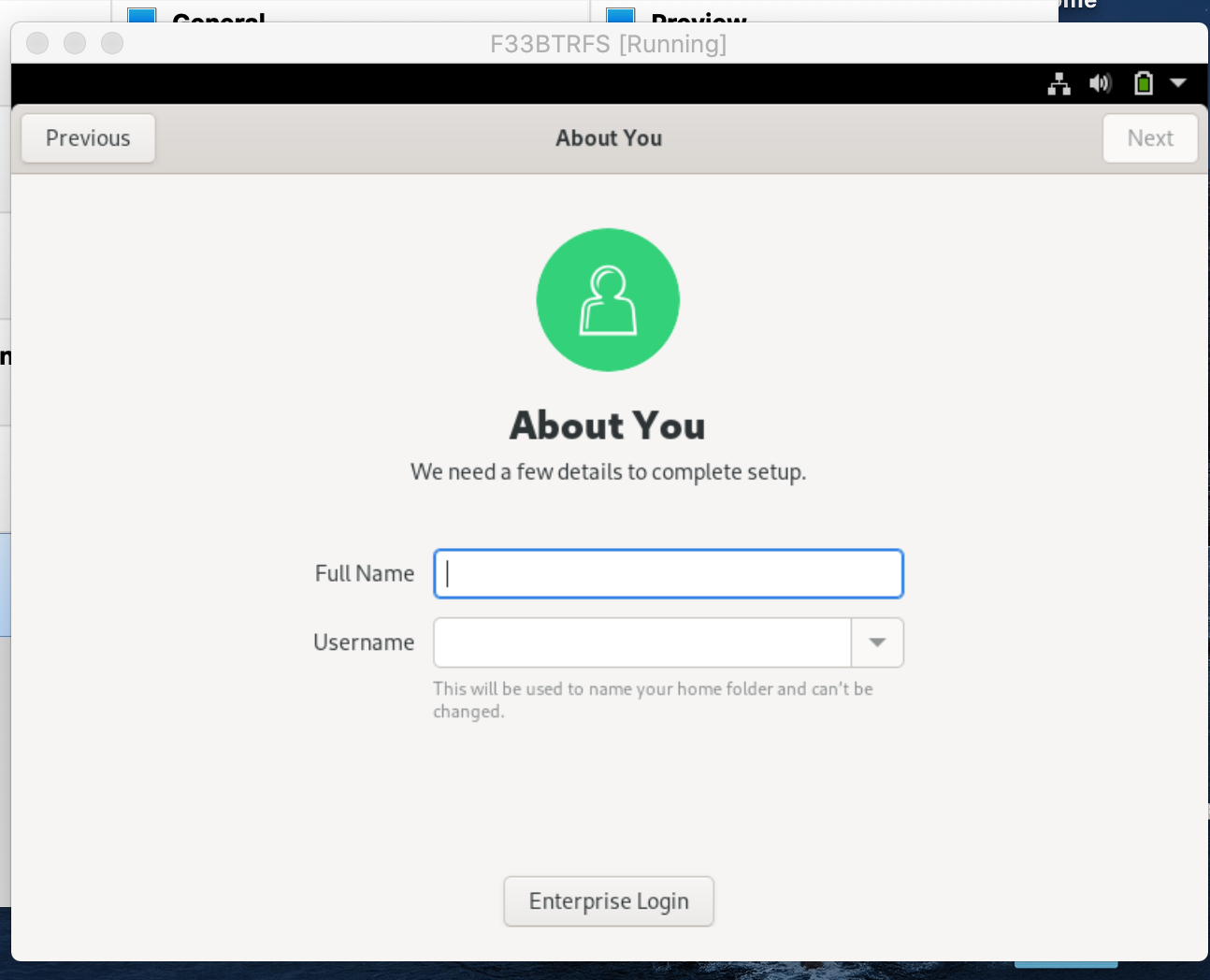
We are taken here but, the button is just slightly gray: it slightly confused me about the function of the button:
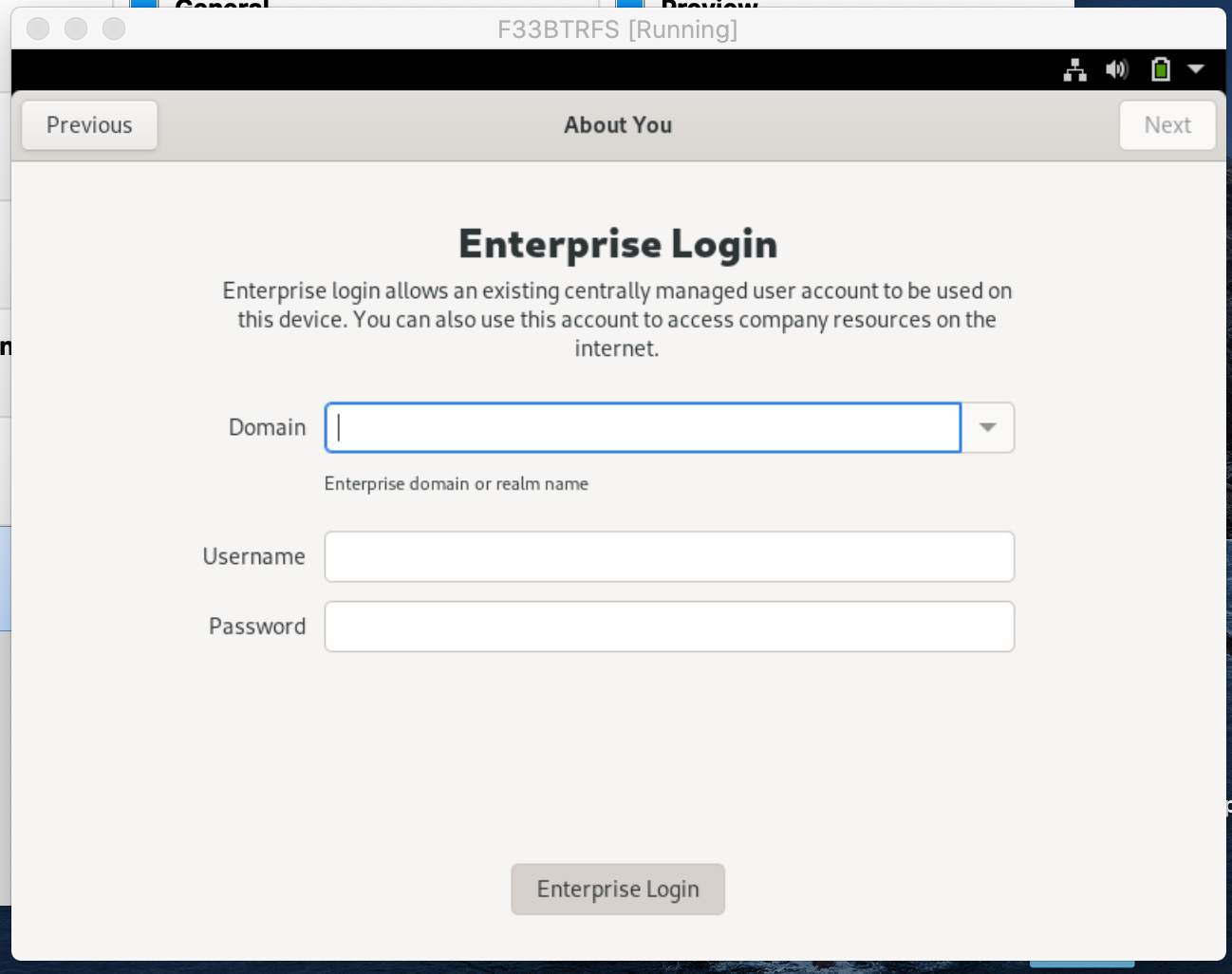
Proposed change:
We can change the text to: "Personal Account" "Non-Enterprise" etc Or if we are following this style and don't change the text perhaps we could put a checkbox like tick mark to show that current page is "Enterprise Login ✅ "

Unfortunately, this is the wrong initial-setup. Those are screenshots from GNOME Initial Setup, not Red Hat Initial Setup.
GNOME Initial Setup is hosted here: https://gitlab.gnome.org/GNOME/gnome-initial-setup/

Yep, indeed @Conan-Kudo is correct, this is a different tools with a similar name. Your screenshots indeed come from the Gnome Initial Setup tool, not Initial Setup hosted here.
(Yes, this is confusing but I am afraid we can't really change this now. And it does not just mix up with Gnome Initial Setup, we also occasionally get bugs on Fedora Bugzilla for initial setup of a machine after the installation - stuff like "Libre Office does not start". Oh well...)
