
wiki
 wiki copied to clipboard
 requarks
Prevent overwriting of uploaded pasted images
Problem: This issue has been discussed in the forum for the MD editor but is also present in the WYSIWYG editor as well. Discussion: https://feedback.js.wiki/wiki/p/ability-to-paste-images-into-md-editor
Images that are pasted into the application all have the filename image.png.
Solution: This PR appends the current timestamp to the image name to ensure there is no overlap in the filename and allows for uploads to occur without overwriting existing uploads.
Why: This is a very important feature for those who use this application for documentation as most developers use screenshots on their pages. Having to save screenshots and selecting them from the local system is time-consuming and inhibits application usage.

Note: only images with the filename image.png will be updated. This should adhere to your rule about keeping the existing filename whenever possible.
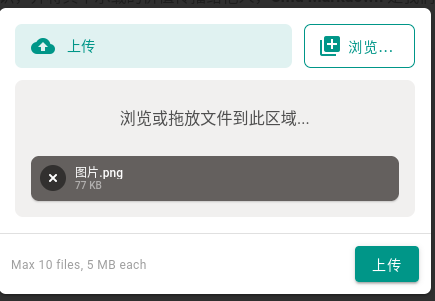

Hi! I use Chinese. The name of the picture on my clipboard is
图片.png
Thanks for the reply. I didn't realize default filenames were internationalized. Let me see if I can update to support i18n defaults.
Hi! I use Chinese. The name of the picture on my clipboard is
图片.png
Hey, I need some help from you to reproduce this. I changed my local installation of Wiki.js to Chinese and that did not work, then I changed my browser language to Chinese and that still did not work. How do I get the uploaded image filename to not be in English?
You can see all of my tests here (the last few were uploaded after changing to Chinese:
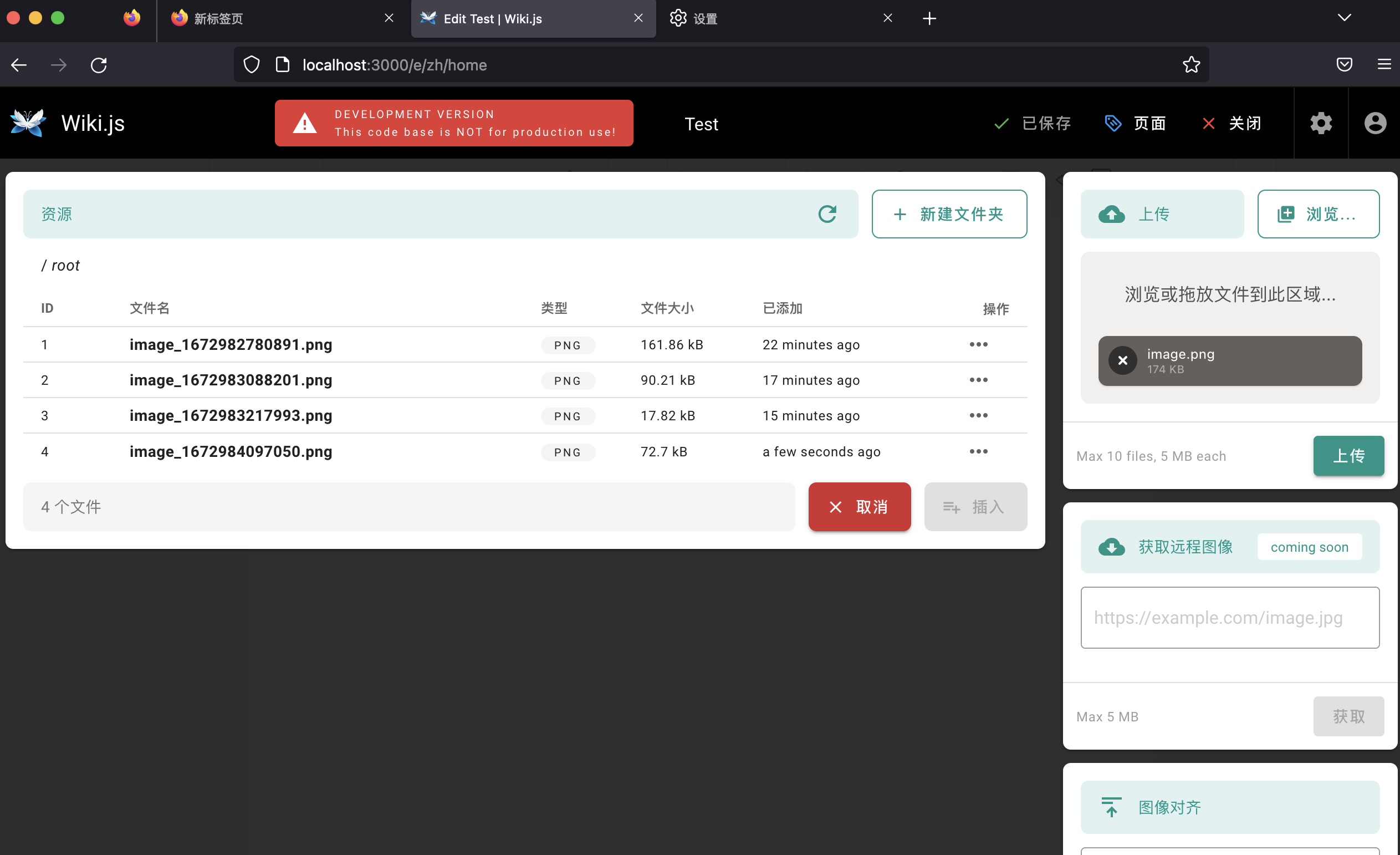
After change the language of the browser, restart Firefox and try.
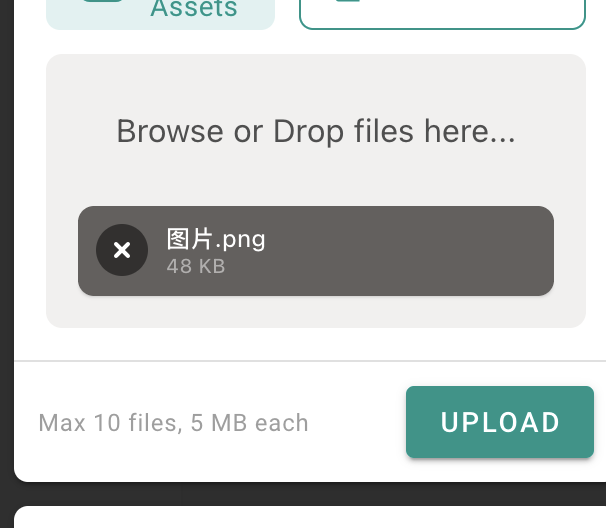
Thanks! I got it working, but it has confirmed my fears. Since the filename comes from the browser, there is no way to look up the i18n term and make this work. This will need a different approach.
The easiest solution would be to add a unique key at the end of all filenames, but I assume not all users will like that. Can we add an option in the admin cp and make it opt-in? We can make it more advanced and allow admins to use whatever format they prefer...
@NGPixel Thoughts?
Adding a timestamp to the name when this the file already exists in the folder may be a good idea? That would solve the issue for all potential names and not depend on the browser in any way.

@NGPixel, any hesitation to this patch? currently when user upload an image with the same name it simply overwrites, which causes quite some aberrant behavior. This seems like the smallest code fix possible to rectify the issue...

@parksj10 It should be optional and off by default. Being able to overwrite a file is what most people expect (same behavior as most OS).

@parksj10 It should be optional and off by default. Being able to overwrite a file is what most people expect (same behavior as most OS).
this is not true, if I paste a file with the same name in windows it will add (1) after the filename, and on mac it will append "copy", "copy 2", "copy 3" etc.
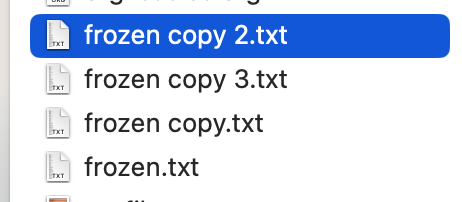
@okke-formsma That's because you're copy/pasting from the same folder, which is essentially a duplicate action. Copy a file from any other location and you'll be prompted to overwrite it.
@NGPixel I have updated the PR as per your request. I added a setting to the config and the feature is opt-in and should be off by default.
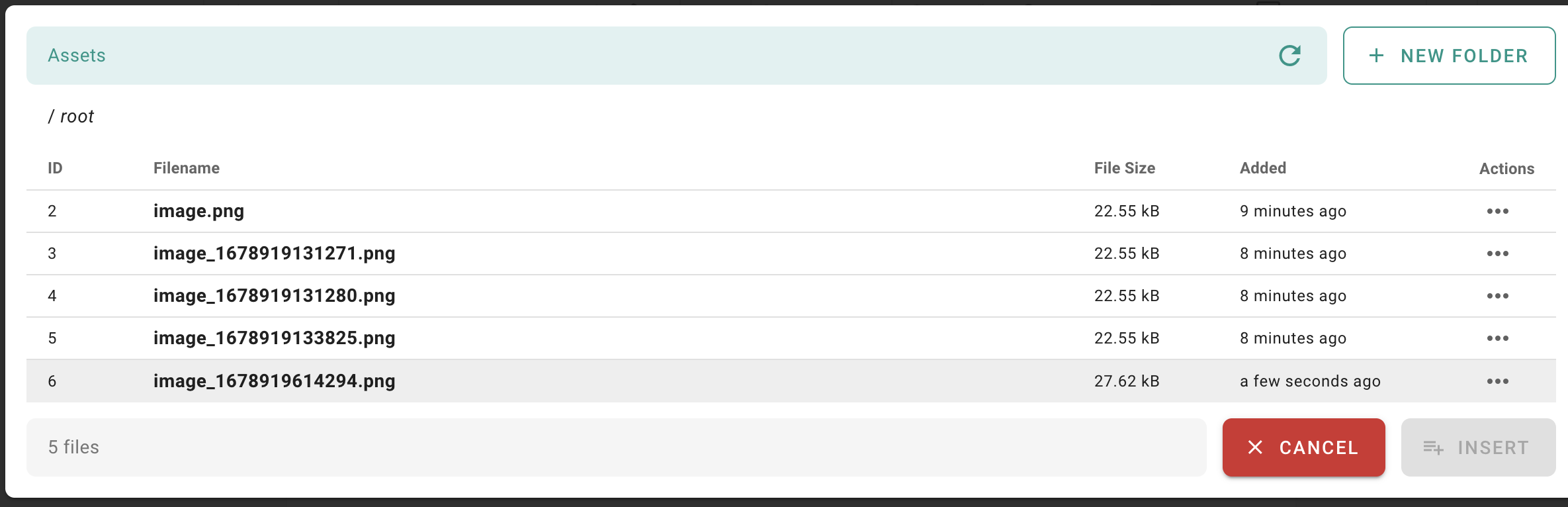
Here is an example of how it works. Note the first upload shown is with the setting disabled, all others are with it enabled.
Here is how the setting looks in the admin section:

