

 replit
'crisp' option does not disable antialias
Version
v2000.2
What browsers are you seeing the problem on?
Chrome
What happened?
Hi! Trying out Kaboom today, seems like setting the crisp option in kaboom main function does not disable antialias.
What's the expected behavior?
As the docs state for the crisp option: Disable antialias and enable sharp pixel display.
Drawing a hollow circle:
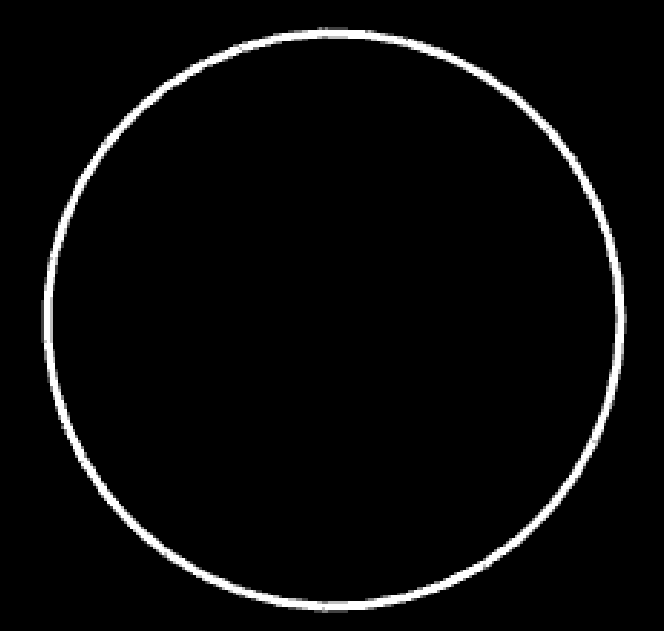
Without antialias it should look more pixelated, something like this?

Thanks!
Minimum reproducable code
kaboom({
	crisp: true,
	background: [0,0,0]
})

const hollowCircle = () => {
	return {
		id: 'circleId',
		draw() {
			drawCircle({
		        radius: 100,
		        fill: false,
		        outline: {
		          color: rgb(255, 255, 255),
		          width: 3,
		        },
		    });
		}
	}
}

const player = add([
	hollowCircle(),
	pos(130, 120)
])
Live demo
No response

Hello,
What crisp actually does is disable the canvas anti-alias, which makes rendering look a lot better for small/rescaled Kaboom games.
It does not remove internal anti-alias, which makes rendering of sprites look nicer and smoother by using sub-pixel math.
TL;DR:
crisp affects the antialiasing of individual pixels, not the antialiasing of pictures represented in those pixels.
