



辣椒の酱
@hztjiayou 如上
你博客的评论请求是上限了吗? 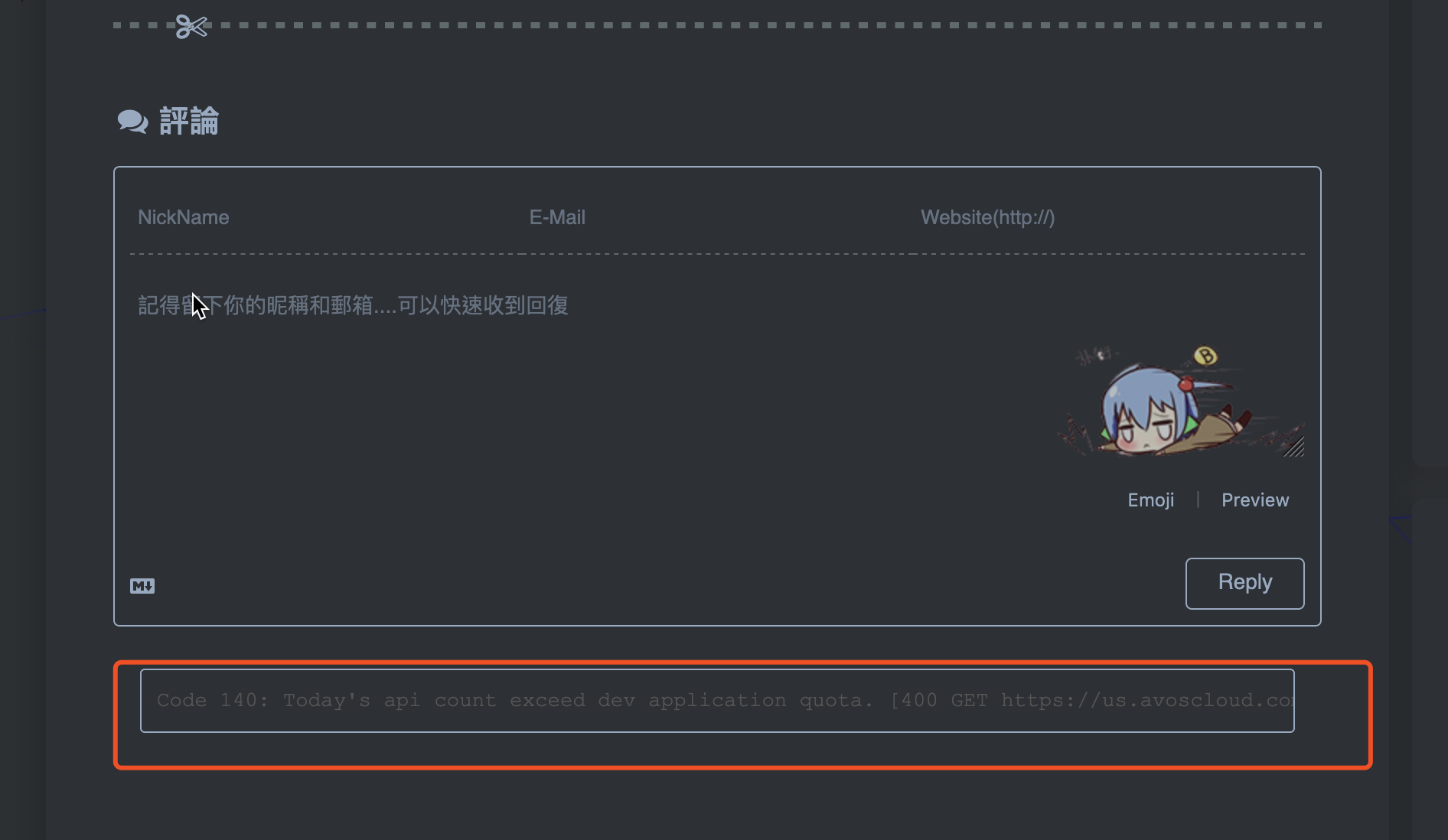
add another live demo of icarus night mode 😊 https://removeif.github.io/removeif-demo/
gitalk最新评论已经加上widget,有需要的可以参考下,[效果](https://removeif.github.io/) 
删除也不能控制,这是配置文件 ``` { "OtherParam": "", "BitRate": "", "BitRateIndex": 0, "PX": "", "PXIndex": 0, "MaxFPS": "", "MaxFPSIndex": 0, "Shortcuts": "", "ShortcutsIndex": 0, "CloseScreen": false, "KeepAwake": false, "AllFPS": false, "ReadOnly": false, "UseWireless":...
可以 了按着图片 把 ```USB安装``` 下面的两项打开就可以了,小米10Pro
这里有使用评论部分api的说明,[链接](https://removeif.github.io/2019/09/13/%E5%8D%9A%E5%AE%A2%E4%B8%ADgitalk%E6%9C%80%E6%96%B0%E8%AF%84%E8%AE%BA%E7%9A%84%E8%8E%B7%E5%8F%96.html)
同步gitalk 最新版本,评论需要科学上网才能登录成功 后续继续更新主题
Nearly two years have passed.