

 regolith-linux
Install Regolith from PPA on ubuntu 20.04
I installed regolith on a laptop running ubuntu, with KDE and Cinnamon, etc. (I mostly use cinnamon).
Display looks normal. But tiling windows won't be shown (but are opened as added to plank). Once (I don't know how), I was able to open see all tiling windows and things mostly worked as documented. But a) the plank side bar was moved from left to higher left and the windows were all shown below, leaving the upper third free (besides the plank side bar). This single time was able to test the following:
Also what did not work, is changing the languages. Probably because, the short cuts interfered (super + control + (alt) + space) with i3 shortcut? Additionally changing the focus moved the tiled windows left/right/up/down.
Installation Details
- Regolith Install Type: /PPA
- Regolith Version: 1.6
- PPA url: ppa:regolith-linux/release
- Host OS (for PPA): Ubuntu 20.04
Btw: It would be nice to see the ram usage and battery in the taskbar.

I just noticed, in other desktops the menu langauge was changed from German to English and I can't set it back again.
Addtitionally the diplay setting was changed, from one below the other to left and right, but I could reset it.
Hmm, it's not entirely clear to me but seems like you may be having an issue between your graphics HW/SW and an installed compositor. Can you try sudo apt install regolith-compositor-none and after that package installs re-login? Does the windowing issue go away?

Hi @Meresmata , do you mean you don't see Regolith as an option on the login screen? Or something else?
No problem, thanks for clarifying. If you don't see Regolith as a login option that means that the desktop session as been removed somehow. I suggest you reinstall the package regolith-desktop and it should come back after rebooting.
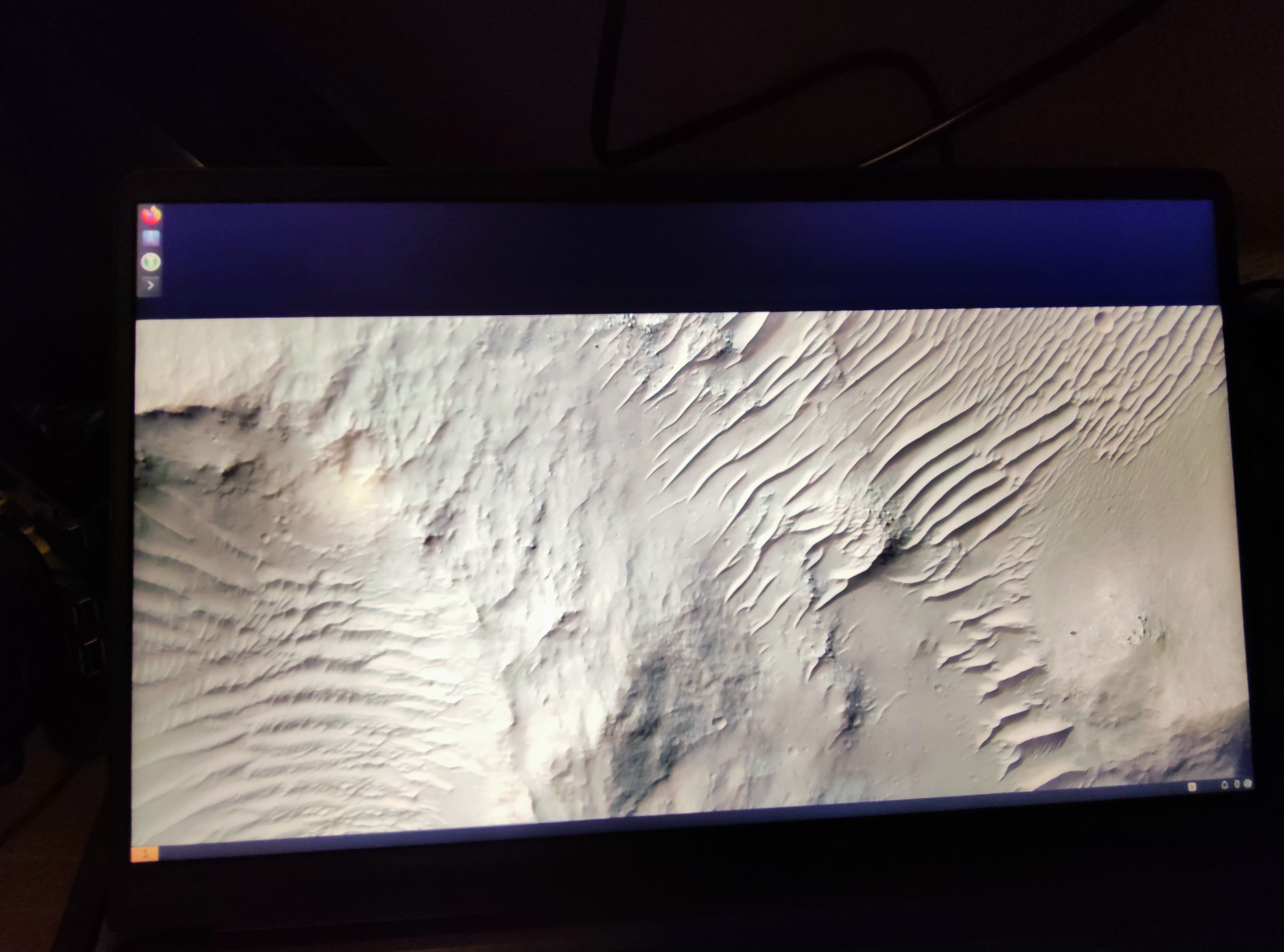
I'm not really familiar with neither KDE nor Cinamon, but could the issue be you don't have gnome or something like that? Although the regolith-desktop install should have taken care of that so ...

Your screenshot deeply confuses me @Meresmata . How would you be running both Regolith and gnome-shell on the same screen? Perhaps some desktop components are being loaded regardless of which Xsession is selected at login?